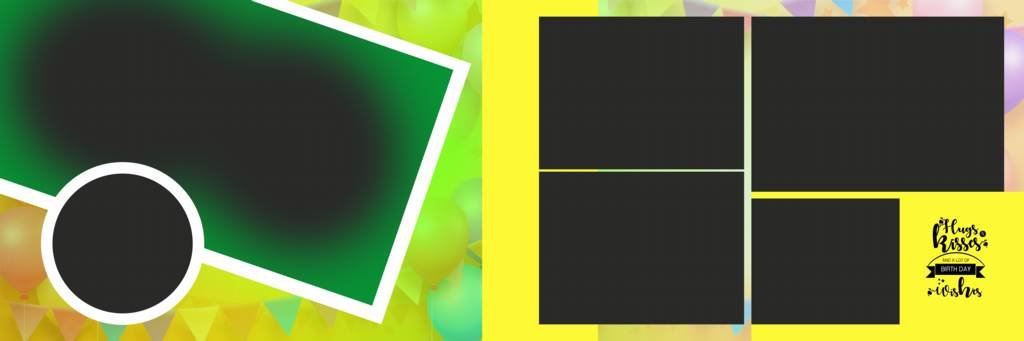
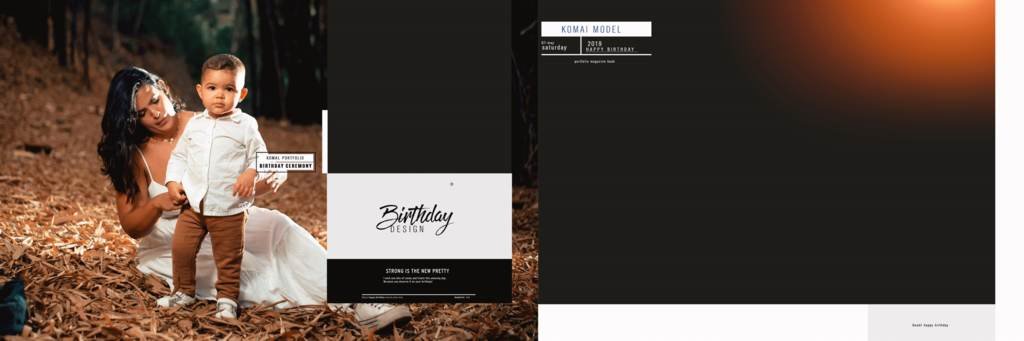
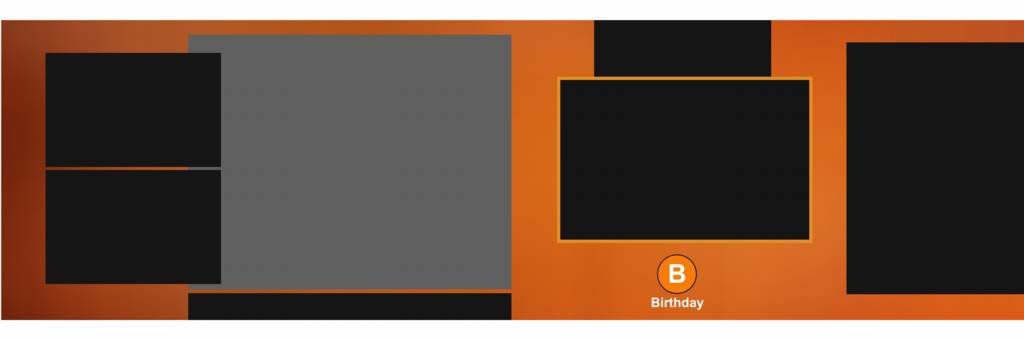
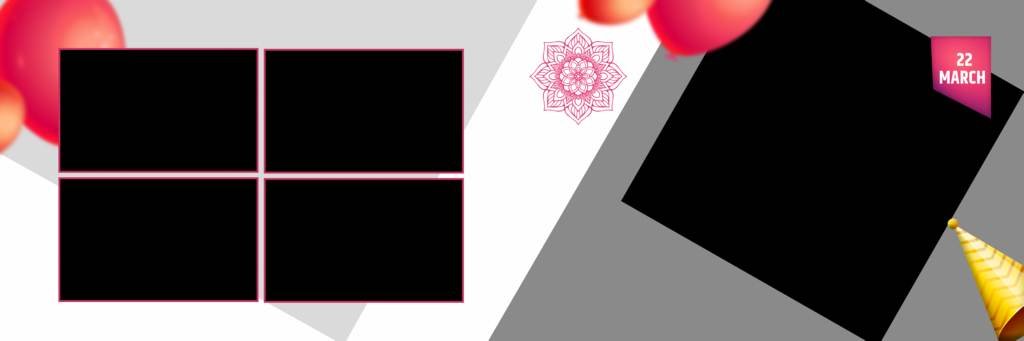
Looking for a Birthday Album Design 12×36 PSD Free Download to create a beautiful and professional birthday photo album? You are at the right place. This latest 12×36 birthday album PSD template is designed for photographers and album designers who want to create attractive birthday albums quickly using Adobe Photoshop.
| Technical Parameter | Specification Details |
|---|---|
| File Format | Layered Adobe Photoshop (PSD) |
| Resolution / Quality | 300 DPI (High-Print Quality) |
| Color Space | RGB & CMYK Print Ready |
| Editing Method | Smart Object Photo Replacement |
| License | Free for Personal & Commercial Projects |
Designer’s Note by Kuldeep Kurre: “As a professional album designer, I have crafted these Photoshop templates with clean layer organization and smart objects. Whether you are working on studio projects or freelance client orders, these templates allow you to insert photography in minutes while maintaining a high-end luxury aesthetic.”
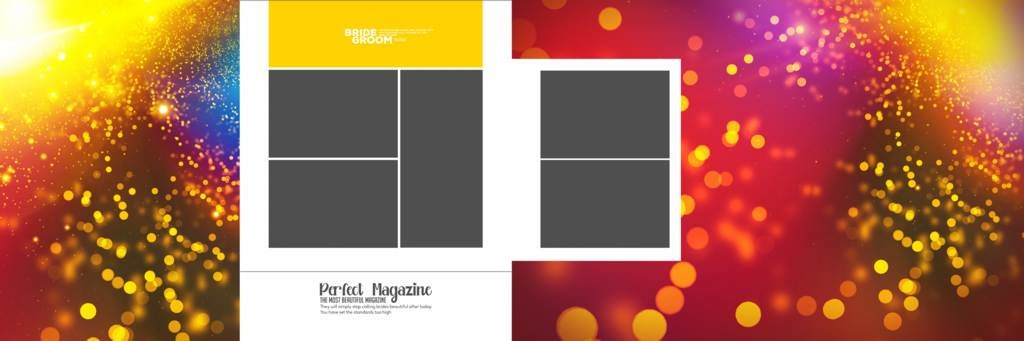
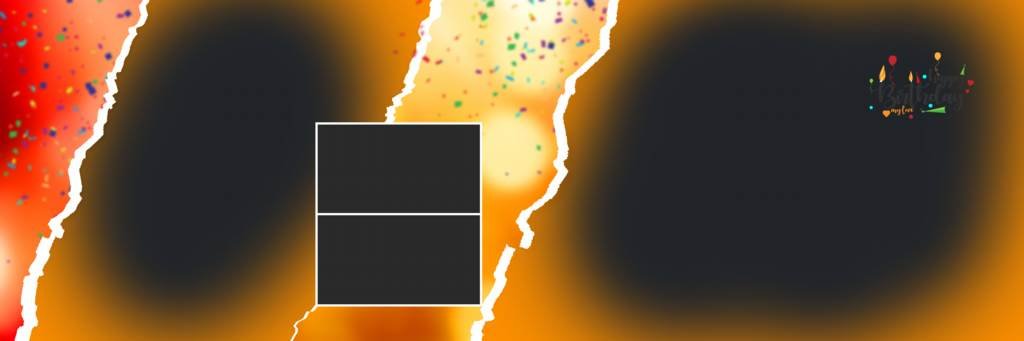
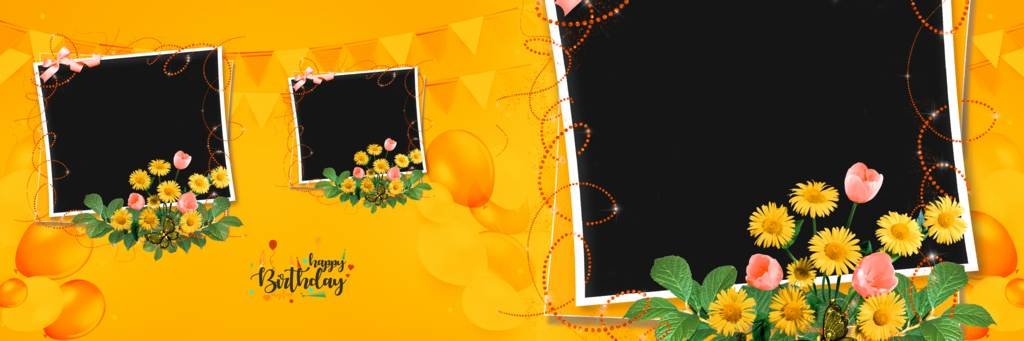
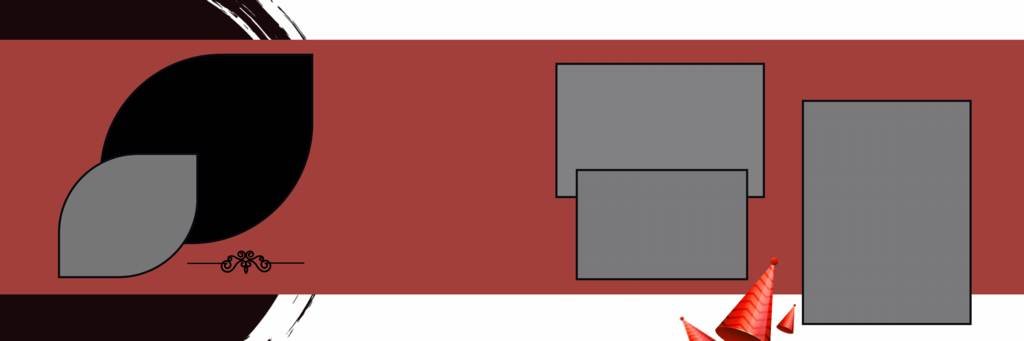
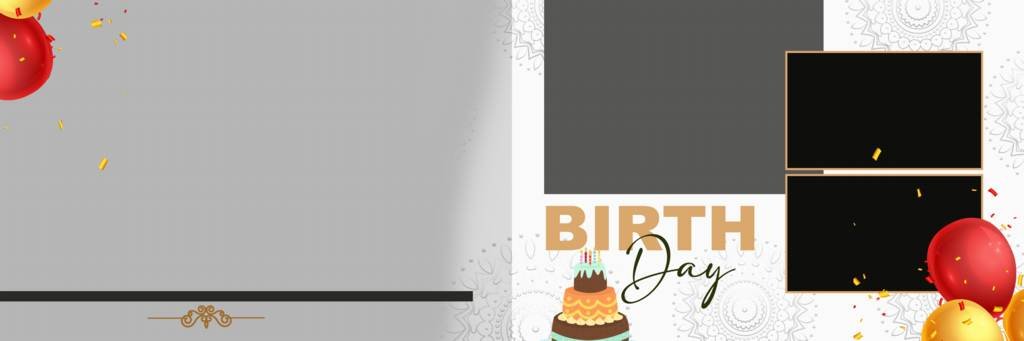
The template features a modern and creative layout that can be customized with your own birthday photographs, names, dates, colors, and other details. Whether you are designing a child’s birthday album, a first birthday album, or a stylish celebration album, this Photoshop template can help you create high-quality album pages with less effort.
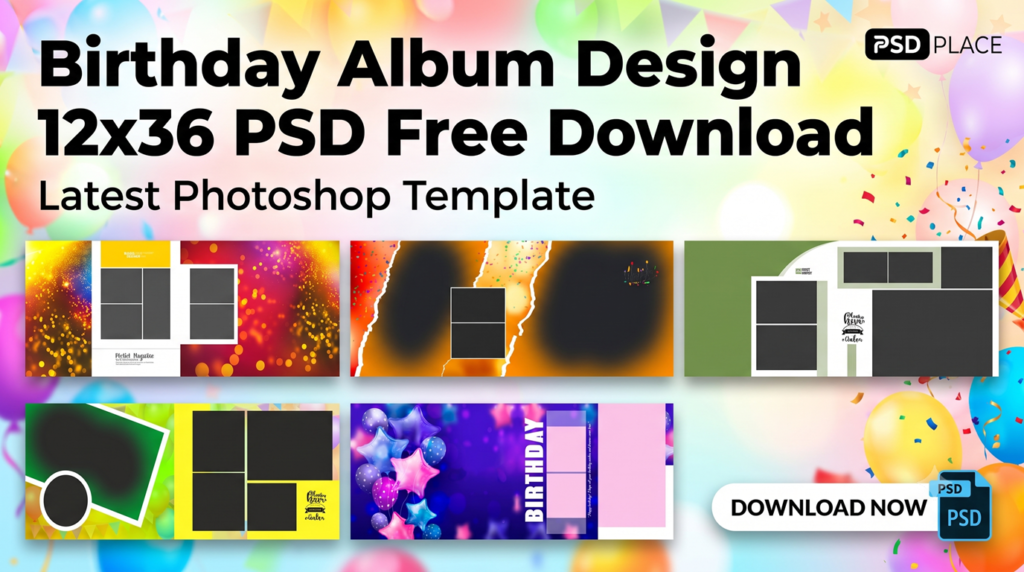
Birthday Album Design 12×36 PSD – Latest Photoshop Template
A 12×36 PSD album design is widely used by professional photographers because the panoramic layout provides enough space to showcase multiple photographs on a single spread. Birthday celebrations often include many memorable moments, and a properly designed album spread can present these photographs in an attractive way.
This Birthday Album Design 12×36 PSD is suitable for different types of birthday photography projects. The editable Photoshop format makes it easy to replace photographs and customize the overall design according to your requirements.
Features of 12×36 Birthday Album PSD
Here are some useful features of this latest birthday album Photoshop template:
- High-quality 12×36 inch album spread
- Editable PSD file for Adobe Photoshop
- Professional and modern birthday layout
- Easy-to-edit photo placeholders
- High-resolution design suitable for album printing
- Fully customizable text and elements
- Creative backgrounds and decorative elements
- Suitable for kids and adult birthday albums
- Easy to customize colors and photographs
- Useful for professional photographers and album designers
Why Choose a 12×36 Birthday Album Design?
The 12×36 inch album format is perfect for creating a wide photo spread. It allows designers to combine portrait and landscape photographs while maintaining a balanced composition.
With a professionally designed PSD template, you don’t need to start every album page from scratch. Simply open the file in Photoshop, replace the sample photographs, edit the text, and make any required changes before sending the design for printing.
This can save valuable time, especially for photographers who regularly create birthday albums for their clients.
#1
#2
#3
#4
#5

#6
#7

#8
#9

#10

#11
#12
#13
#14
#15
Editable Birthday Album PSD Template
One of the main advantages of this Birthday Album Design 12×36 PSD is its editable Photoshop format. PSD files allow you to work with individual layers, making customization much easier.
You can modify elements such as:
- Birthday photographs
- Names
- Birthday dates
- Text
- Backgrounds
- Decorative elements
- Colors
- Photo placement
- Other design elements
This flexibility makes the template useful for different birthday themes and photography requirements.
Birthday Album Design for Kids
Birthday photography is especially popular for children. From first birthdays to themed birthday parties, photographers capture hundreds of memorable photographs during the celebration.
A creative 12×36 birthday album design can help present these photographs in a visually appealing way. You can use colorful backgrounds, playful elements, birthday decorations, and multiple photographs to create a memorable album spread.
For a first birthday album, you can also include important details such as the child’s name, birth date, age, and special moments from the celebration.
How to Edit Birthday Album PSD in Photoshop
Editing the birthday album template is simple if you have basic knowledge of Adobe Photoshop.
Step 1: Download the PSD Template
Download the birthday album PSD template from the available download section.
Step 2: Open the File in Photoshop
Extract the downloaded ZIP file if necessary and open the PSD file using Adobe Photoshop.
Step 3: Replace the Photos
Locate the photo layers or smart objects and replace the sample images with your client’s birthday photographs.
Step 4: Customize the Text
Edit the name, birthday date, age, wishes, or other text elements according to the project.
Step 5: Make Final Adjustments
Adjust colors, photographs, backgrounds, and other elements as required.
Step 6: Save and Export
Save your editable PSD file and export the final album spread in a suitable high-resolution format for printing.
Who Can Use This Birthday Album PSD?
This template can be useful for:
- Professional photographers
- Wedding and event photographers
- Photo studios
- Album designers
- Photoshop designers
- Freelance graphic designers
- Birthday event photographers
- Digital album creators
If you regularly design birthday albums, having ready-made PSD templates can significantly reduce design time and help maintain a professional look across different projects.
Birthday Album PSD Free Download
If you are searching for a Birthday Album Design 12×36 PSD Free Download, this latest Photoshop template can be a useful addition to your album design collection.
The editable PSD format allows you to personalize the design for different clients and birthday themes. You can create unique album spreads by changing the photographs, text, colors, and other design elements.
Before downloading, always check the file details, dimensions, compatibility, and licensing information provided with the template.
Related Wedding & Album PSD Designs
If you are looking for more professional Photoshop album templates, you can also explore related designs such as:
- 12×36 Wedding Album PSD
- Indian Wedding Album PSD
- Birthday Album PSD
- Baby Photo Shoot Album PSD
- Pre Wedding Album Design PSD
- Maternity Album PSD
- Engagement Album Design PSD
- Wedding Album Background PSD
- Karizma Album PSD
- HD Album Design PSD
Adding internal links to these related pages can help visitors discover more designs while also improving the internal linking structure of your website.
Final Words
A professional Birthday Album Design 12×36 PSD Free Download can make birthday album designing faster, easier, and more creative. With an editable Photoshop template, photographers and designers can quickly replace photos, customize text, adjust colors, and prepare attractive album spreads for their clients.
If you are creating birthday photo albums regularly, keeping a collection of high-quality 12×36 PSD album templates can save design time and help you deliver professional-looking albums efficiently.
Copyright, Usage License & Font Disclaimer
Preview Images Notice: Model and sample photographs shown in the previews above are for demonstration purposes only. The downloadable PSD files contain organized blank Smart Object frames ready for your custom photography.
Commercial License: These Photoshop album templates are provided free for personal and photo studio use. Redistribution or re-selling of raw PSD files on other portals is strictly prohibited under PSDPlace copyright terms.