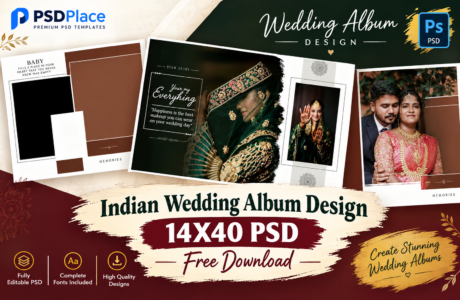
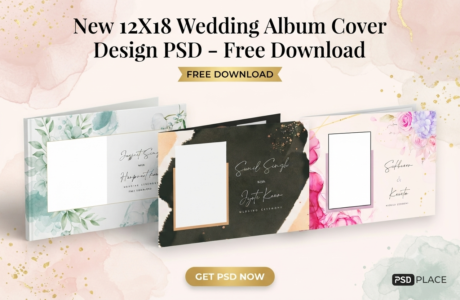
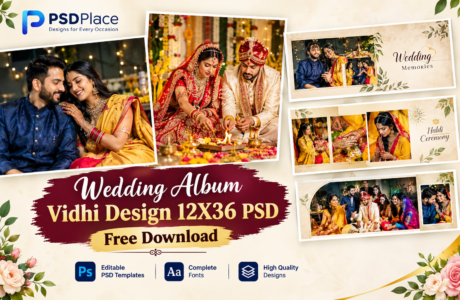
Wedding album design plays an important role in presenting precious wedding memories in a beautiful and professional way. For photographers and album designers, 12×36 wedding album design PSD templates are one of the most popular choices for creating modern and attractive wedding album spreads.
| Technical Parameter | Specification Details |
|---|---|
| File Format | Layered Adobe Photoshop (PSD) |
| Resolution / Quality | 300 DPI (High-Print Quality) |
| Color Space | RGB & CMYK Print Ready |
| Editing Method | Smart Object Photo Replacement |
| License | Free for Personal & Commercial Projects |
Designer’s Note by Kuldeep Kurre: “As a professional album designer, I have crafted these Photoshop templates with clean layer organization and smart objects. Whether you are working on studio projects or freelance client orders, these templates allow you to insert photography in minutes while maintaining a high-end luxury aesthetic.”
If you are looking for professional 12×36 wedding album PSD templates, ready-made Photoshop designs can save hours of designing work while giving your album a premium and creative appearance.
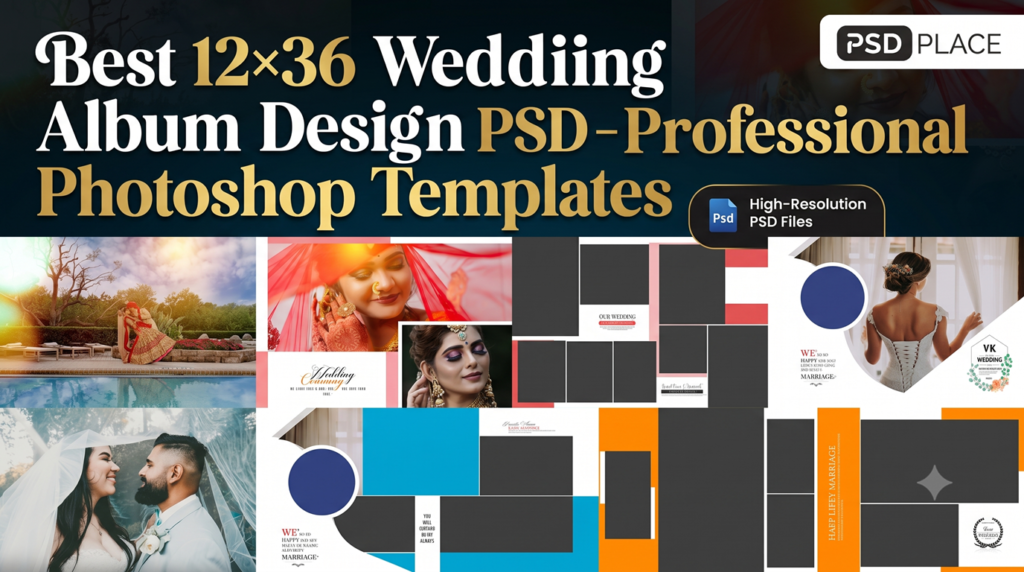
What Is a 12×36 Wedding Album Design PSD?
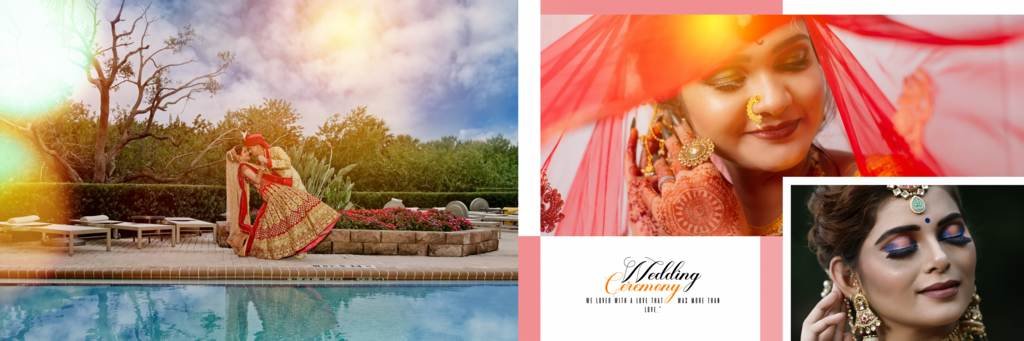
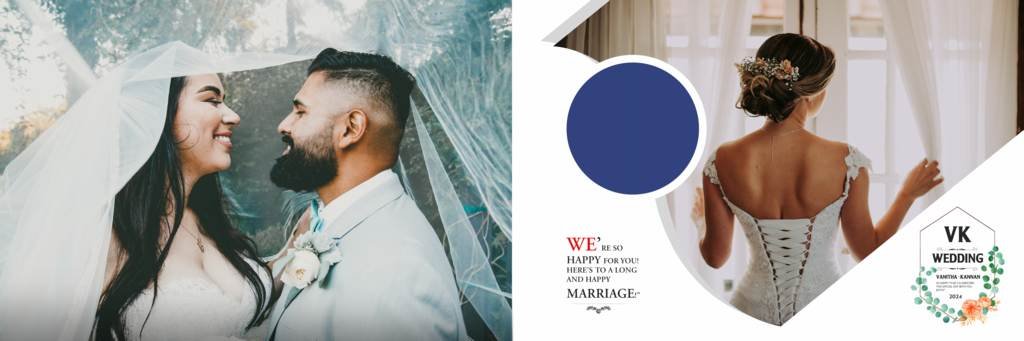
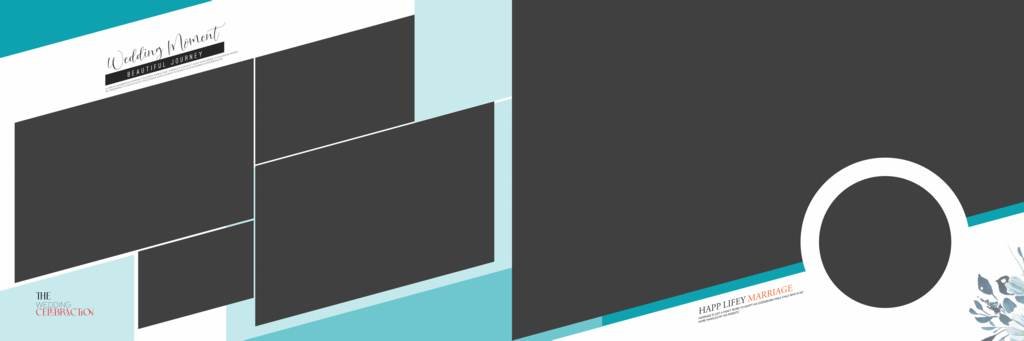
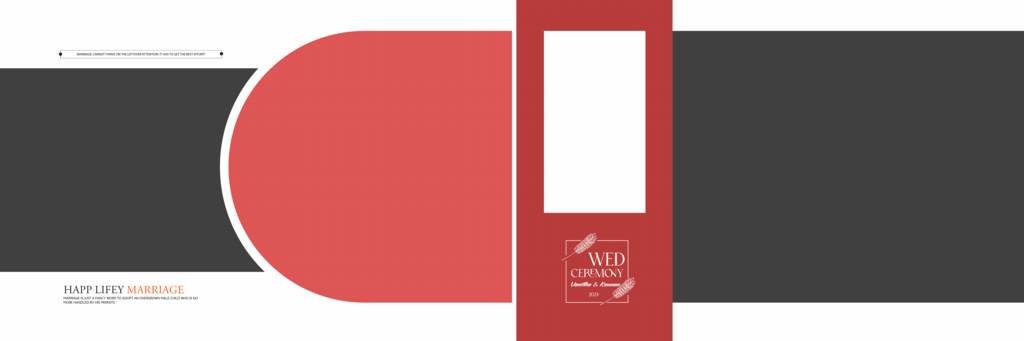
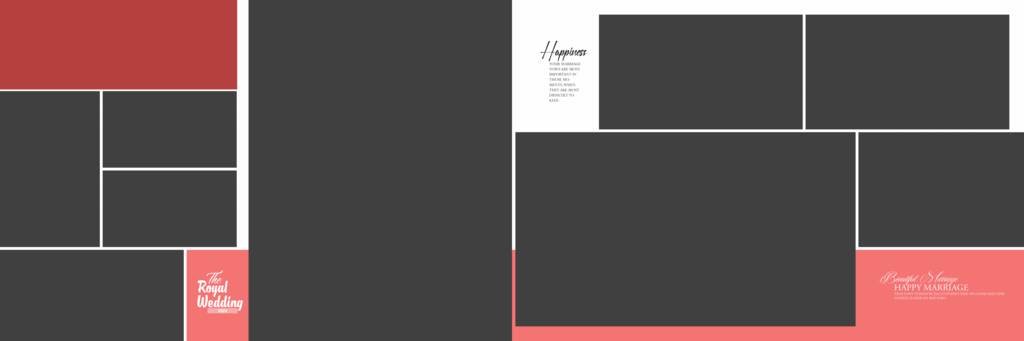
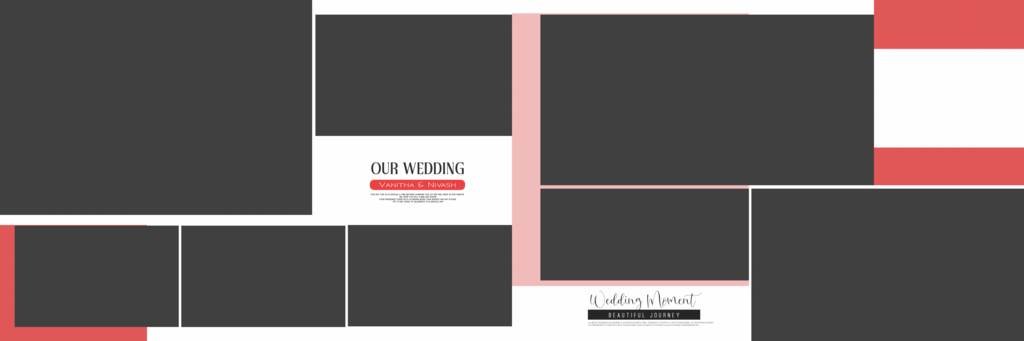
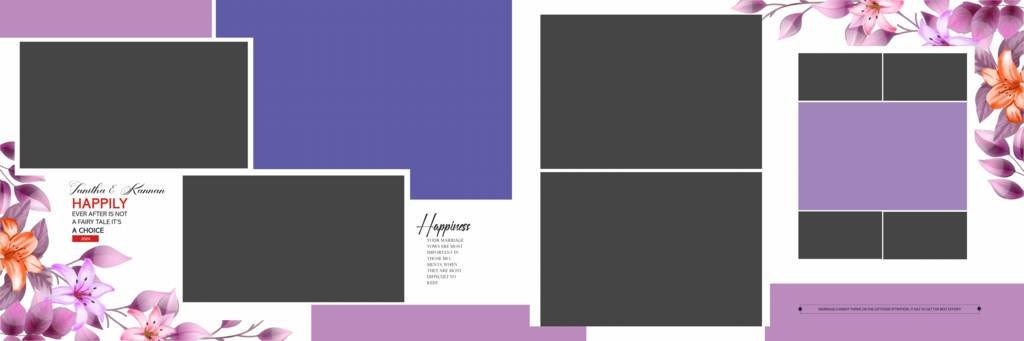
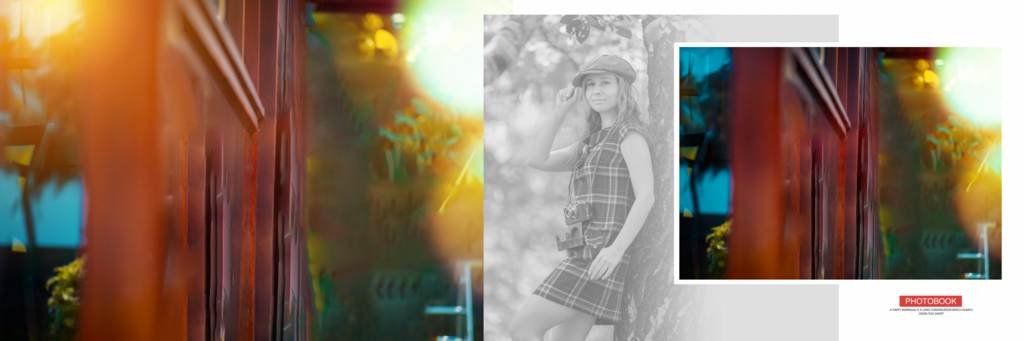
A 12×36 wedding album design PSD is a Photoshop template created specifically for panoramic wedding album layouts. The 12×36-inch format provides a wide canvas that allows designers to arrange multiple wedding photographs, backgrounds, decorative elements, and typography in a single spread.
These PSD templates are generally layered and editable, making it easy to customize the design according to the wedding theme and client requirements.
Why Choose 12×36 Wedding Album PSD Templates?
Professional wedding album designers often prefer PSD templates because they provide flexibility and save valuable time.
Here are some major benefits:
- Fully editable Photoshop layers
- Professional and modern layouts
- Easy photo replacement
- High-quality design elements
- Suitable for Indian wedding photography
- Easy customization of colors and text
- Ideal for professional photographers and studios
- Helps reduce album designing time
- Suitable for print-ready wedding albums
Instead of creating every spread from scratch, designers can use a ready-made template and customize it with their client’s photographs.
Professional 12×36 Wedding Album Design Ideas
A good wedding album should tell the complete story of the wedding day. You can use different layouts for different ceremonies and moments.
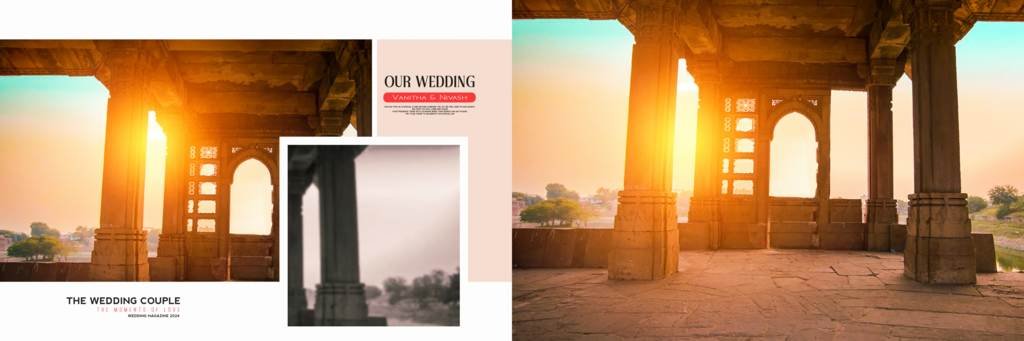
1. Wedding Couple Album Spread
Create elegant layouts featuring the bride and groom. Large photographs combined with minimal decorative elements can create a premium cinematic look.
2. Haldi Ceremony Album Design
Bright and colorful Haldi photographs work beautifully with yellow, floral, and traditional backgrounds. A 12×36 PSD layout can showcase multiple Haldi moments in one panoramic spread.
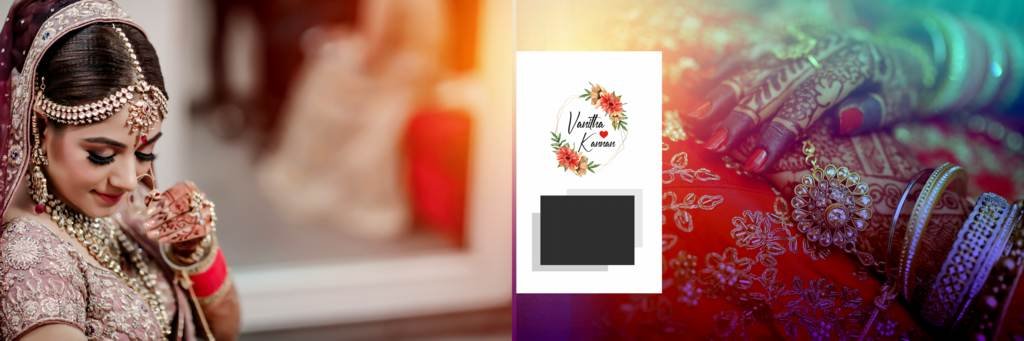
3. Mehndi Ceremony Album
Mehndi ceremonies are full of vibrant colors and detailed photographs. Floral decorations, artistic patterns, and elegant typography can make these spreads more attractive.
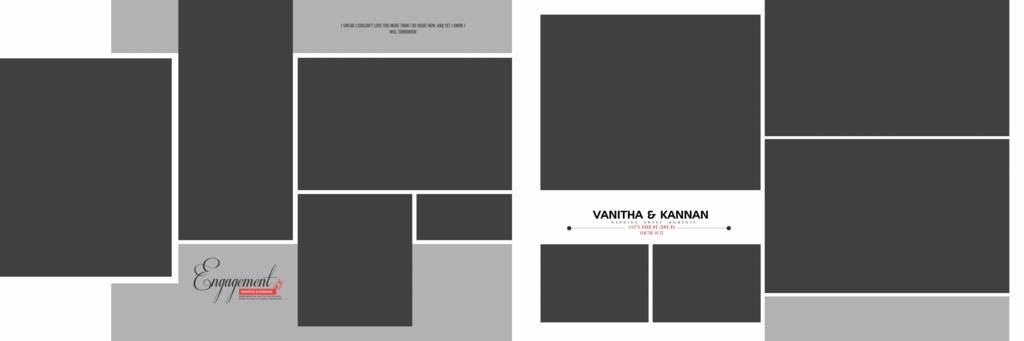
4. Engagement Album Design
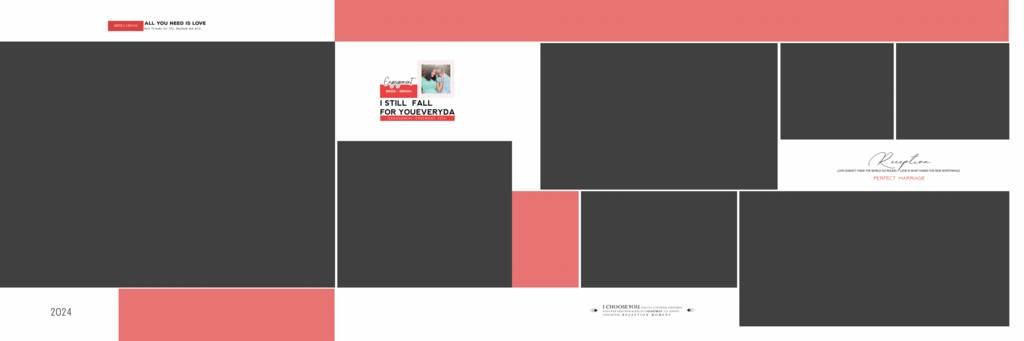
For engagement photographs, modern and romantic layouts can be used with soft backgrounds, elegant frames, and stylish text elements.
5. Wedding Ceremony Album
Important moments such as Jaimala, Mangal Phere, Sindoor, Mangalsutra, and other wedding rituals can be presented using dedicated 12×36 album spreads.
6. Reception Album Design
Reception photographs can be displayed using elegant layouts with dark, luxurious, or cinematic backgrounds. Large portraits work particularly well in panoramic designs.
#1
#2

#3
#4

#5
#6

#7
#8
#9

#10

#11
#12
#13

#14

#15
#16
#17

#18
#19
#20
Features of Professional 12×36 Photoshop Templates
When choosing a wedding album PSD, look for templates that provide flexibility and professional design quality.
A high-quality 12×36 wedding album design PSD may include:
- Organized Photoshop layers
- Editable text
- Smart Object support
- High-resolution backgrounds
- Decorative PNG elements
- Multiple photo placeholders
- Modern typography
- Traditional Indian wedding elements
- Print-friendly layouts
- Easy-to-edit compositions
These features make the templates suitable for both beginners and experienced album designers.
How to Edit a 12×36 Wedding Album PSD in Photoshop
Editing a PSD template is simple if the file has properly organized layers.
Step 1: Open the PSD File
Open the wedding album PSD template in Adobe Photoshop.
Step 2: Replace Sample Photos
Locate the photo placeholder or Smart Object layer and replace the sample image with your client’s wedding photograph.
Step 3: Customize Text
Edit names, wedding dates, quotes, or other text according to the project requirements.
Step 4: Adjust the Design
You can change colors, backgrounds, decorative elements, shadows, and other layers to match the wedding theme.
Step 5: Check the Final Layout
Before exporting, check the complete spread for alignment, image quality, spelling, and safe printing areas.
Step 6: Export for Printing
After completing the design, save the editable PSD file and export the final album pages according to your printing lab’s requirements.
12×36 Wedding Album PSD for Indian Weddings
Indian weddings include multiple ceremonies, traditions, and memorable moments. This makes Indian wedding album PSD templates especially useful for professional photographers.
A complete wedding album can include dedicated spreads for:
- Engagement
- Haldi
- Mehndi
- Sangeet
- Barat
- Jaimala
- Wedding rituals
- Mangal Phere
- Sindoor Ceremony
- Reception
- Couple portraits
- Family photographs
- Candid moments
Using different layouts for each ceremony can make the final album feel like a complete visual story.
Tips for Creating a Professional Wedding Album
Choosing a good PSD template is only one part of creating a professional album. Keep these design tips in mind:
Use High-Quality Photographs
Always use high-resolution photographs whenever possible. Poor-quality images can reduce the overall appearance of a printed album.
Avoid Overcrowding
Do not place too many photographs on every spread. Give important photographs enough space to stand out.
Maintain Consistent Typography
Use a consistent font style throughout the album. Combining too many fonts can make the design look unprofessional.
Match the Wedding Theme
Choose colors and decorative elements that complement the wedding ceremony and photographs.
Highlight Important Moments
Use larger photo placements for emotional and important moments such as couple portraits, Jaimala, wedding rituals, and family photographs.
Where to Find 12×36 Wedding Album Design PSD Templates?
Professional photographers and Photoshop designers can use ready-made wedding album PSD templates to speed up their workflow and create attractive album designs.
When downloading a template, check the PSD dimensions, resolution, layer organization, compatibility, and licensing terms before using it for client projects.
Conclusion
A 12×36 wedding album design PSD is an excellent choice for photographers and album designers who want to create professional wedding albums quickly. With editable Photoshop layers, creative layouts, and customizable elements, these templates make it easier to design beautiful wedding album spreads.
Whether you are designing an Indian wedding album, engagement album, Haldi album, Mehndi album, or reception album, a professionally designed 12×36 PSD template can help you achieve a polished and premium result while saving valuable designing time.
Copyright, Usage License & Font Disclaimer
Preview Images Notice: Model and sample photographs shown in the previews above are for demonstration purposes only. The downloadable PSD files contain organized blank Smart Object frames ready for your custom photography.
Commercial License: These Photoshop album templates are provided free for personal and photo studio use. Redistribution or re-selling of raw PSD files on other portals is strictly prohibited under PSDPlace copyright terms.