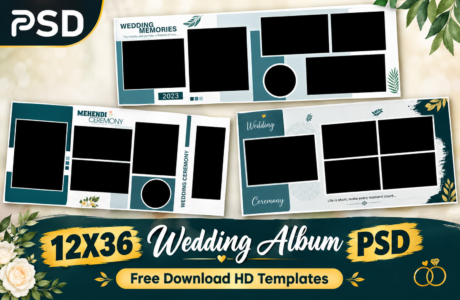
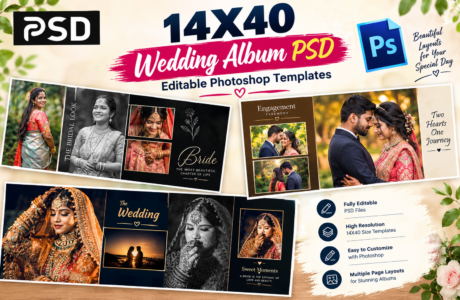
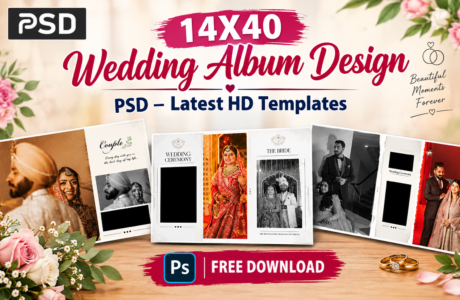
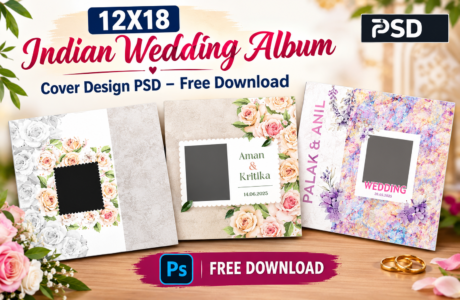
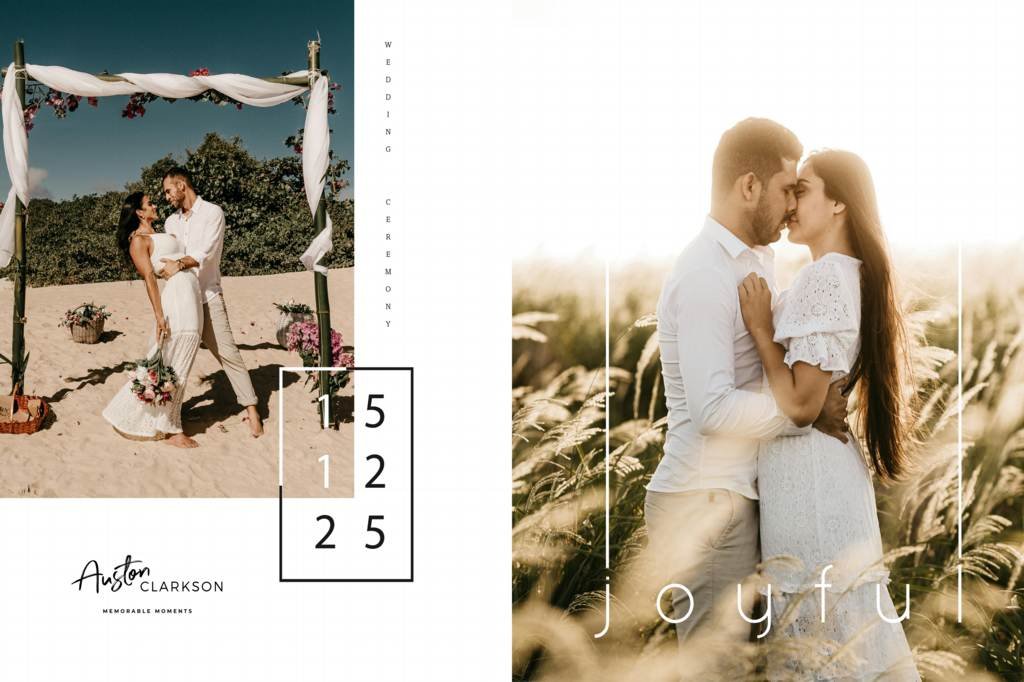
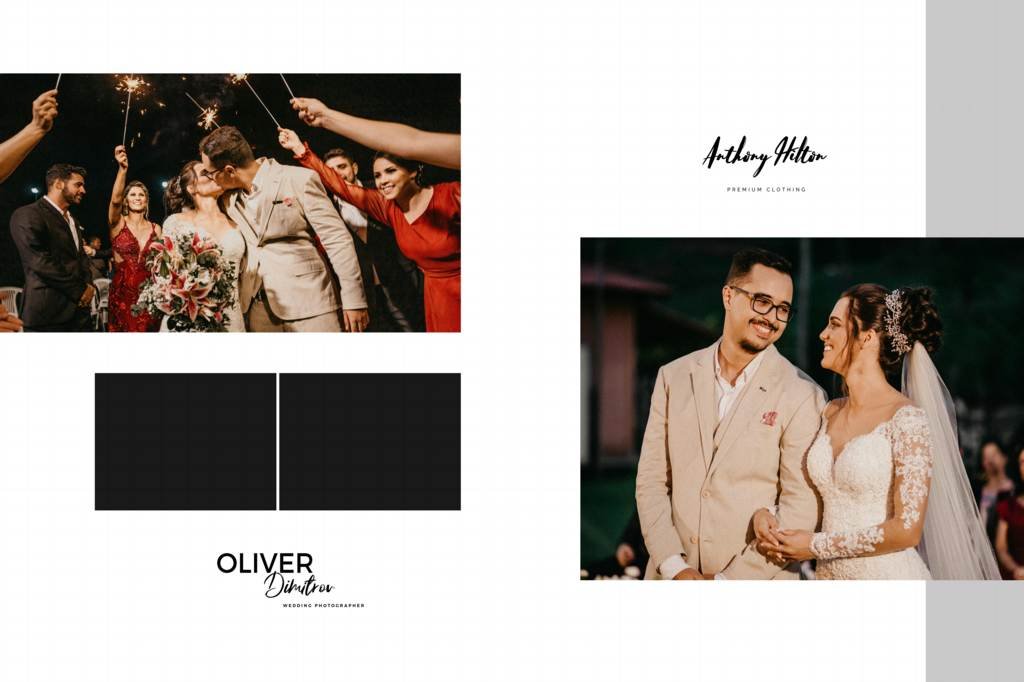
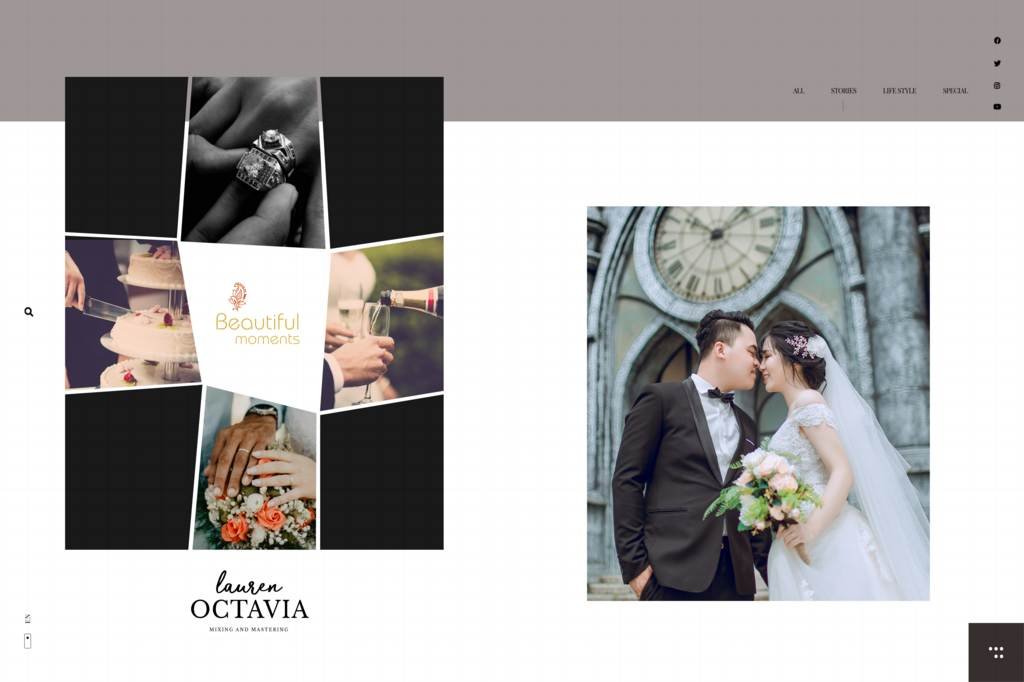
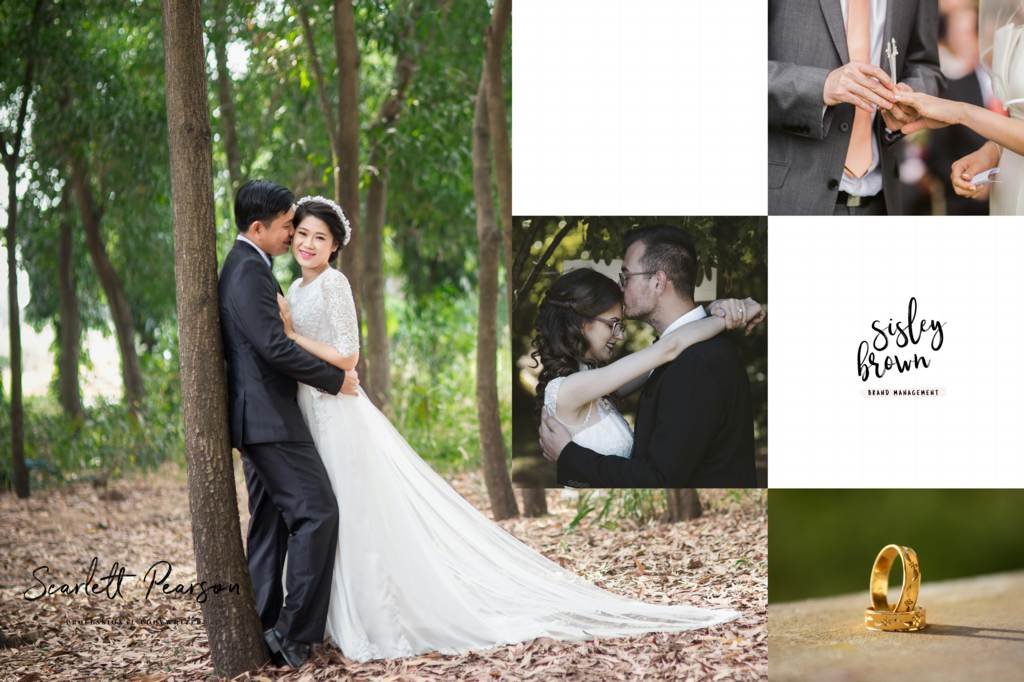
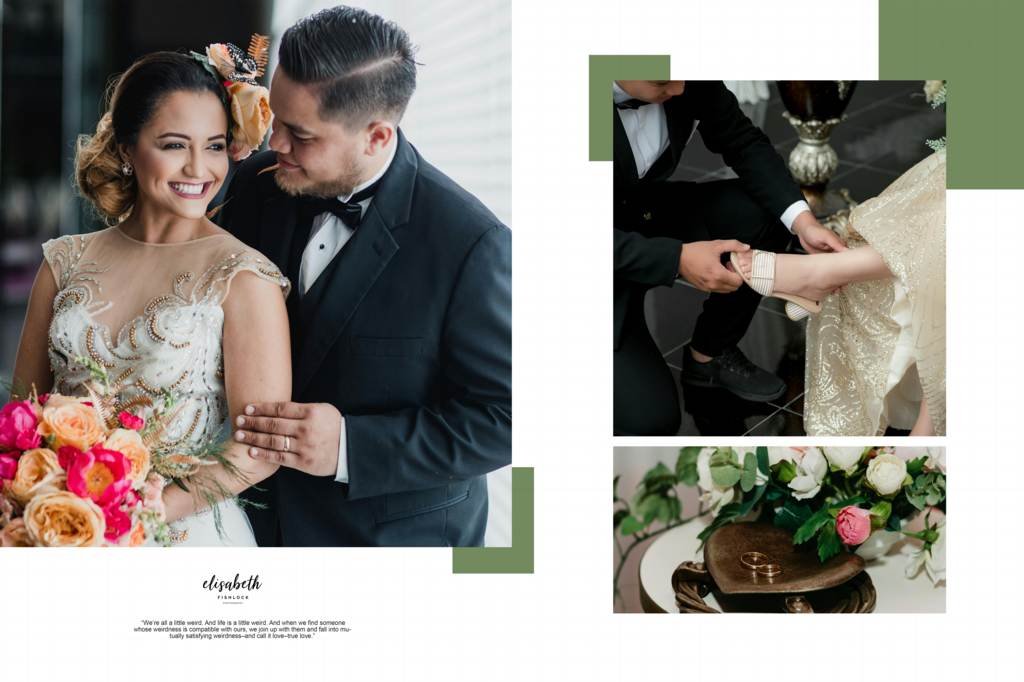
Creating a beautiful wedding album requires professional layouts, high-quality graphics, and an easy-to-edit Photoshop template. Our Professional Wedding Album Design 16×24 PSD template is created for photographers, photo studios, and graphic designers who want to create attractive and memorable wedding albums quickly.
This HD PSD template provides a professional layout that can be customized according to your client’s requirements. With editable Photoshop layers, you can easily change photos, text, colors, backgrounds, and other design elements.
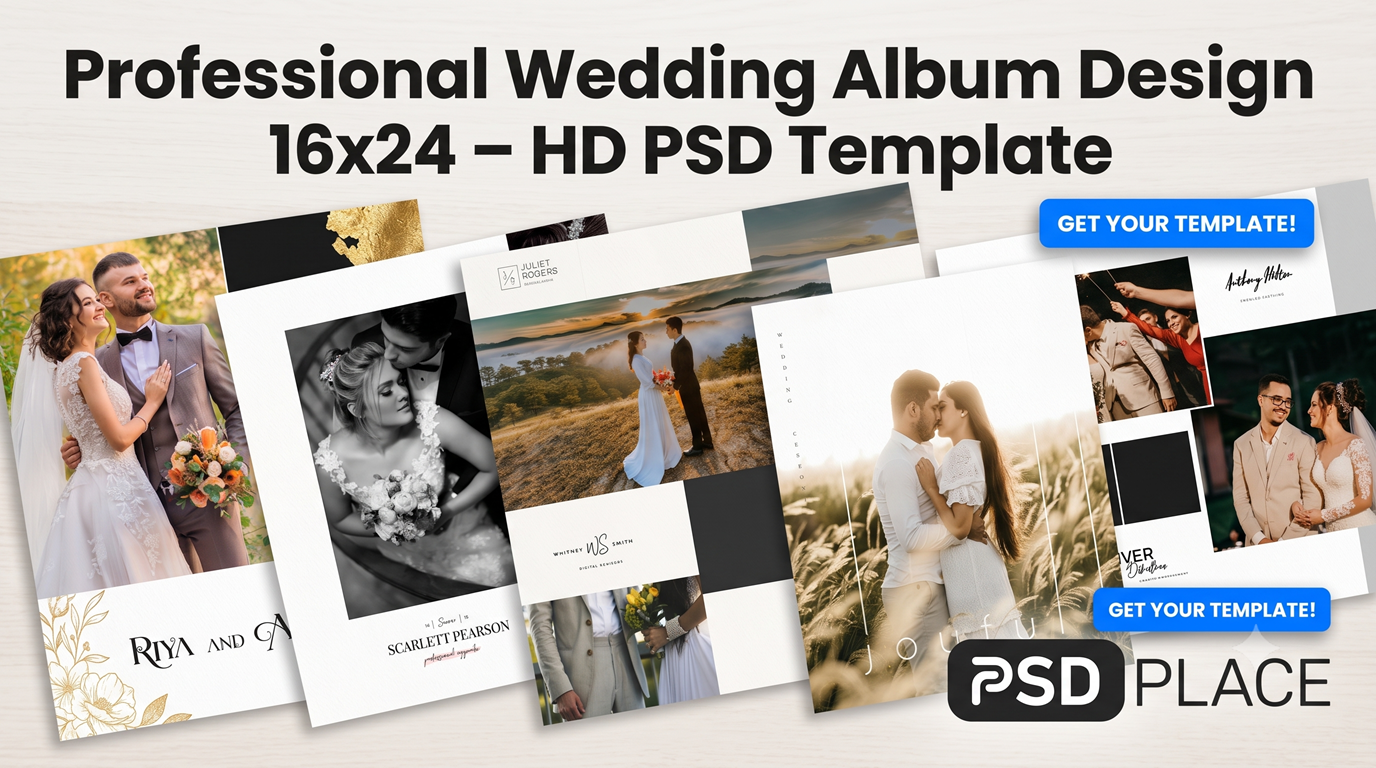
Download Professional Wedding Album Design 16×24 PSD
If you are searching for a 16×24 wedding album PSD for your photography projects, this template can help you create stunning album pages without designing everything from scratch.
The 16×24 album size is suitable for creating large wedding album spreads with enough space for multiple photographs. You can use the template for wedding ceremonies, couple portraits, family photographs, traditional functions, and other special moments.
Key Features of the 16×24 Wedding Album PSD
- Professional wedding album layout
- High-definition PSD design
- 16×24 inch album size
- Fully editable Photoshop layers
- Easy photo replacement
- Editable text and design elements
- High-resolution graphics
- Suitable for wedding photography projects
- Useful for photographers and photo studios
- Easy to customize and print
Why Choose a Professional 16×24 Wedding Album Template?
Designing every wedding album page from the beginning can take a lot of time. A ready-made PSD template provides a professional starting point and allows designers to focus more on arranging their client’s photographs.
With a Professional Wedding Album Design 16×24, you can quickly create attractive album spreads while maintaining a clean and professional appearance.
The editable PSD format also gives you greater control over the final design. You can modify individual layers according to your project requirements.
Fully Editable Photoshop PSD Template
One of the main benefits of this 16×24 Wedding Album PSD is its editable layer structure. Photoshop users can make changes to different elements of the design without recreating the entire layout.
You can customize:
- Wedding photographs
- Names and wedding dates
- Text and captions
- Backgrounds
- Decorative elements
- Colors and effects
- Photo positioning
This makes the template suitable for both personal and professional photography work.
#1
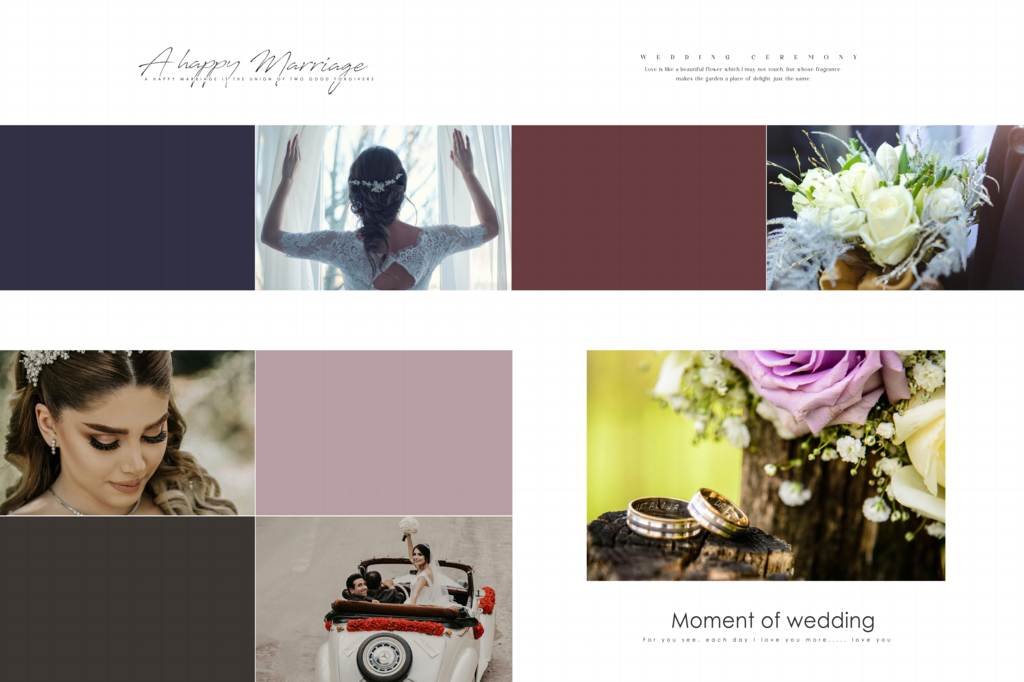
#2
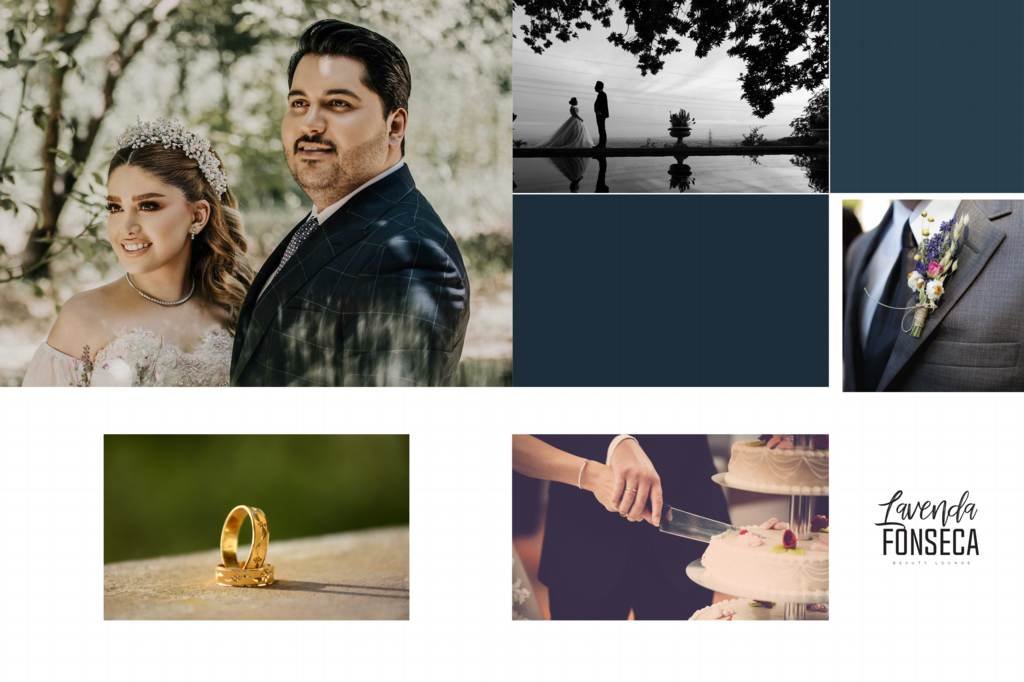
#3
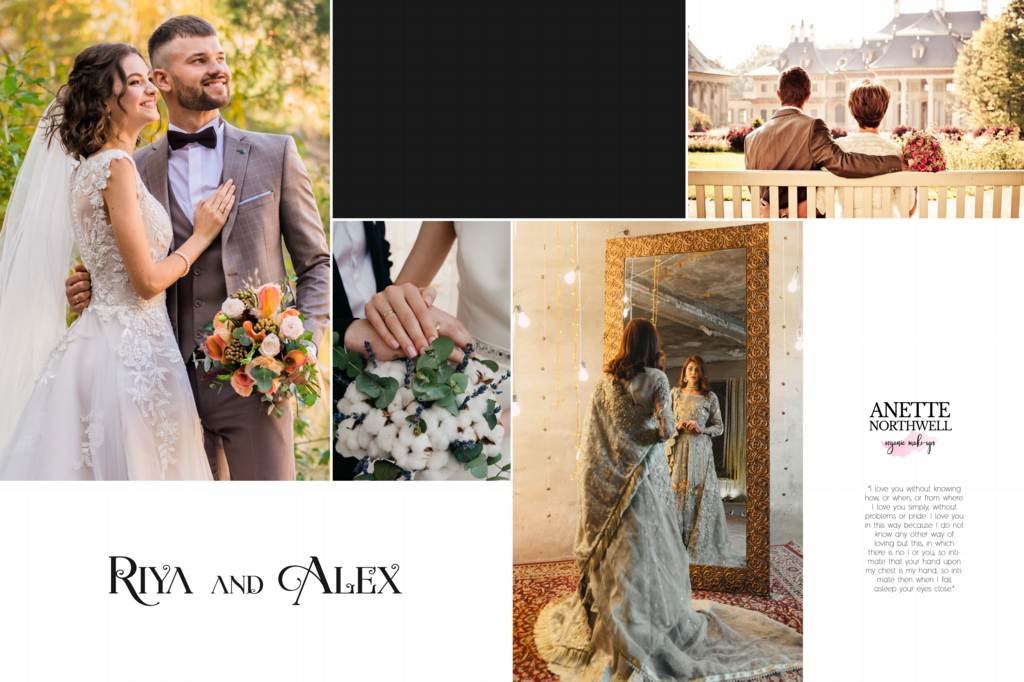
#4
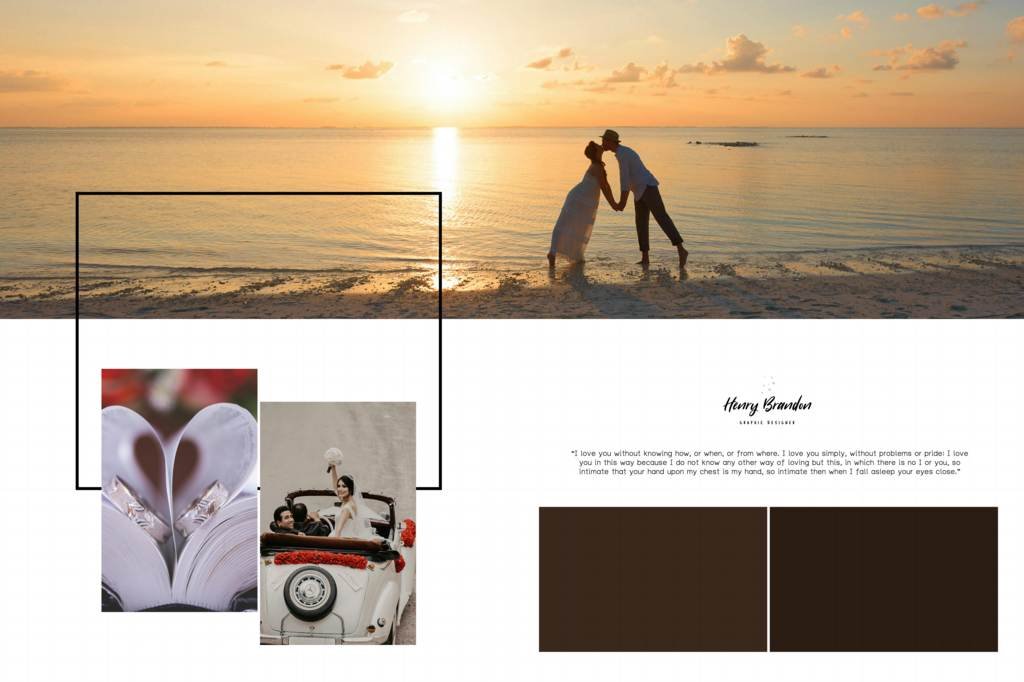
#5
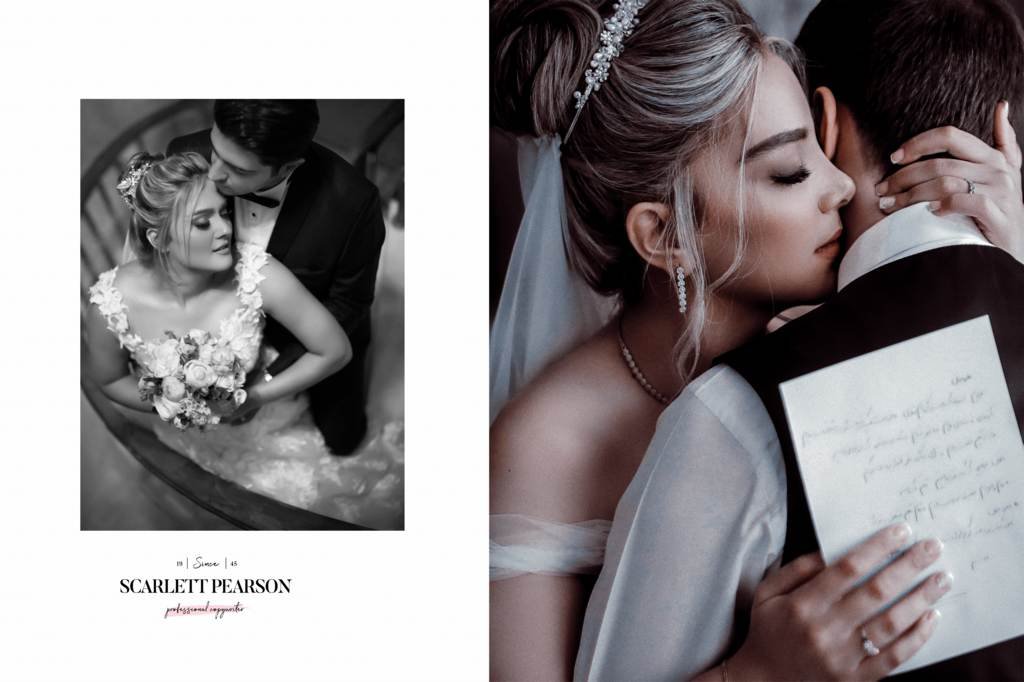
#6
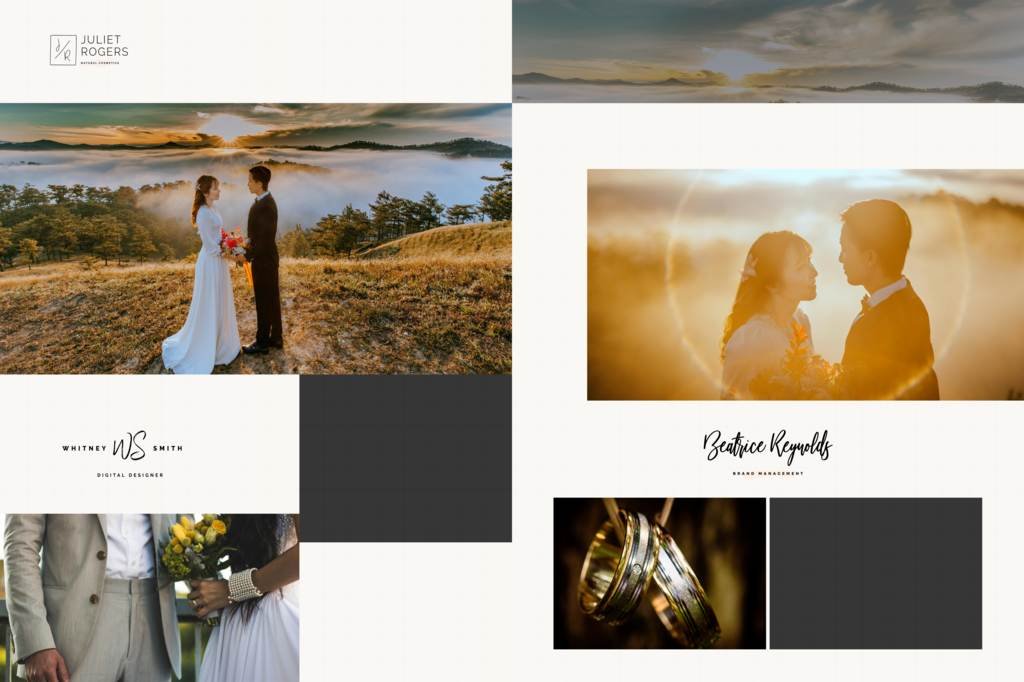
#7
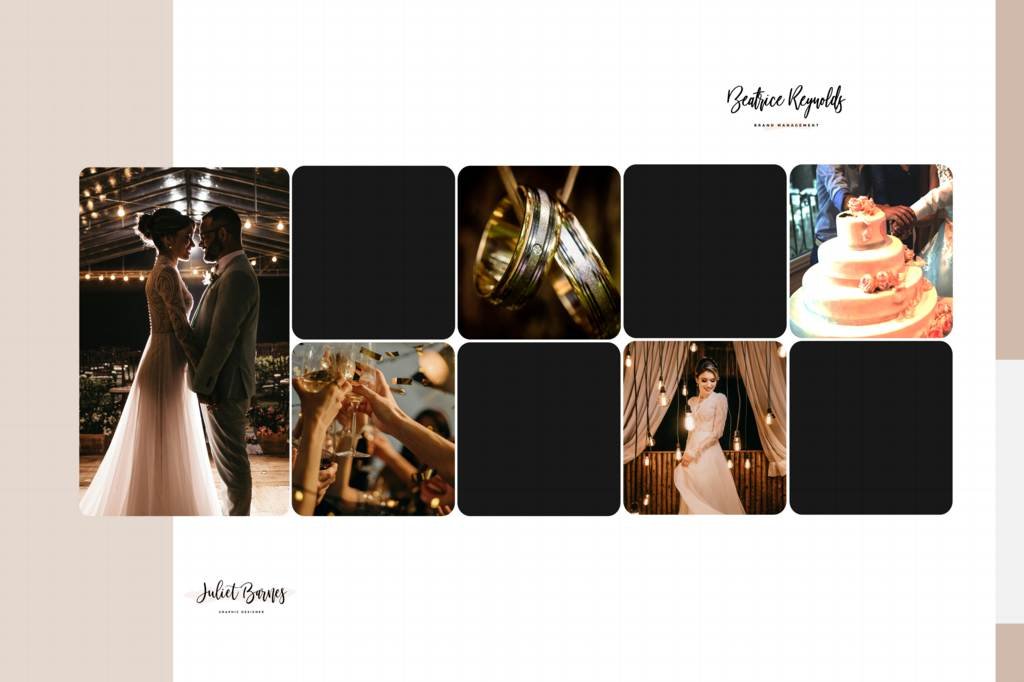
#8
#9
#10
#11
#12
Perfect for Wedding Photographers and Photo Studios
Professional photographers often need to deliver wedding albums within a limited time. Using ready-made Wedding Album Design 16×24 templates can make the album creation process more efficient.
Photo studios can also use these templates to create consistent and attractive album designs for different clients. Simply add the client’s photographs, customize the text and design elements, and prepare the final files for printing.
High-Resolution Wedding Album Design
Image quality is important when preparing files for wedding album printing. This HD PSD template is designed to provide a high-quality starting point for your album project.
For the best printing results, make sure your photographs are high resolution and follow the specifications required by your chosen album printing service.
Create Modern Wedding Album Spreads
A wedding album should tell the story of the couple’s special day. A well-designed spread can combine multiple photographs with backgrounds, decorative elements, and typography to create an attractive visual story.
You can use this Professional Wedding Album Design 16×24 for different wedding moments, including:
- Bride and groom portraits
- Wedding ceremony
- Couple photography
- Family portraits
- Mehndi ceremony
- Haldi ceremony
- Sangeet
- Reception
- Traditional wedding rituals
- Pre-wedding photographs
How to Edit the 16×24 Wedding Album PSD
Editing the template is simple if you have Adobe Photoshop.
Step 1: Download the 16×24 PSD template.
Step 2: Open the PSD file in Adobe Photoshop.
Step 3: Replace the sample photographs with your client’s images.
Step 4: Edit names, dates, captions, and other text elements.
Step 5: Customize colors, backgrounds, and other layers if required.
Step 6: Check the final album spread and export it according to your printing requirements.
Ideal for Professional Album Designers
Wedding album designers can use this template as a starting point for creating customized album spreads. Instead of spending hours creating basic layouts, you can focus on photo selection, composition, typography, and creative customization.
The PSD format gives designers the flexibility needed for professional wedding album projects.
Download HD 16×24 Wedding Album PSD Template
Looking for a professional and editable Wedding Album Design 16×24 template? This HD Photoshop PSD is a useful resource for photographers, designers, and studios working on wedding album projects.
Download the template, open it in Photoshop, add your photographs, customize the editable layers, and create a beautiful wedding album design ready for your project.
Final Words
A professional wedding album should showcase photographs in an attractive and meaningful way. The Professional Wedding Album Design 16×24 PSD template helps photographers and designers save design time while creating high-quality wedding album spreads.
With editable Photoshop layers, HD design elements, and a flexible 16×24 layout, you can customize the template for different wedding photography projects and create a personalized album for every client.