
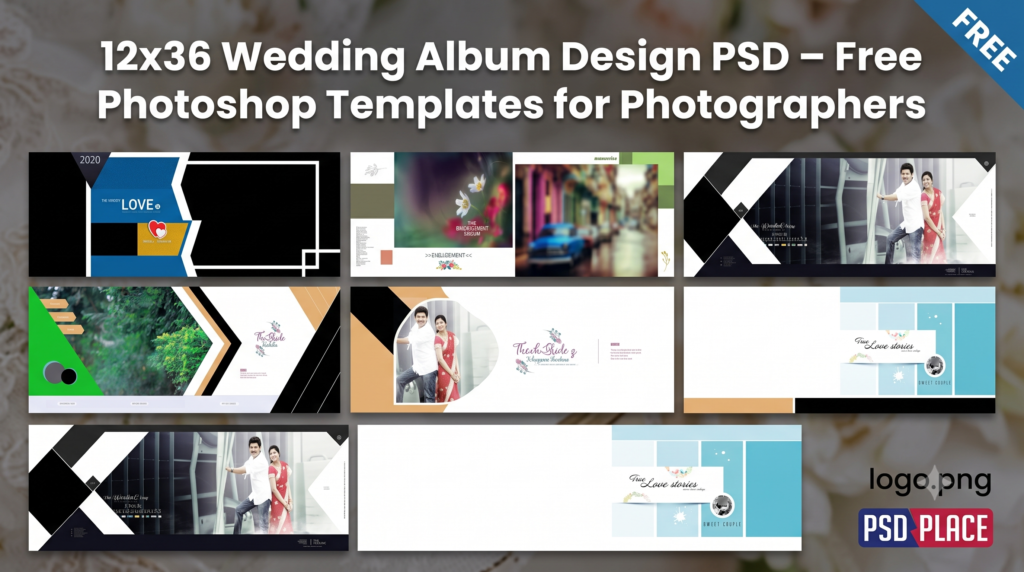
Creating a stunning wedding album has never been easier with 12×36 Wedding Album Design PSD templates. Whether you’re a professional wedding photographer, photo studio owner, or album designer, editable Photoshop PSD templates help you create premium-quality albums in less time.
| Technical Parameter | Specification Details |
|---|---|
| File Format | Layered Adobe Photoshop (PSD) |
| Resolution / Quality | 300 DPI (High-Print Quality) |
| Color Space | RGB & CMYK Print Ready |
| Editing Method | Smart Object Photo Replacement |
| License | Free for Personal & Commercial Projects |
Designer’s Note by Kuldeep Kurre: “As a professional album designer, I have crafted these Photoshop templates with clean layer organization and smart objects. Whether you are working on studio projects or freelance client orders, these templates allow you to insert photography in minutes while maintaining a high-end luxury aesthetic.”
In this article, you’ll discover the benefits of using 12×36 Wedding Album Design PSD files, their features, and why they are the perfect choice for Indian wedding photography projects.
What is a 12×36 Wedding Album Design PSD?
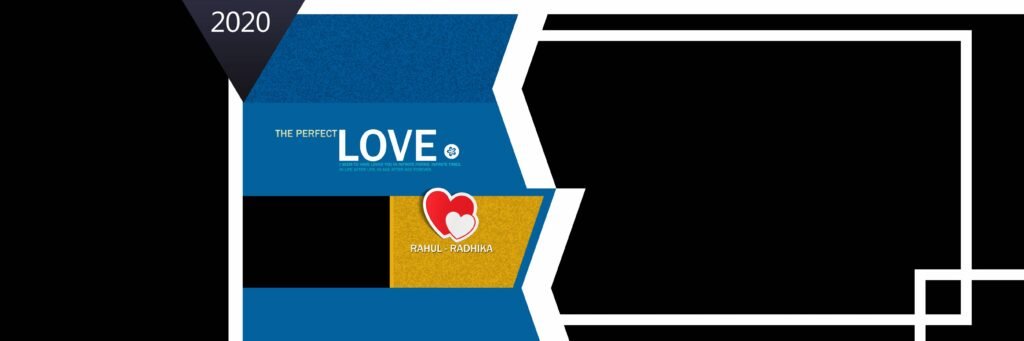
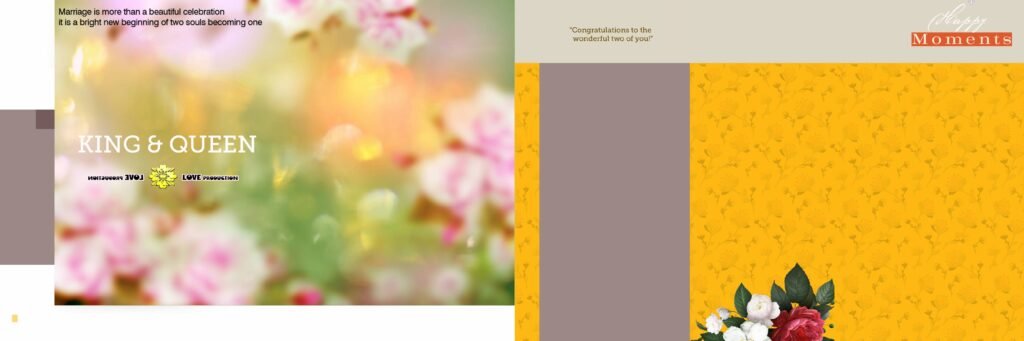
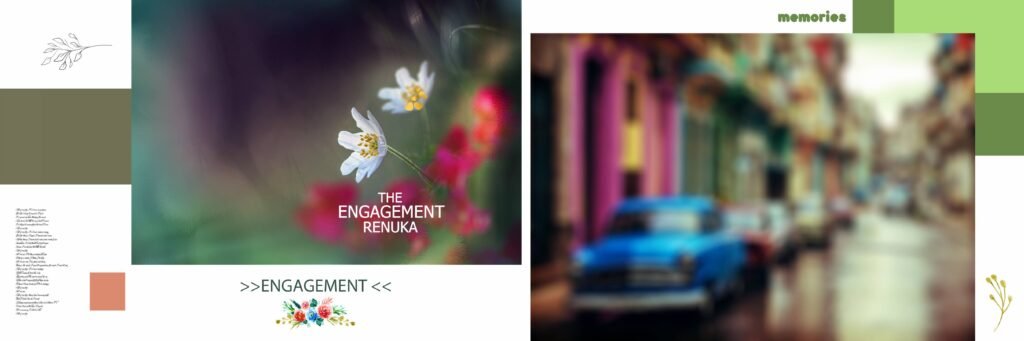
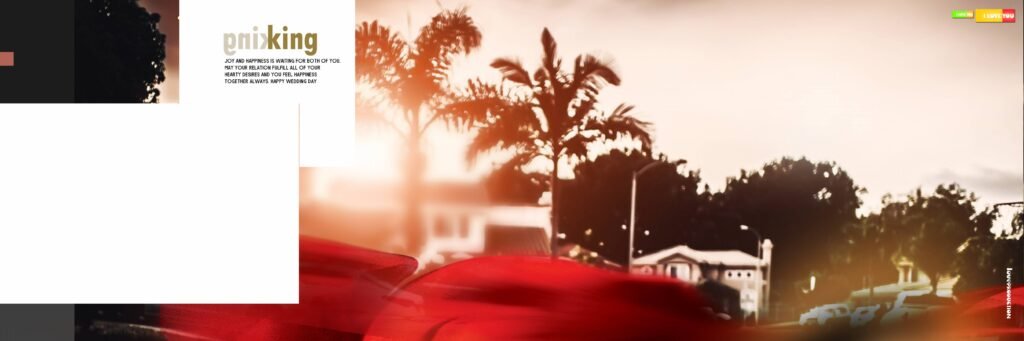
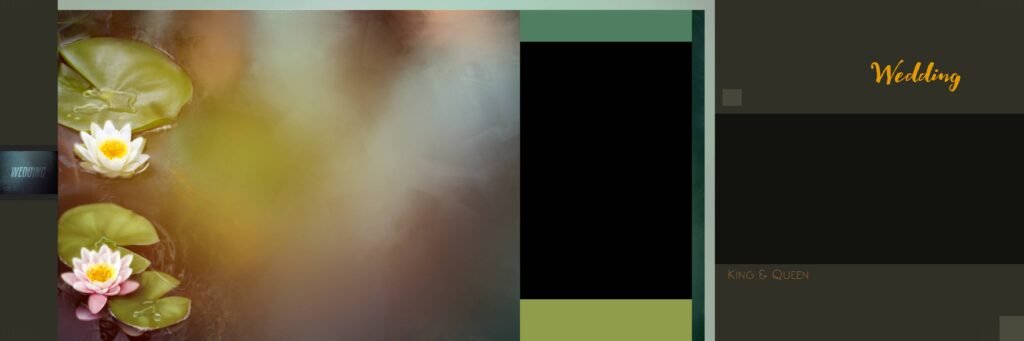
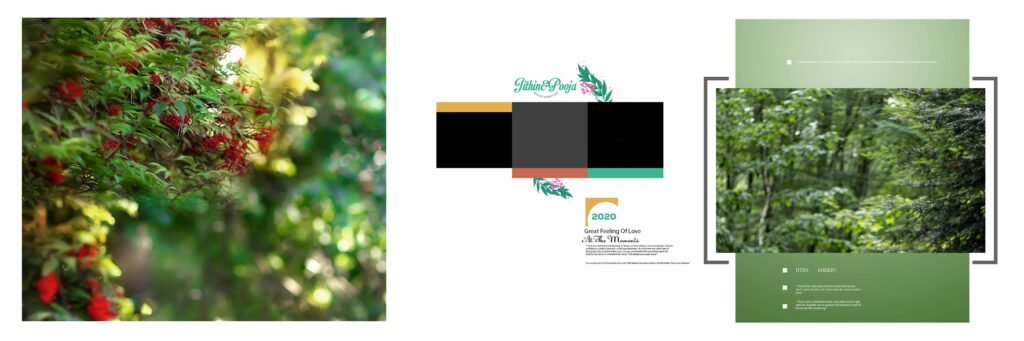
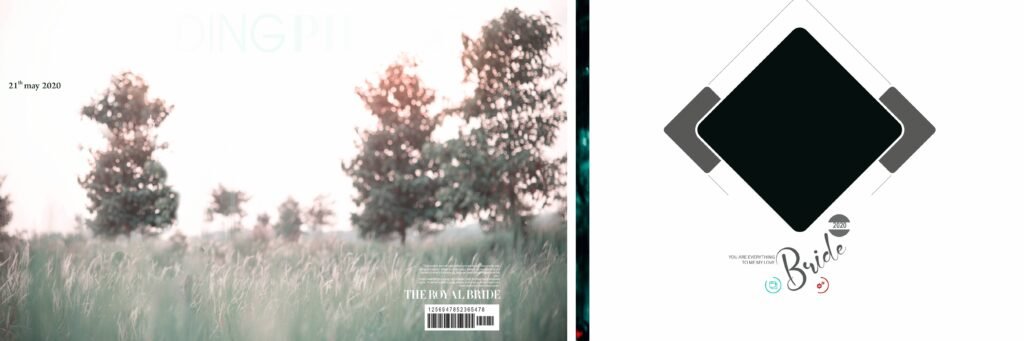
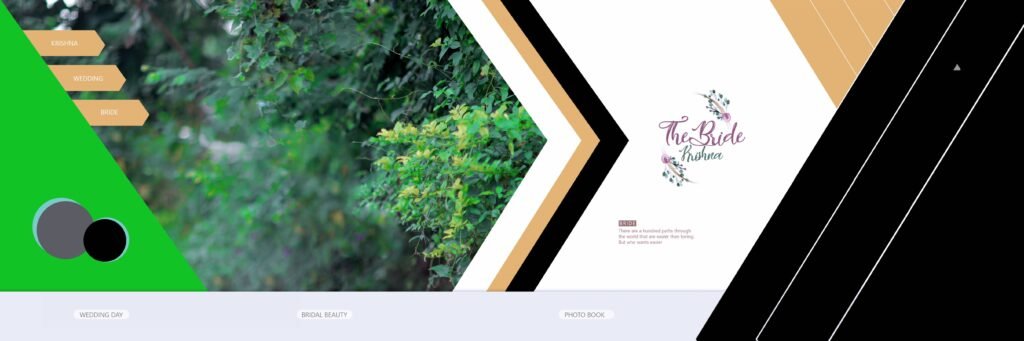
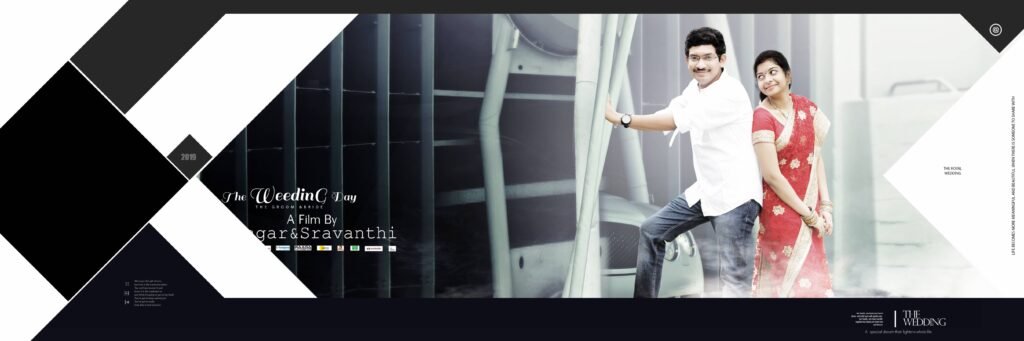
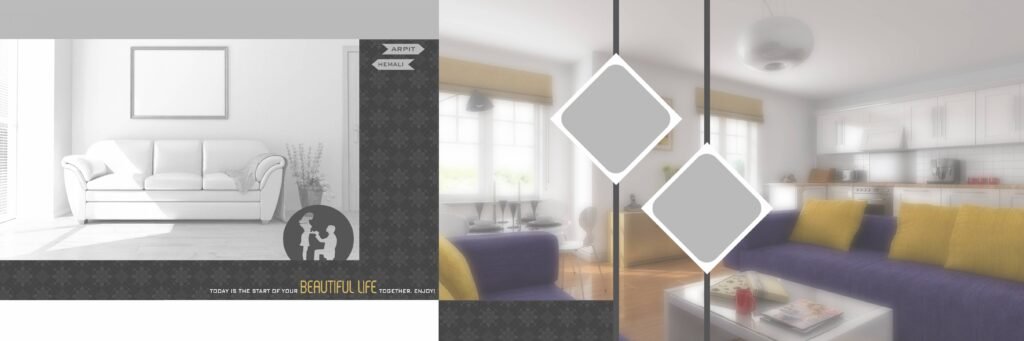
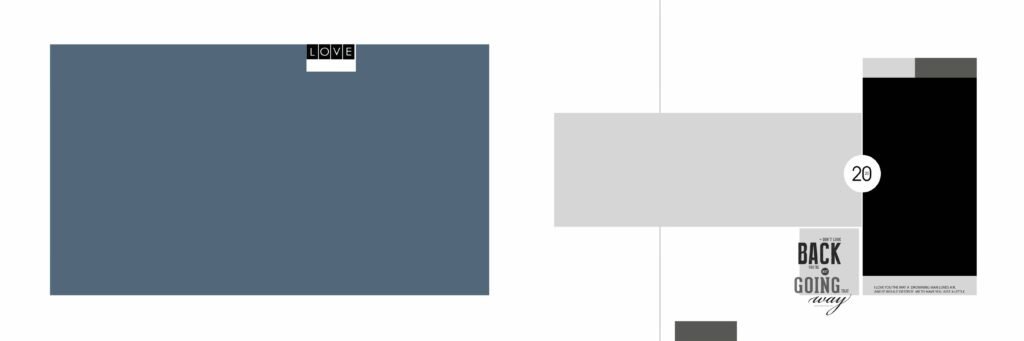
A 12×36 Wedding Album Design PSD is a layered Adobe Photoshop template specifically designed for creating panoramic wedding album pages. The 12×36-inch size is one of the most popular formats used by professional photographers because it provides ample space for showcasing memorable wedding moments.
These templates come with fully editable layers, allowing you to customize:
- Photos
- Backgrounds
- Text
- Colors
- Decorative elements
- Effects
Simply drag and drop your images, make adjustments, and your album is ready for printing.
Why Choose 12×36 Wedding Album PSD Templates?
Using ready-made PSD templates offers several advantages:
Save Editing Time
Instead of designing every page from scratch, you can complete a professional wedding album within minutes.
Professional Layouts
Templates are designed by experienced album designers, ensuring elegant compositions and balanced photo placement.
Fully Editable
Every element is organized into layers, making customization quick and easy.
High Resolution
Most templates are created in 300 DPI print quality, ensuring sharp and vibrant album prints.
Photoshop Compatible
These PSD files work smoothly with Adobe Photoshop, making editing simple for beginners and professionals alike.
#1
#2

#3
#4
#5
#6

#7
#8
#9
#10
#11
#12

#13
#14
#15

Features of Our Free 12×36 Wedding Album Design PSD
Our collection includes:
- Fully layered PSD files
- Editable smart objects
- High-resolution 300 DPI
- Print-ready quality
- Modern and traditional Indian wedding layouts
- Elegant typography
- Creative photo frames
- Premium backgrounds
- Wedding-themed decorations
- Easy drag-and-drop editing
Perfect for Every Wedding Event
Our 12×36 Wedding Album Design PSD templates are suitable for various occasions, including:
- Pre Wedding Shoot
- Engagement Ceremony
- Haldi Ceremony
- Mehndi Ceremony
- Sangeet Night
- Wedding Ceremony
- Reception
- Anniversary Albums
- Couple Photoshoots
Why Photographers Love PSD Templates
Professional photographers often have multiple client projects running simultaneously. Ready-made templates help them:
- Deliver albums faster
- Maintain consistent quality
- Reduce editing workload
- Increase productivity
- Impress clients with premium album designs
Instead of spending hours arranging layouts, photographers can focus more on photography and client service.
How to Edit the PSD Template
Editing a 12×36 Wedding Album Design PSD is simple:
- Open the PSD file in Adobe Photoshop.
- Replace the sample images using Smart Objects.
- Adjust colors and backgrounds if needed.
- Add text, names, or wedding dates.
- Save the final design.
- Export it in JPEG or TIFF format for printing.
No advanced Photoshop skills are required.
Who Can Use These Templates?
These Photoshop templates are ideal for:
- Wedding photographers
- Photo studios
- Album designers
- Freelance Photoshop editors
- Graphic designers
- Digital album creators
- Printing businesses
Tips for Creating Stunning Wedding Albums
To create visually appealing albums:
- Use high-resolution images.
- Keep layouts clean and uncluttered.
- Mix close-up and wide-angle shots.
- Maintain consistent color tones.
- Use elegant typography.
- Balance traditional and candid photographs.
- Avoid overcrowding each page.
These practices help produce albums that clients will treasure for years.
Download Free 12×36 Wedding Album Design PSD
If you’re looking for professional-quality 12×36 Wedding Album Design PSD templates, you’ve come to the right place. Our free Photoshop templates are designed to help photographers create elegant wedding albums quickly and efficiently.
Browse our latest collection and download editable PSD templates to enhance your wedding album workflow and deliver stunning albums that your clients will love.
Final Thoughts
A 12×36 Wedding Album Design PSD is one of the most valuable resources for photographers who want to create beautiful, professional wedding albums without spending hours on layout design. These editable Photoshop templates combine creativity, flexibility, and efficiency, making them perfect for beginners and experienced designers alike.
Download your favorite PSD templates today and start designing breathtaking wedding albums with ease.
Copyright, Usage License & Font Disclaimer
Preview Images Notice: Model and sample photographs shown in the previews above are for demonstration purposes only. The downloadable PSD files contain organized blank Smart Object frames ready for your custom photography.
Commercial License: These Photoshop album templates are provided free for personal and photo studio use. Redistribution or re-selling of raw PSD files on other portals is strictly prohibited under PSDPlace copyright terms.


