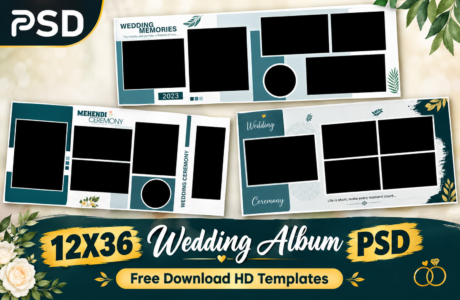
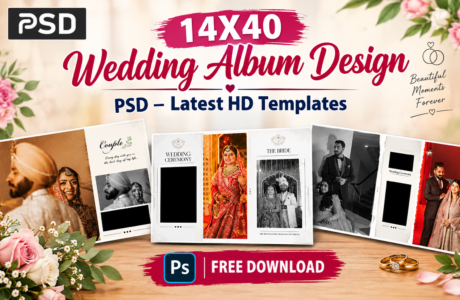
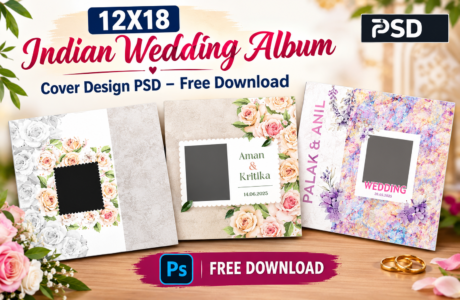
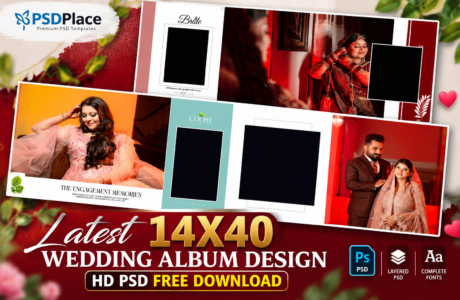
Wedding photography is all about preserving beautiful memories, and a professionally designed wedding album helps showcase those moments in the most elegant way. If you’re searching for 12×36 Wedding Album Design PSD Templates, you’ve come to the right place. Our latest 2026 collection features modern, creative, and fully editable PSD templates designed specifically for professional photographers, album designers, and photo studios.
| Technical Parameter | Specification Details |
|---|---|
| File Format | Layered Adobe Photoshop (PSD) |
| Resolution / Quality | 300 DPI (High-Print Quality) |
| Color Space | RGB & CMYK Print Ready |
| Editing Method | Smart Object Photo Replacement |
| License | Free for Personal & Commercial Projects |
Designer’s Note by Kuldeep Kurre: “As a professional album designer, I have crafted these Photoshop templates with clean layer organization and smart objects. Whether you are working on studio projects or freelance client orders, these templates allow you to insert photography in minutes while maintaining a high-end luxury aesthetic.”
Whether you’re creating albums for weddings, engagements, pre-wedding shoots, receptions, or traditional ceremonies, these PSD templates offer stunning layouts that save time while delivering premium-quality results.
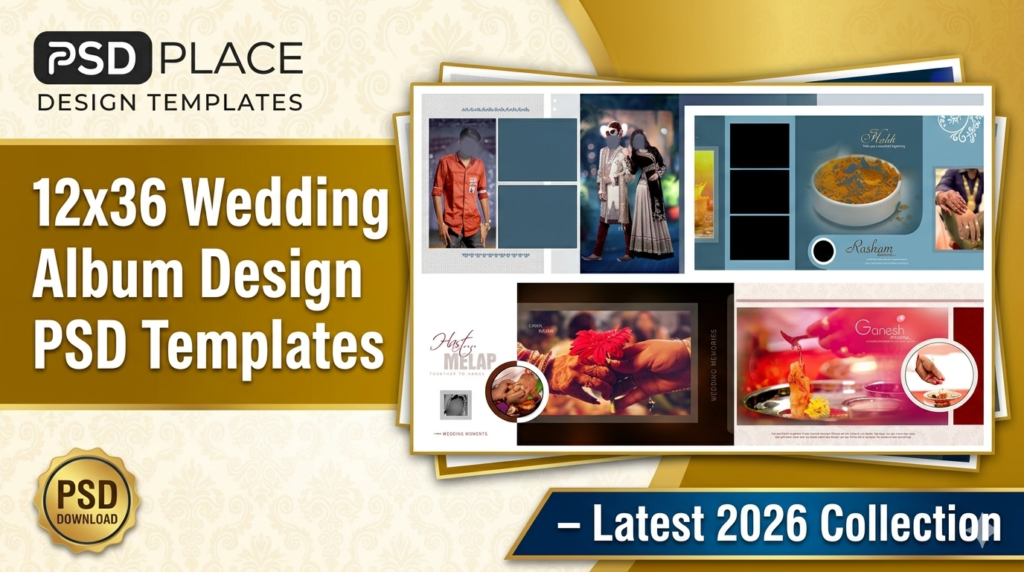
Why Choose 12×36 Wedding Album Design PSD Templates?
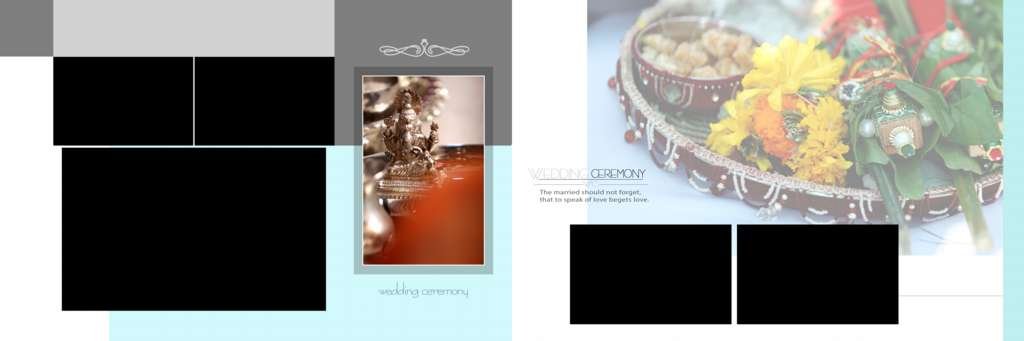
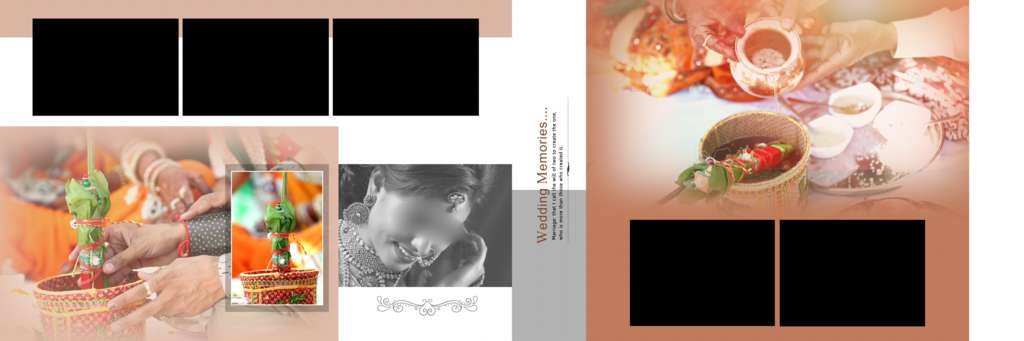
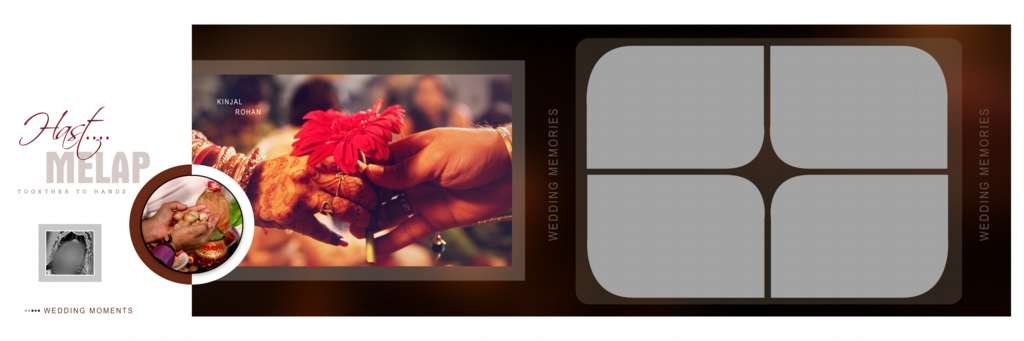
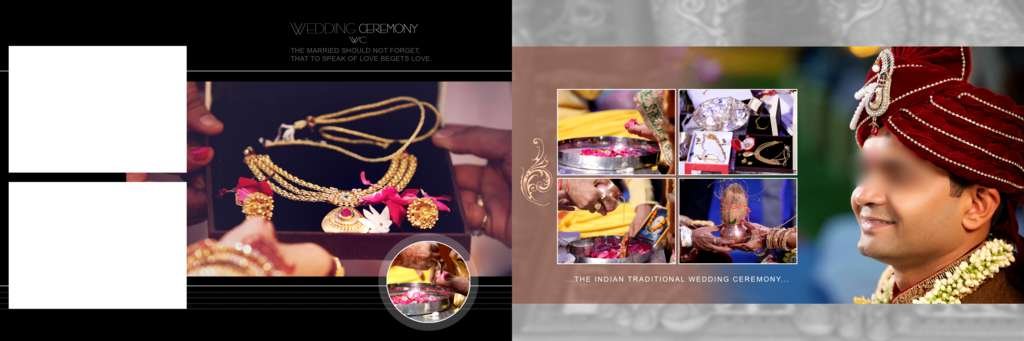
The 12×36 size is one of the most popular choices in wedding album designing because it provides ample space for displaying multiple photos without compromising image quality. These templates are professionally crafted to ensure every page looks visually appealing and well-organized.
Key Features
- High-resolution PSD files
- Fully editable in Adobe Photoshop
- Creative and modern wedding album layouts
- Layered PSD for easy customization
- Suitable for Indian wedding albums
- Premium-quality design elements
- Print-ready format
- Compatible with the latest Photoshop versions
Latest 2026 Wedding Album Design Trends
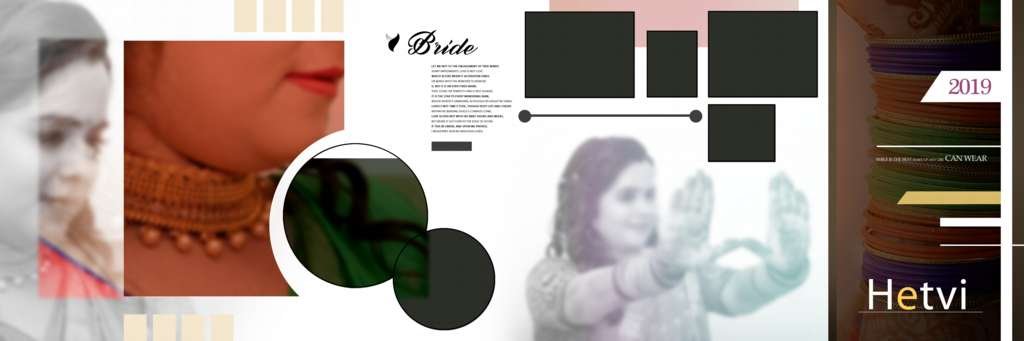
The 2026 wedding album design trend focuses on clean layouts, cinematic photo arrangements, and elegant typography. Modern photographers prefer minimalist spreads that highlight emotions and storytelling rather than overcrowded designs.
Popular design styles include:
1. Cinematic Wedding Album Layouts
Cinematic layouts create a storytelling effect by combining large images with creative photo placements. These designs are ideal for showcasing wedding highlights and candid moments.
2. Traditional Indian Wedding Album Designs
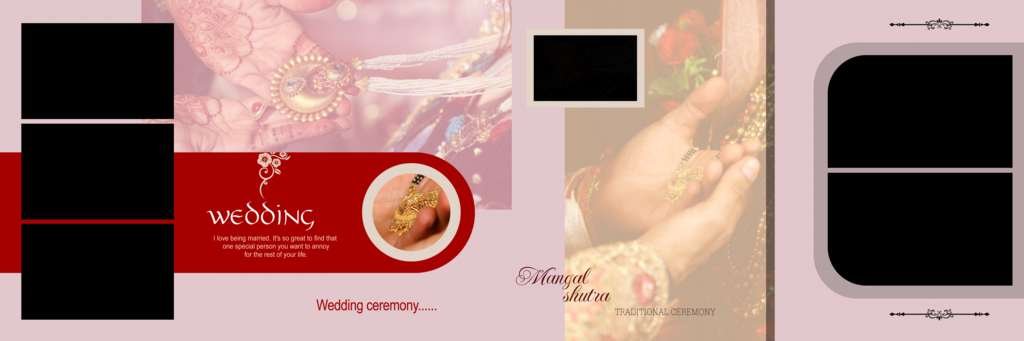
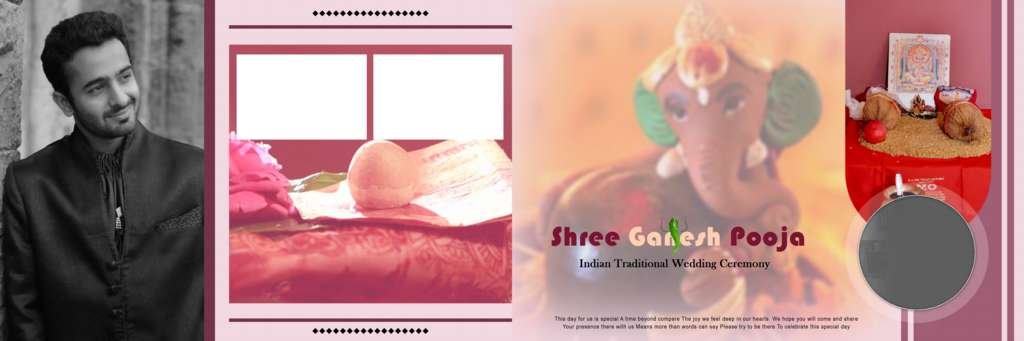
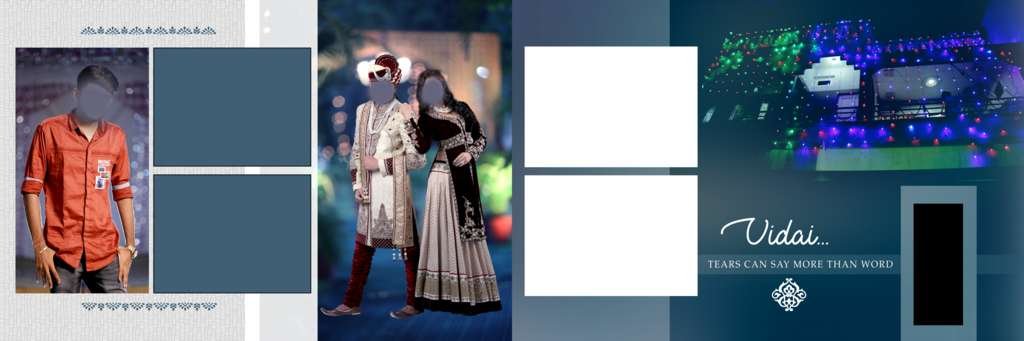
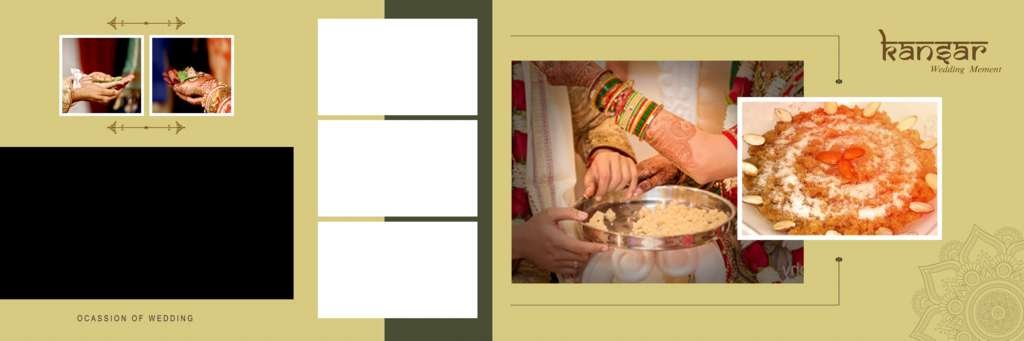
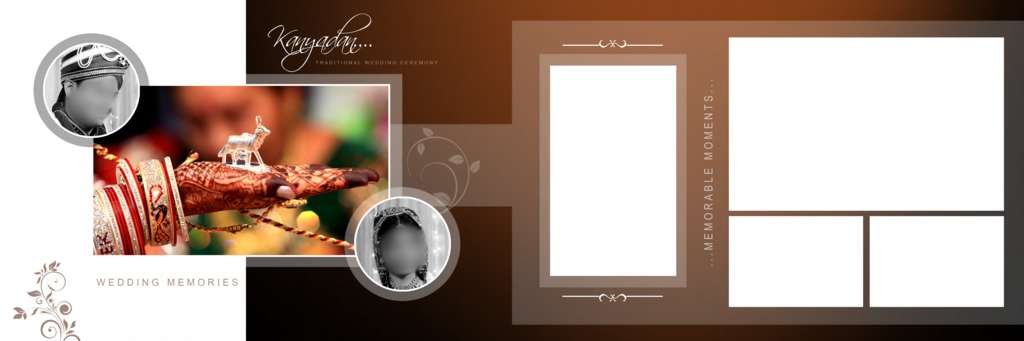
Indian weddings involve multiple ceremonies such as Haldi, Mehndi, Sangeet, Engagement, and Reception. Specialized PSD templates help organize these events beautifully within a single album.
3. Luxury Wedding Album Templates
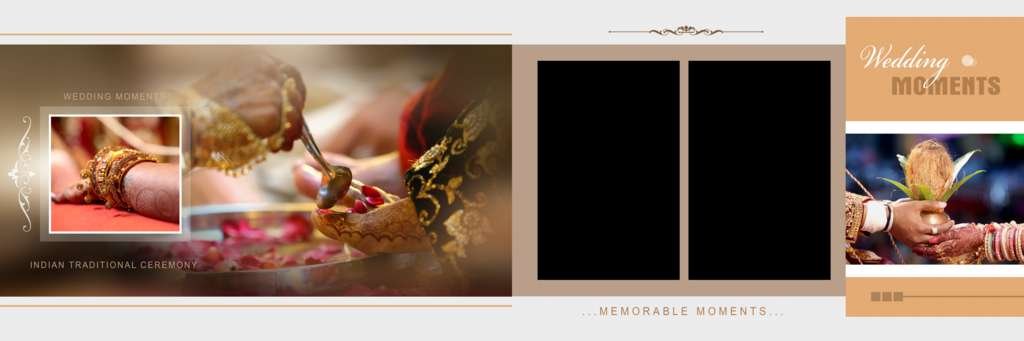
Luxury-style PSD templates feature premium backgrounds, elegant textures, golden accents, and sophisticated typography that add a high-end look to wedding albums.
4. Minimalist Album Designs
Minimal designs focus on clean aesthetics and large photo displays, allowing wedding photographs to become the center of attention.
#1
#2
#3
#4
#5
#6
#7
#8
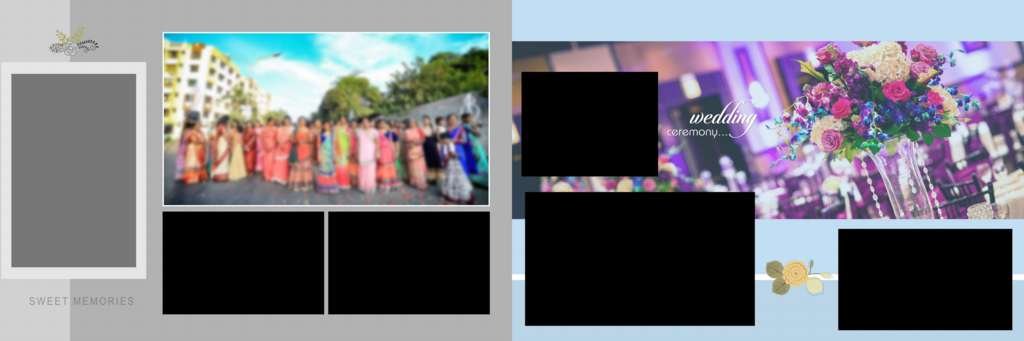
#9
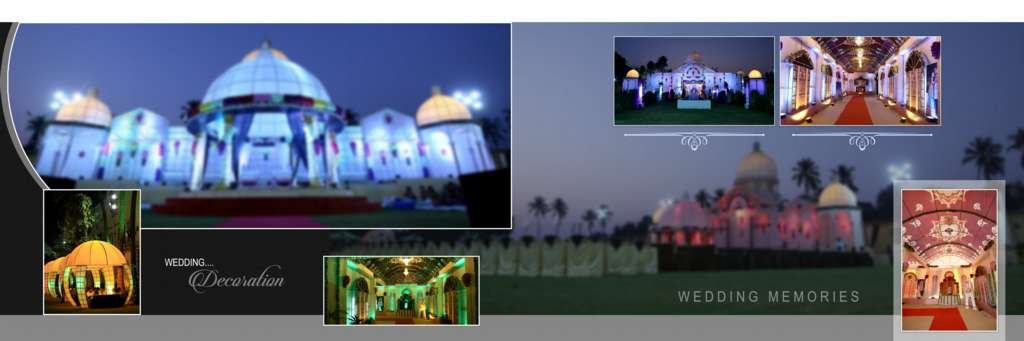
#10
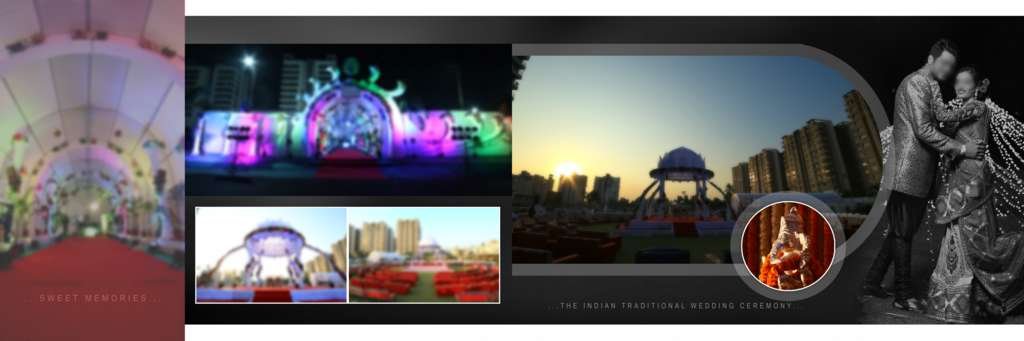
#11
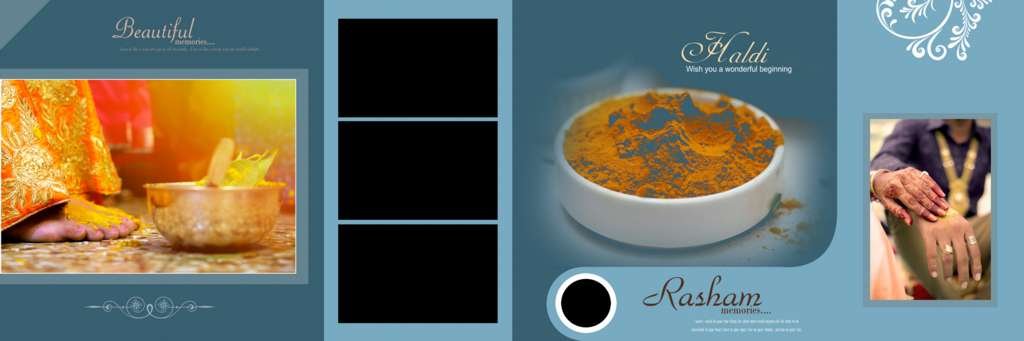
#12
#13
#14
#15
#16
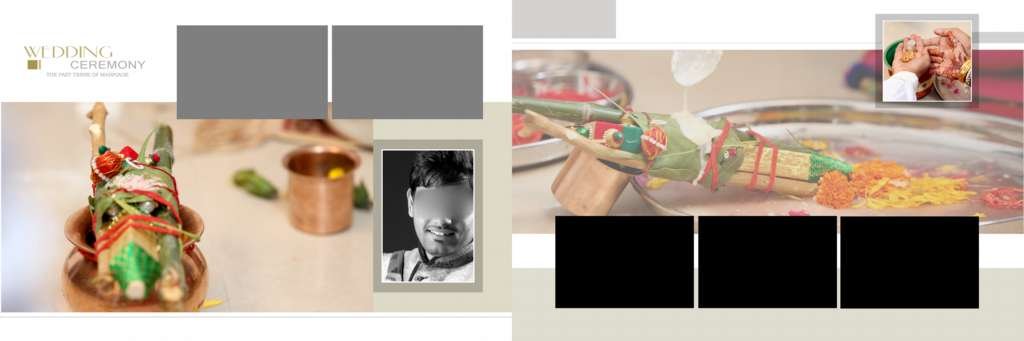
#17
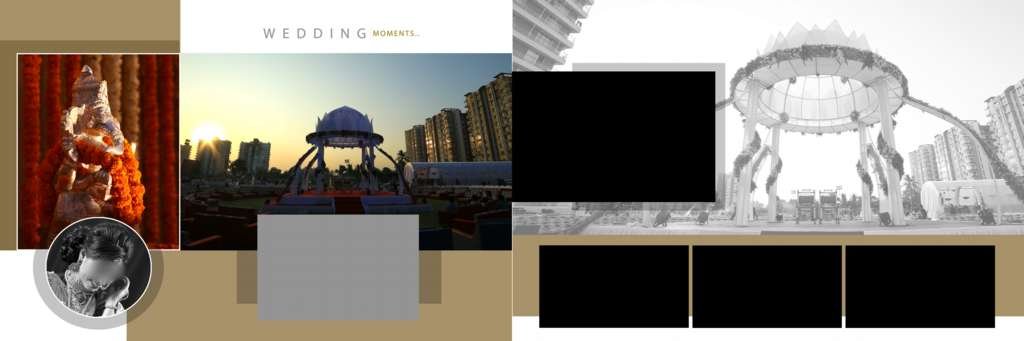
#18
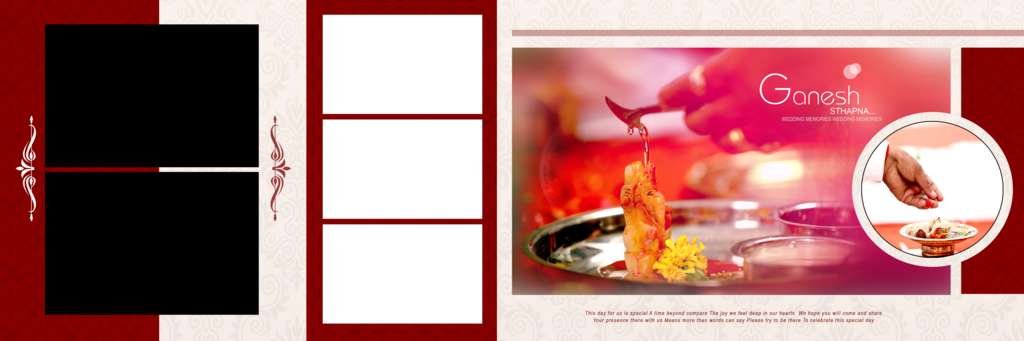
#19
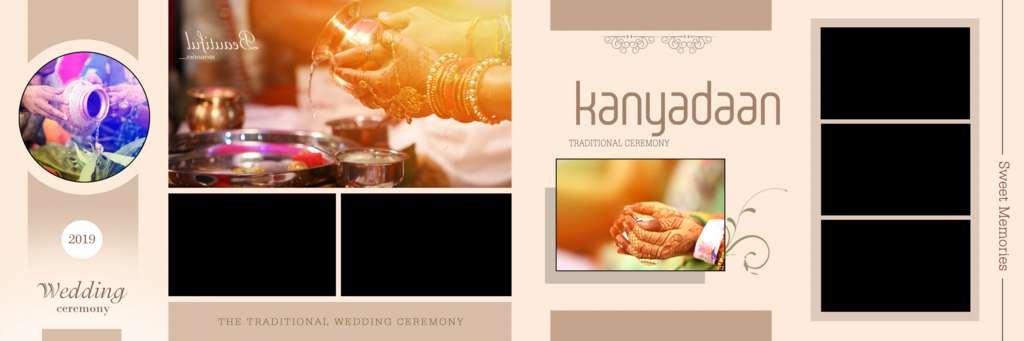
#20
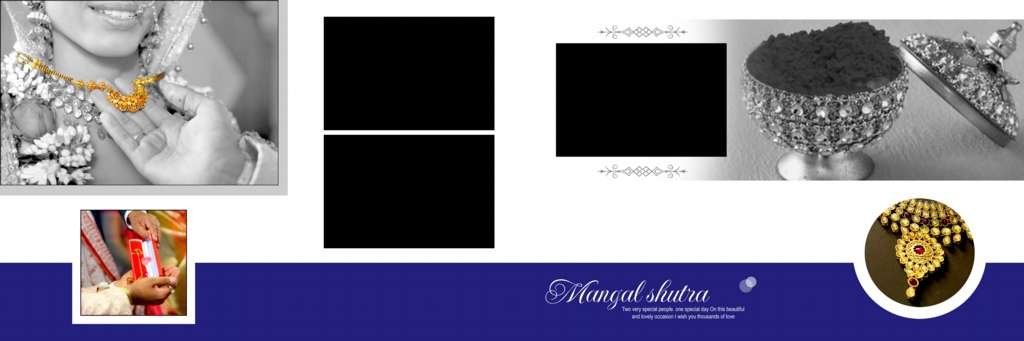
Benefits of Using Editable Wedding Album PSD Templates
Using professionally designed PSD templates offers several advantages:
Save Time
Instead of designing every page from scratch, photographers can simply insert photos and make minor adjustments.
Professional Results
Pre-designed templates are created by experienced designers, ensuring high-quality album layouts.
Easy Customization
All layers are organized, making it easy to edit text, backgrounds, colors, and photo placements.
Cost-Effective Solution
PSD templates help reduce design costs while maintaining professional standards.
Who Can Use These Wedding Album PSD Templates?
These templates are perfect for:
- Wedding photographers
- Album designers
- Photo studios
- Freelance graphic designers
- Printing businesses
- Photography agencies
Photoshop Requirements
To edit these PSD templates smoothly, you should have:
- Adobe Photoshop CC
- Basic knowledge of layer editing
- High-resolution wedding photographs
- Sufficient system RAM for large PSD files
How to Edit 12×36 Wedding Album PSD Templates
Follow these simple steps:
- Open the PSD file in Photoshop.
- Locate the photo placeholder layers.
- Insert your wedding photographs using clipping masks.
- Adjust colors, backgrounds, and text if needed.
- Save the final design.
- Export in high-quality JPG or PDF format for printing.
Download Latest 12×36 Wedding Album Design PSD Templates
Our 2026 collection includes a variety of wedding album spreads featuring modern, traditional, luxury, and cinematic styles. These PSD templates are designed to help photographers create stunning wedding albums quickly and efficiently.
Whether you’re working on a bridal album, engagement album, reception album, or complete wedding storybook, these templates provide everything needed to deliver professional-quality results.
Conclusion
The latest 12×36 Wedding Album Design PSD Templates collection for 2026 offers the perfect combination of creativity, flexibility, and professional quality. With fully editable PSD files, photographers and designers can create breathtaking wedding albums in less time while maintaining premium design standards.
Download your favorite wedding album PSD templates today and create memorable wedding albums that clients will cherish forever.
Copyright, Usage License & Font Disclaimer
Preview Images Notice: Model and sample photographs shown in the previews above are for demonstration purposes only. The downloadable PSD files contain organized blank Smart Object frames ready for your custom photography.
Commercial License: These Photoshop album templates are provided free for personal and photo studio use. Redistribution or re-selling of raw PSD files on other portals is strictly prohibited under PSDPlace copyright terms.