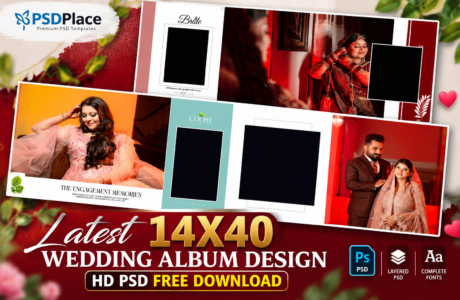
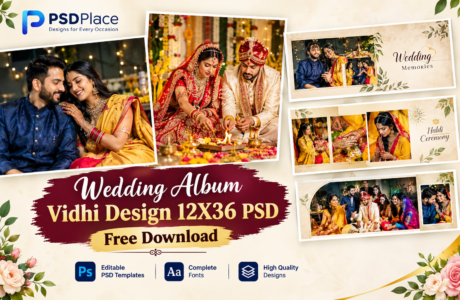
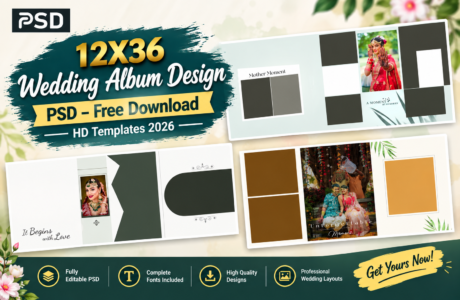
If you are a professional wedding album designer or photo studio owner, having high-quality 12×36 wedding album DM design PSD templates can save you a lot of time while improving your design output. In this post, we are sharing insights about creative and modern PSD designs that are perfect for Photoshop editing and professional wedding album production.
| Technical Parameter | Specification Details |
|---|---|
| File Format | Layered Adobe Photoshop (PSD) |
| Resolution / Quality | 300 DPI (High-Print Quality) |
| Color Space | RGB & CMYK Print Ready |
| Editing Method | Smart Object Photo Replacement |
| License | Free for Personal & Commercial Projects |
Designer’s Note by Kuldeep Kurre: “As a professional album designer, I have crafted these Photoshop templates with clean layer organization and smart objects. Whether you are working on studio projects or freelance client orders, these templates allow you to insert photography in minutes while maintaining a high-end luxury aesthetic.”

What is 12×36 Wedding Album DM Design?
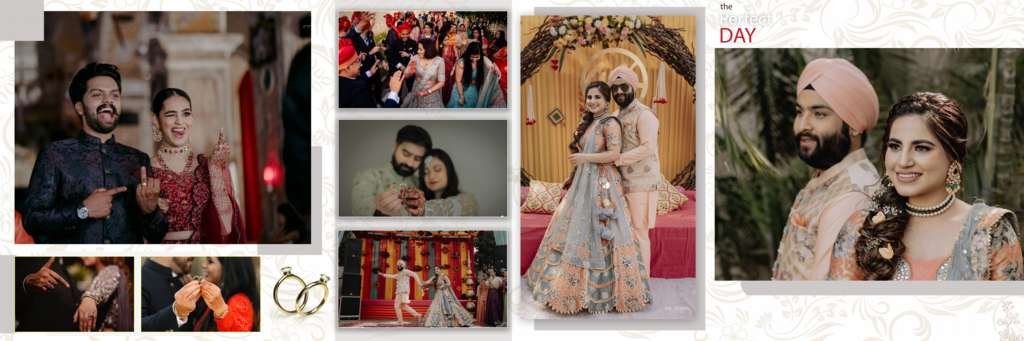
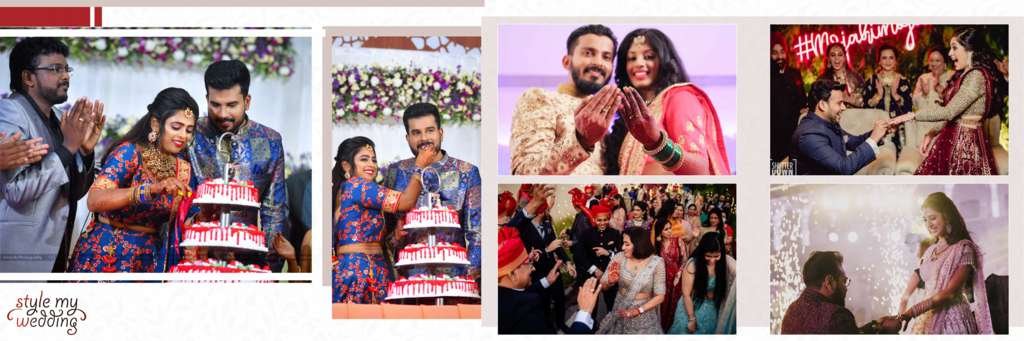
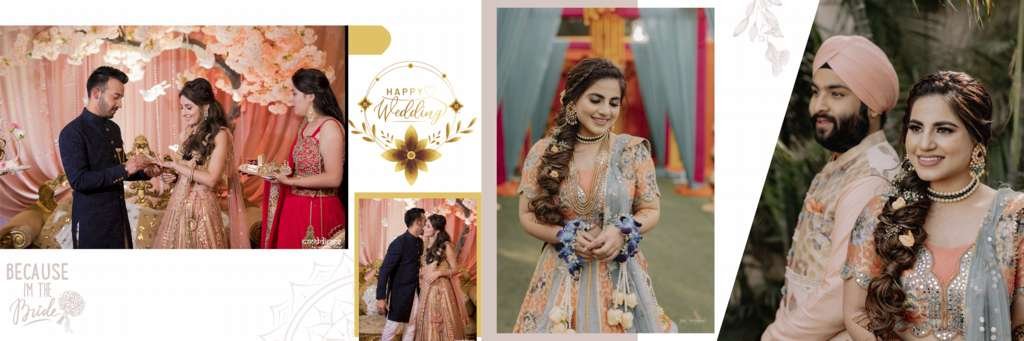
A 12×36 wedding album DM design is a wide-format album spread used in professional wedding photography albums. DM (Double-Matte or Design Master) pages are specially crafted layouts that combine photos, backgrounds, and decorative elements in a visually appealing way.
These PSD templates are created in Adobe Photoshop and allow designers to:
- Easily replace images
- Customize text and effects
- Adjust colors and backgrounds
- Create premium album layouts
Why Choose Creative PSD Wedding Album Designs?
Using creative PSD templates helps designers deliver high-quality albums faster. Here are some key benefits:
1. Fully Editable in Photoshop
All layers are organized, making it easy to edit photos, text, and design elements.
2. High Resolution Quality
Perfect for professional printing with sharp and detailed visuals.
3. Time-Saving Design Workflow
No need to create layouts from scratch—just drag, drop, and customize.
4. Modern & Trendy Styles (2026)
#1
#2
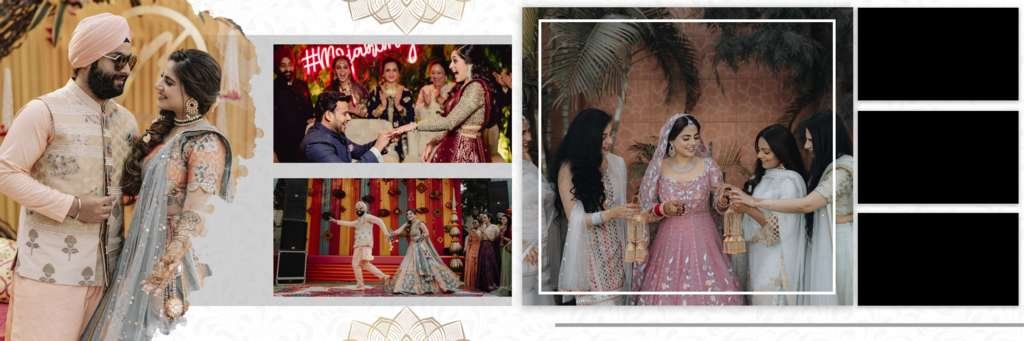
#3
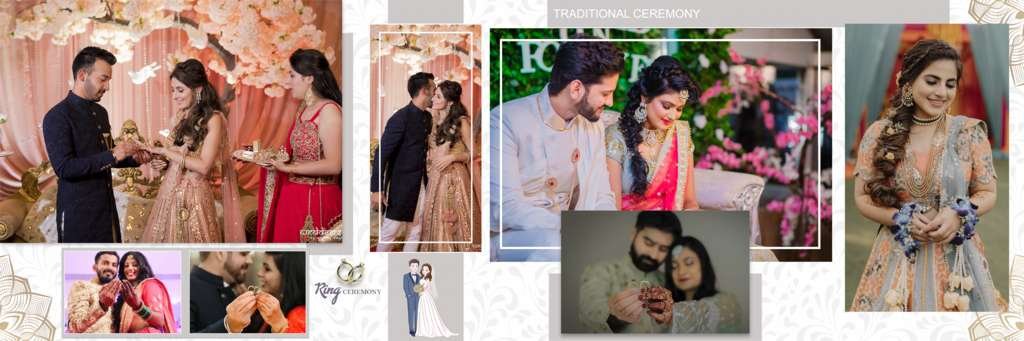
#4
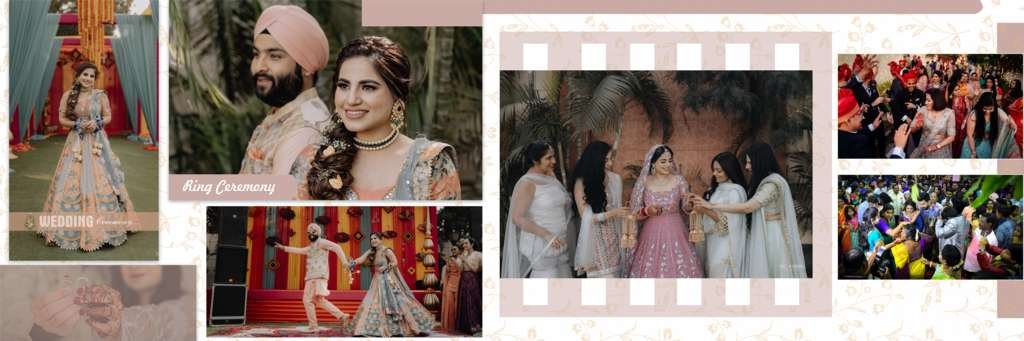
#5
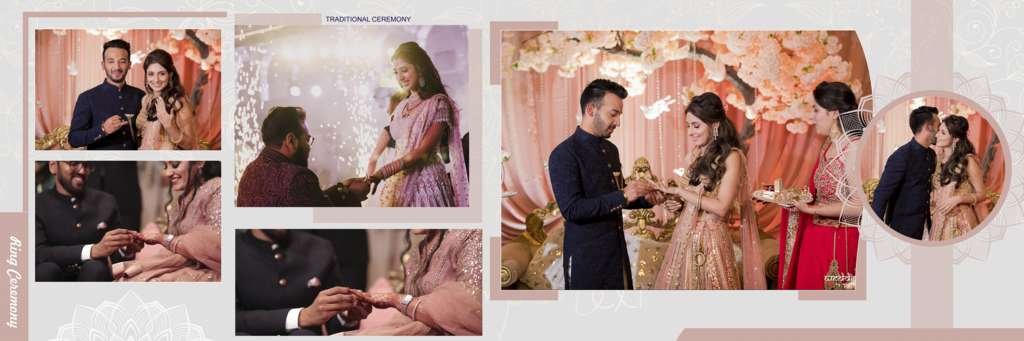
#6
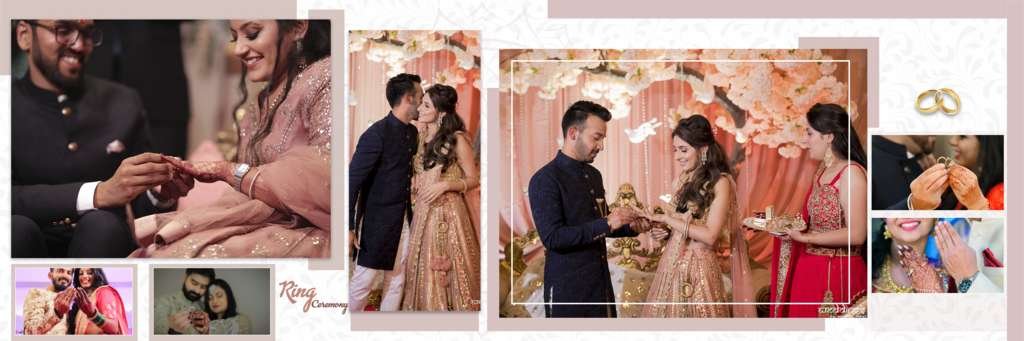
#7
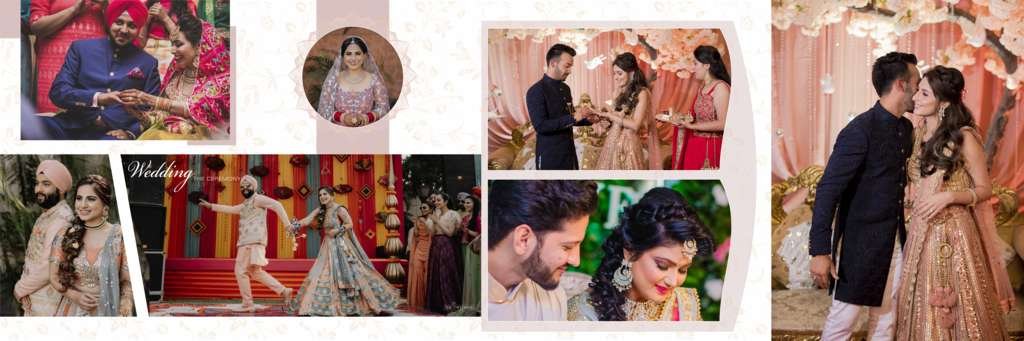
#8
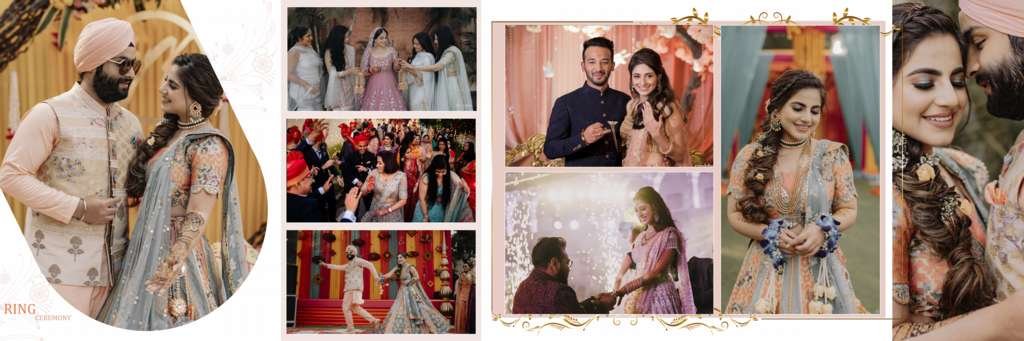
#9
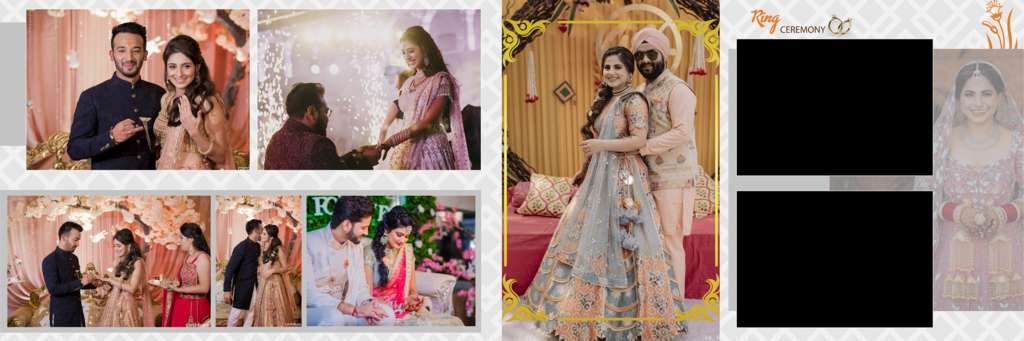
#10
#11
#12
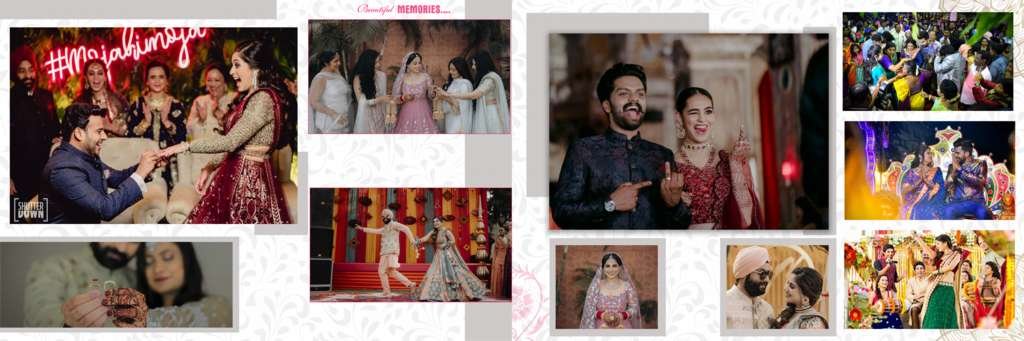
Latest designs include:
- Cinematic wedding themes
- Floral luxury backgrounds
- Minimal clean layouts
- Traditional Indian wedding styles
Features of 12×36 Wedding Album DM PSD Templates
Most premium PSD templates include:
- Smart object photo placement
- Fully layered PSD files
- Customizable text styles
- Color adjustment options
- Professional background designs
- Print-ready resolution (300 DPI)
Best Uses of These PSD Templates
These 12×36 wedding album PSD designs are ideal for:
- Wedding photographers
- Photo studio designers
- Freelance Photoshop editors
- Album printing businesses
- Event photography agencies
How to Edit Wedding Album PSD in Photoshop
Follow these simple steps:
- Open PSD file in Adobe Photoshop
- Double-click smart object layer
- Replace sample image with your photo
- Save and close smart object
- Customize text and effects if needed
- Export final design for print
Download Creative Wedding Album DM PSD Templates
You can use these templates for designing premium wedding albums quickly and professionally. Always ensure you are using high-quality PSD files for the best printing results.
Conclusion
A Creative 12×36 Wedding Album DM Design PSD for Photoshop is an essential resource for modern album designers. It helps create stunning, professional, and high-quality wedding albums in less time while maintaining a premium look.
If you are working in the wedding photography or album design industry, these PSD templates can significantly improve your workflow and design quality.
Copyright, Usage License & Font Disclaimer
Preview Images Notice: Model and sample photographs shown in the previews above are for demonstration purposes only. The downloadable PSD files contain organized blank Smart Object frames ready for your custom photography.
Commercial License: These Photoshop album templates are provided free for personal and photo studio use. Redistribution or re-selling of raw PSD files on other portals is strictly prohibited under PSDPlace copyright terms.