
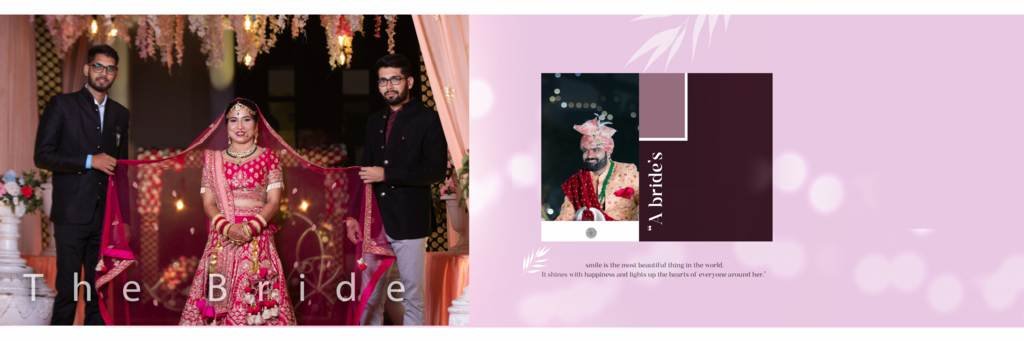
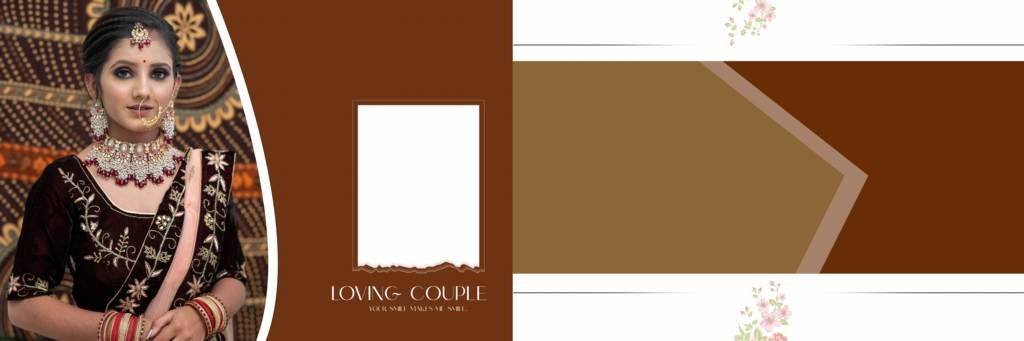
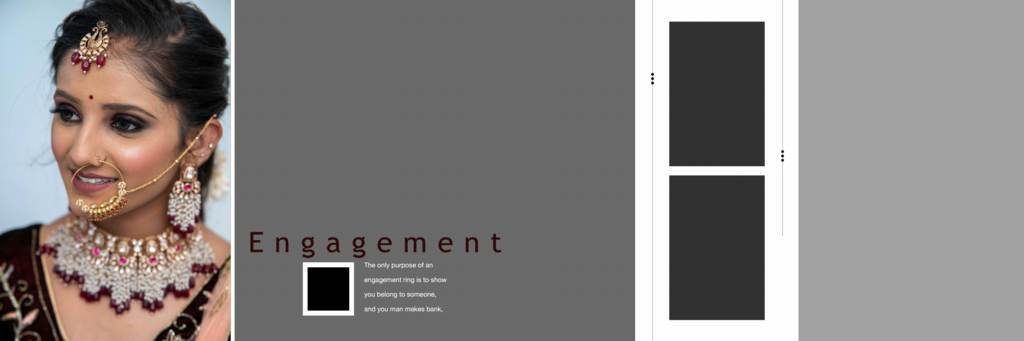
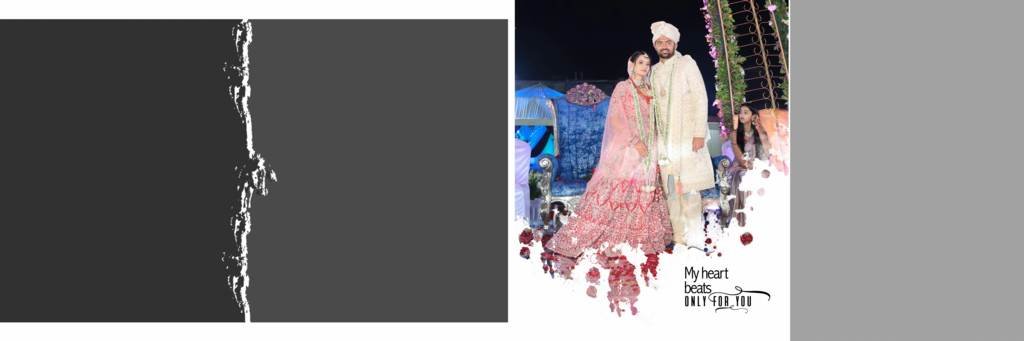
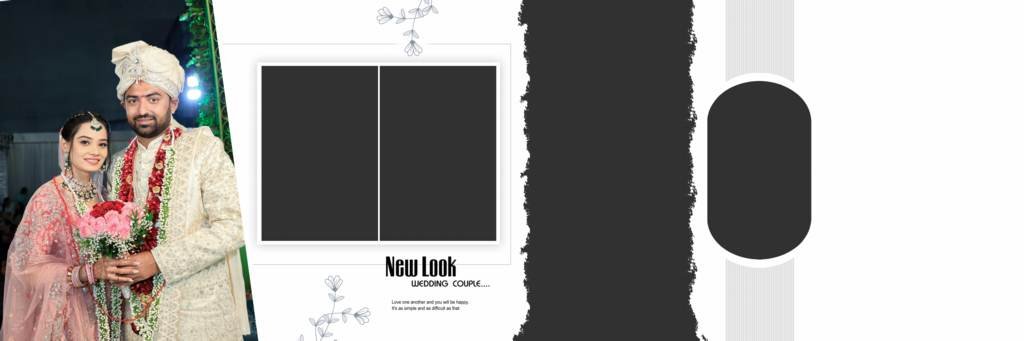
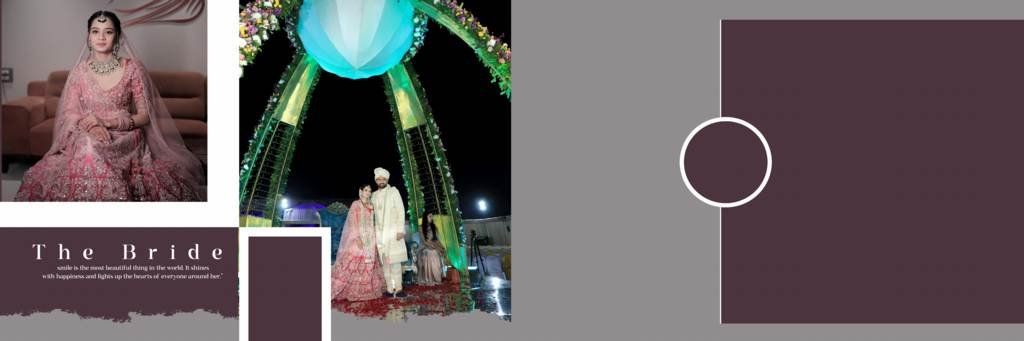
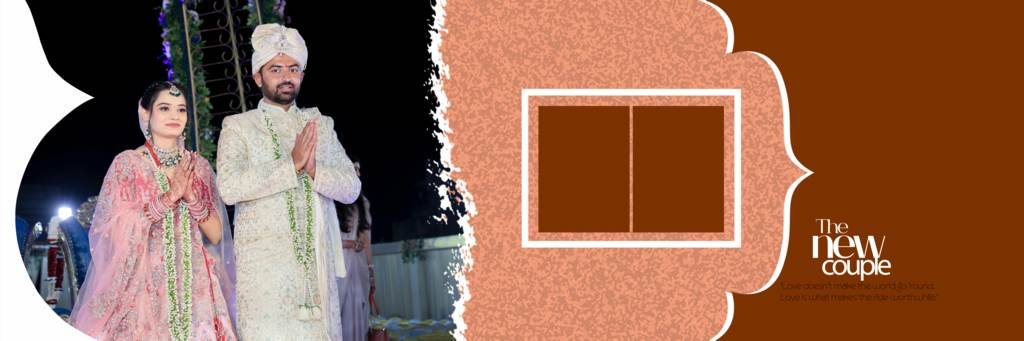
Creating a beautiful wedding album requires creativity, quality images, and a professional design layout. For photographers and photo studios, using ready-made Photoshop templates can save valuable time while maintaining a premium look. Our 12X36 Wedding Album Design PSD collection is created for photographers and designers who want to make stunning wedding albums with an easy-to-edit Photoshop format.
These HD wedding album templates are suitable for traditional Indian weddings, modern weddings, pre-wedding shoots, engagement ceremonies, receptions, and other special occasions.
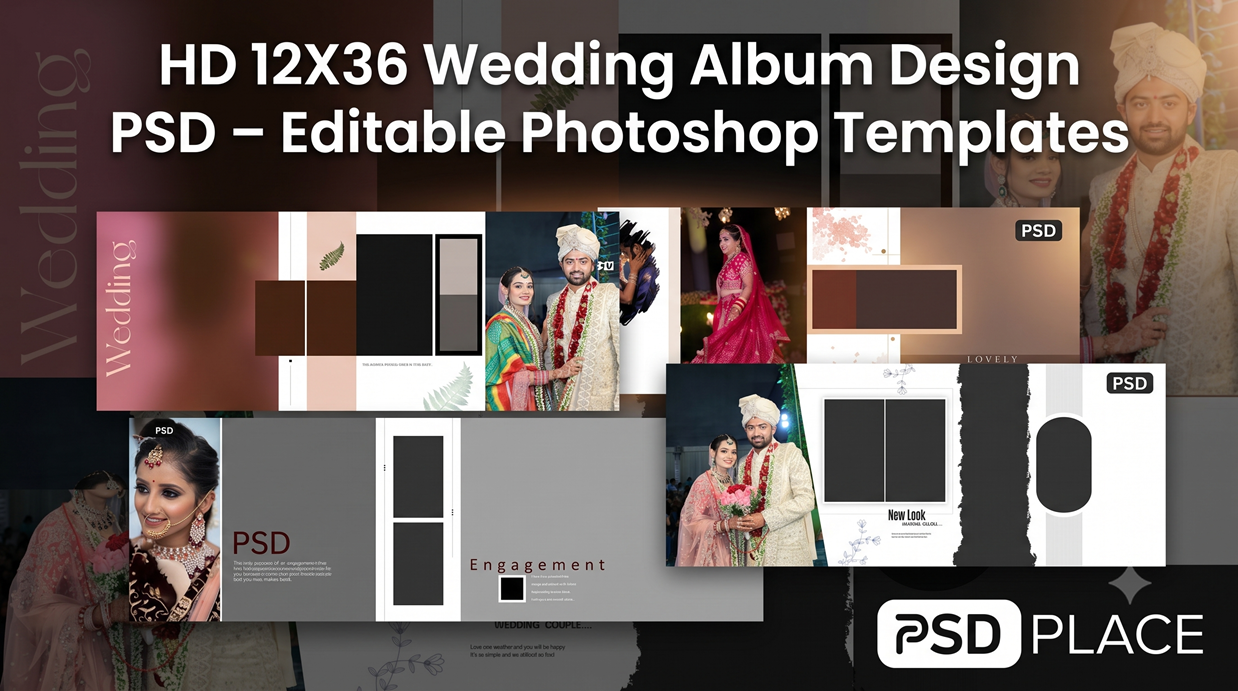
Download HD 12X36 Wedding Album Design PSD
The 12×36 album size is one of the most popular formats used for wedding album designing. It provides a wide canvas that allows photographers to arrange multiple photographs beautifully across a two-page spread.
With these 12X36 Wedding Album Design PSD templates, you can quickly create professional-looking album pages without designing every layout from scratch.
The PSD files are designed with editable Photoshop layers, making it easy to customize photographs, text, backgrounds, colors, and other design elements according to your project requirements.
Features of 12X36 Wedding Album PSD Templates
These wedding album templates are useful for both beginners and professional designers.
HD Quality Design
The templates are created with a focus on high-quality output, making them suitable for professional wedding album projects and printing.
Fully Editable Photoshop Layers
PSD files allow you to edit individual elements of the design. You can replace photos, modify text, adjust colors, and make other changes directly in Adobe Photoshop.
Professional Wedding Layouts
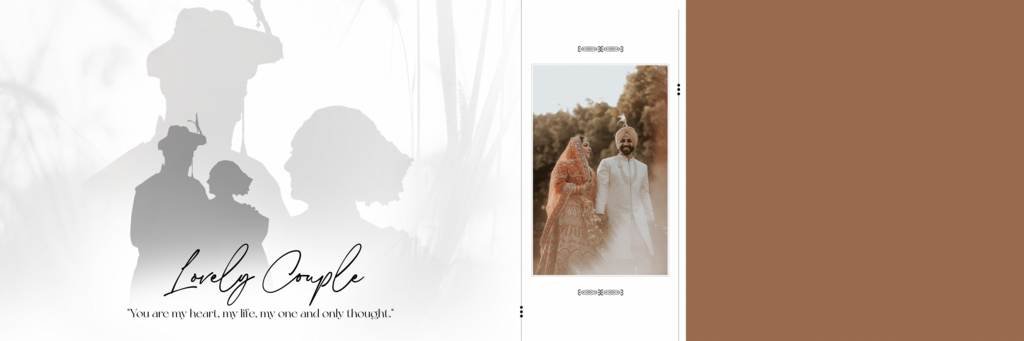
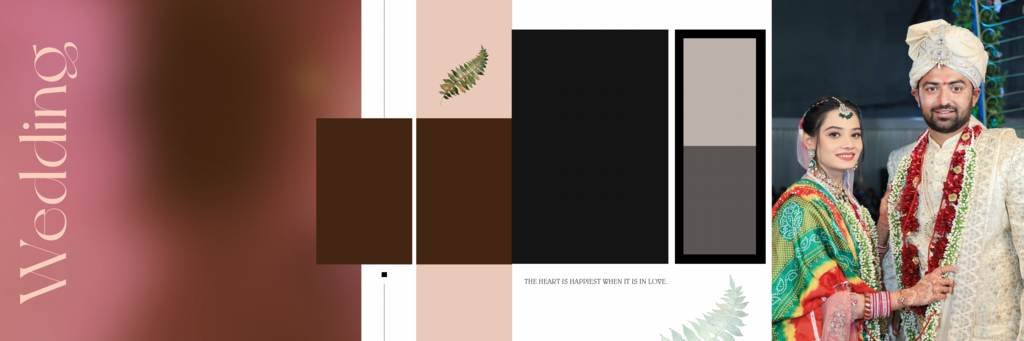
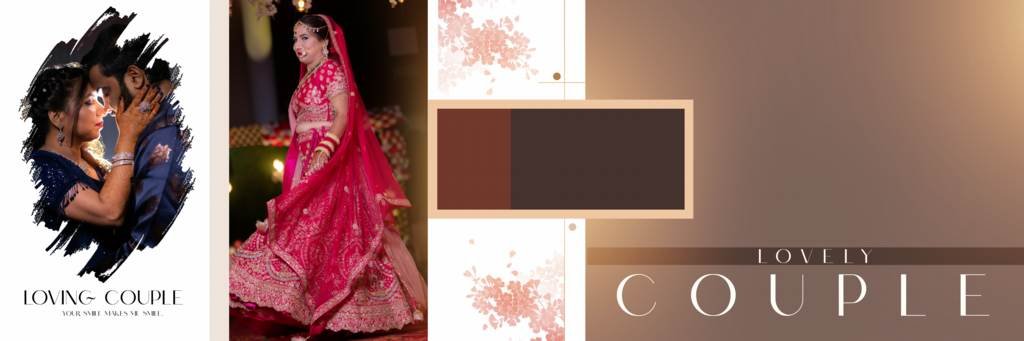
The layouts are designed to help you showcase wedding photographs in an attractive and balanced way. You can use different layouts for couple portraits, family photographs, ceremonies, candid moments, and traditional wedding events.
12X36 Album Size
The wide 12×36 format is ideal for creating cinematic-style wedding album spreads. It provides enough space to combine several photographs while maintaining a clean and professional appearance.
Easy to Customize
You can personalize the templates according to your client’s requirements. Simply open the PSD file in Photoshop and replace the sample photographs with your own images.
#1
#2
#3
#4
#5
#6
#7
#8
#9
#10
Why Use Editable Wedding Album PSD Templates?
Designing every wedding album page from the beginning can take a lot of time. Ready-made Photoshop templates provide a convenient starting point for your projects.
Instead of spending hours creating backgrounds, photo arrangements, and decorative elements, you can use a professionally designed PSD layout and focus more on selecting and presenting the best photographs.
For busy photographers and photo studios, this can make the album designing workflow much faster.
Perfect for Indian Wedding Album Designs
Indian weddings include many beautiful ceremonies and traditions, which often require different album layouts. These 12X36 Wedding Album Design PSD templates can be customized for various wedding functions, including:
- Haldi Ceremony
- Mehndi Ceremony
- Sangeet
- Wedding Ceremony
- Mangal Phere
- Barat
- Engagement
- Ring Ceremony
- Reception
- Pre-Wedding Photography
- Family Portraits
- Couple Photography
You can create different designs for each event while maintaining a consistent visual style throughout the complete wedding album.
How to Edit 12X36 Wedding Album PSD Templates
Editing the templates is simple if you have basic knowledge of Adobe Photoshop.
Step 1: Download the PSD template and extract the ZIP file.
Step 2: Open the PSD file in Adobe Photoshop.
Step 3: Locate the photo layers or smart objects in the Layers panel.
Step 4: Replace the sample photographs with your client’s images.
Step 5: Customize text, colors, backgrounds, and other elements if required.
Step 6: Save the editable PSD file for future modifications.
Step 7: Export the final design in a suitable image or print-ready format according to your printing requirements.
Who Can Use These Wedding Album Templates?
These Photoshop templates can be useful for:
- Professional wedding photographers
- Photo studios
- Album designers
- Graphic designers
- Freelance Photoshop designers
- Wedding photography businesses
- Digital photo editing professionals
Whether you are designing an album for a single client or handling multiple wedding projects, editable PSD templates can help streamline your workflow.
Create Professional Wedding Albums Faster
A professional wedding album should highlight the emotions and memorable moments of the wedding day. A well-planned layout helps photographs look more attractive while giving the complete album a premium appearance.
Using HD 12X36 Wedding Album Design PSD templates gives you a flexible foundation for creating creative album spreads. You can customize the design according to the photographs, wedding theme, and client’s preferences.
Final Thoughts
If you are looking for a convenient way to create attractive wedding album spreads, 12X36 Wedding Album Design PSD templates can be a valuable addition to your Photoshop design resources.
With HD layouts, editable layers, customizable elements, and a professional 12×36 format, these templates can help photographers and designers create beautiful wedding albums while reducing design time.
Download your preferred PSD template, customize it in Photoshop, add your client’s memorable photographs, and create a professional wedding album ready for your project.


