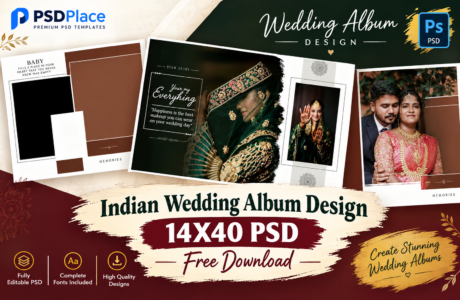
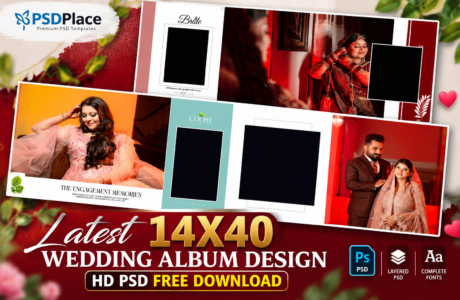
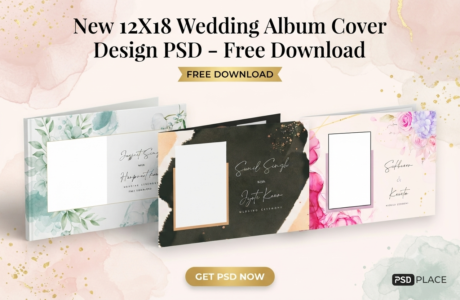
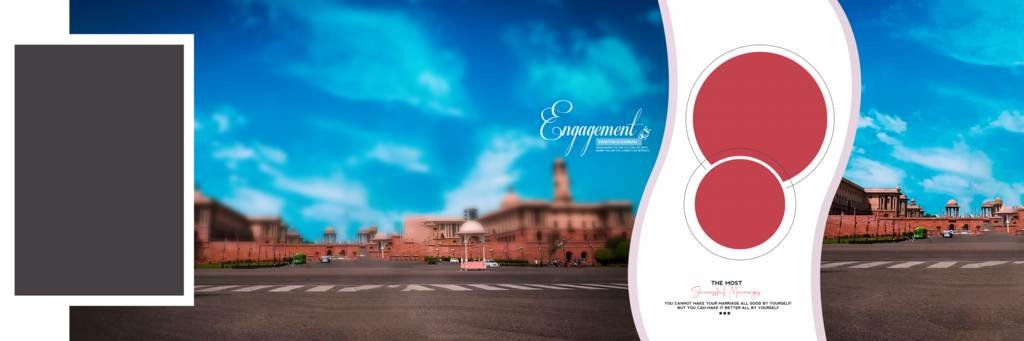
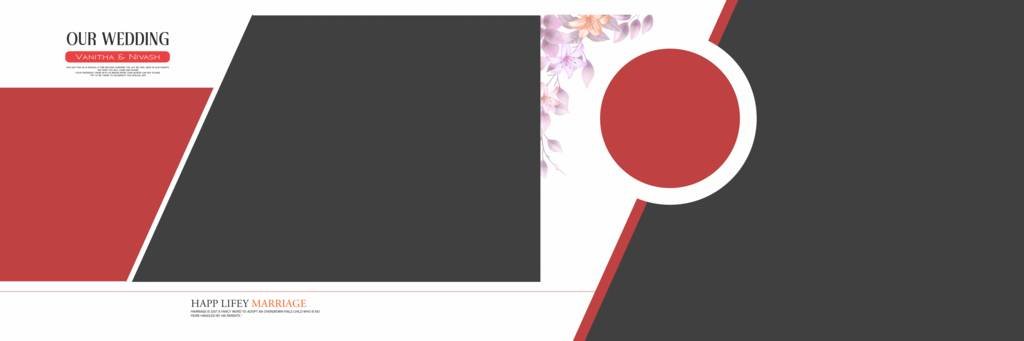
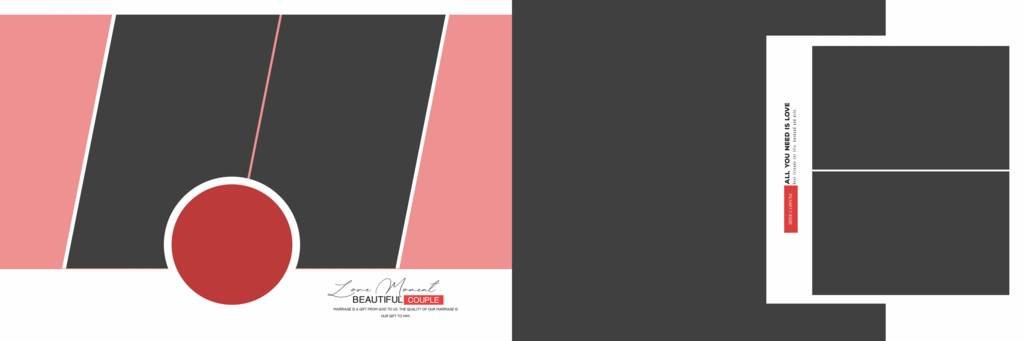
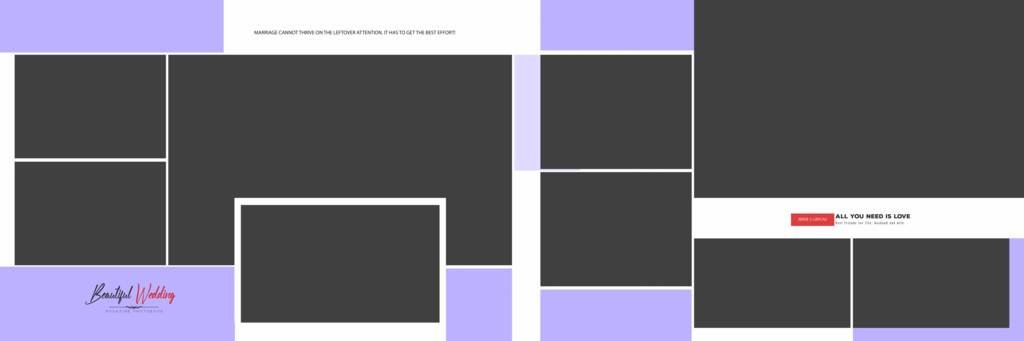
Creating a beautiful wedding album requires more than just arranging photos. A professional layout, modern design elements, and properly balanced compositions can make wedding memories look much more attractive. Our Modern 12×36 Wedding Album Design PSD collection is created for photographers and designers who want stylish, editable, and high-quality Photoshop templates for wedding album projects.
These PSD templates are suitable for Indian weddings, cinematic wedding photography, pre-wedding shoots, engagement ceremonies, receptions, and other special occasions.
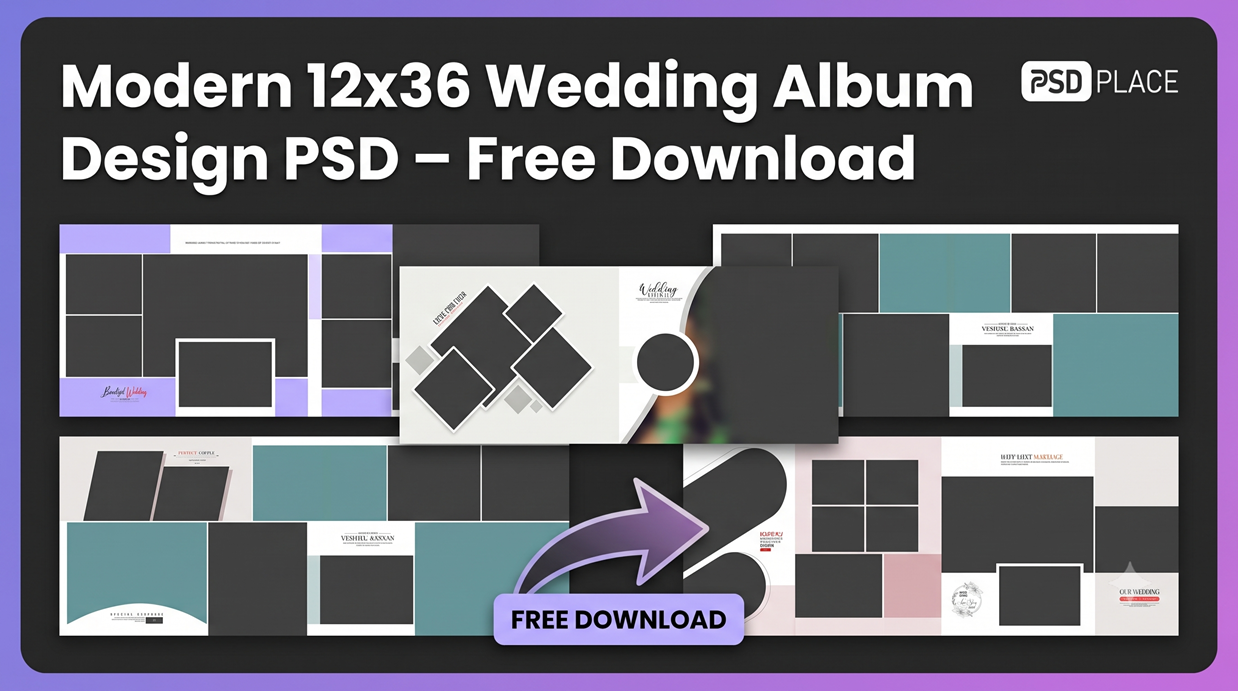
Download Modern 12×36 Wedding Album Design PSD
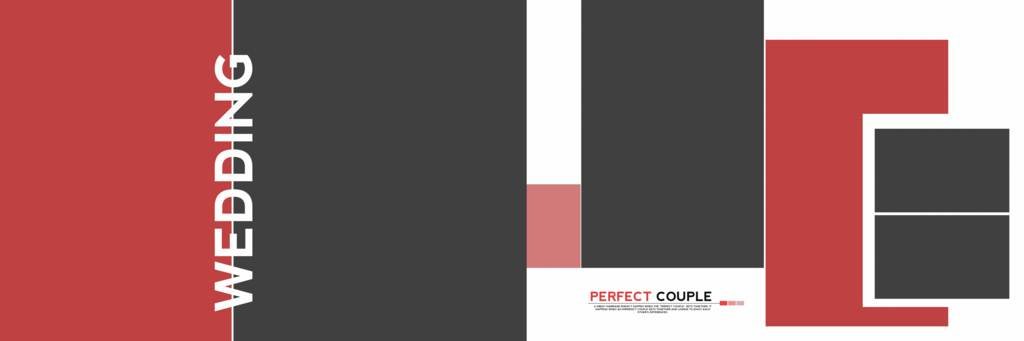
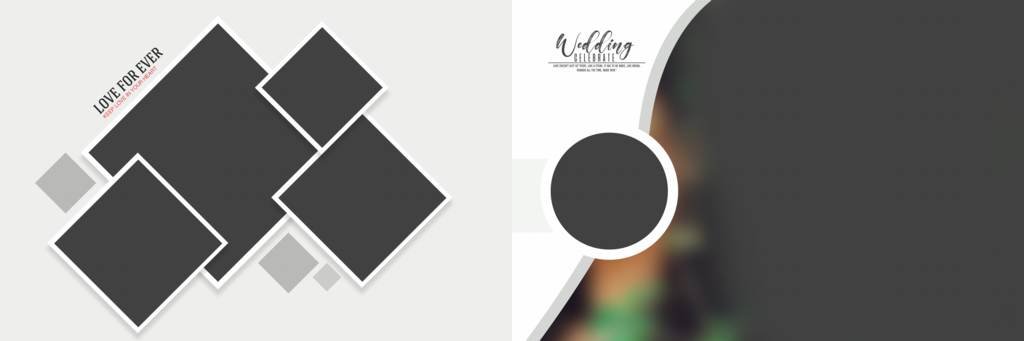
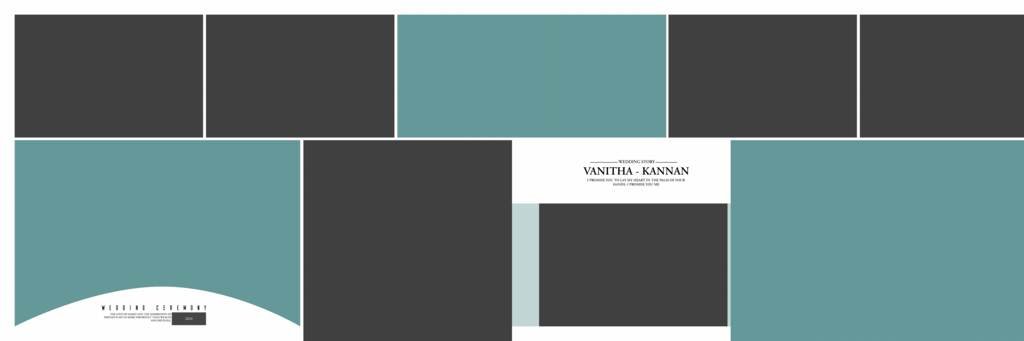
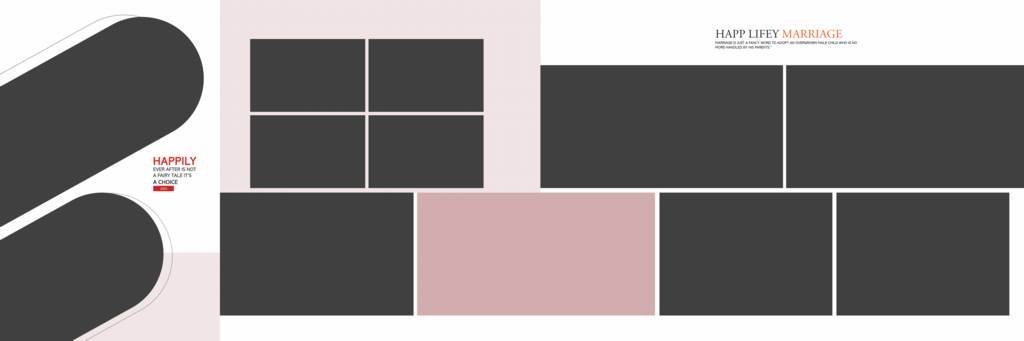
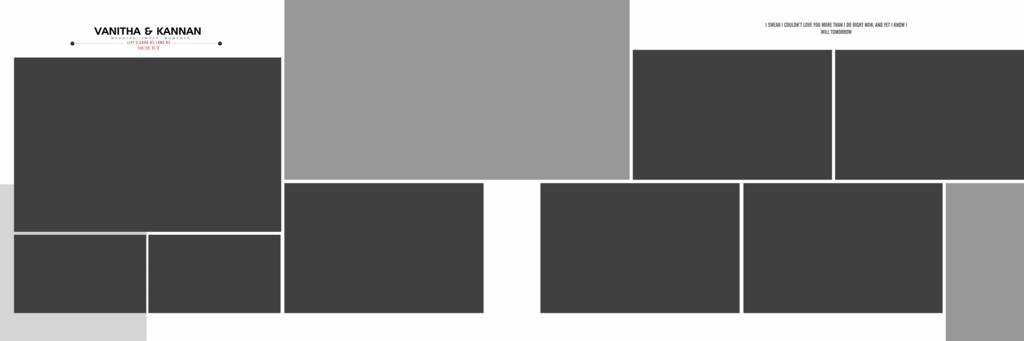
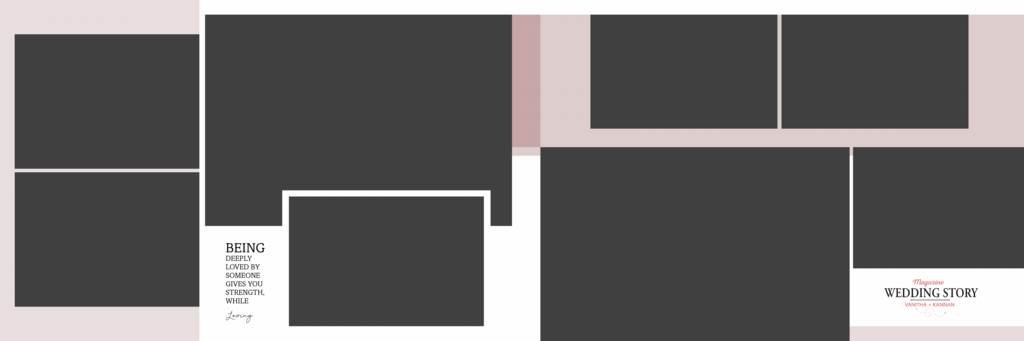
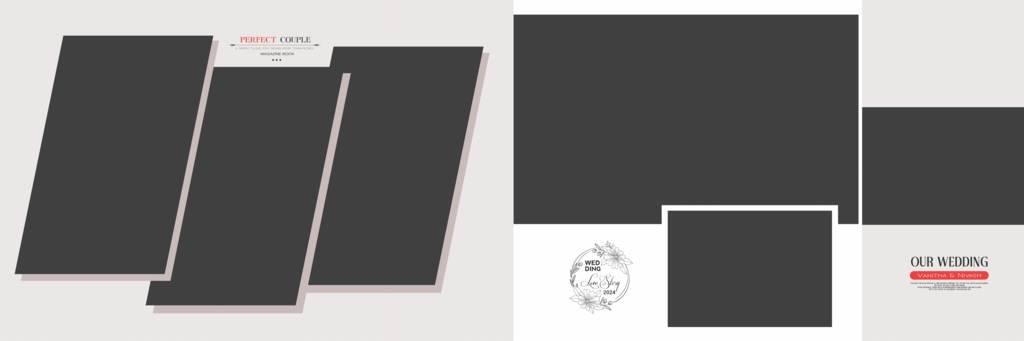
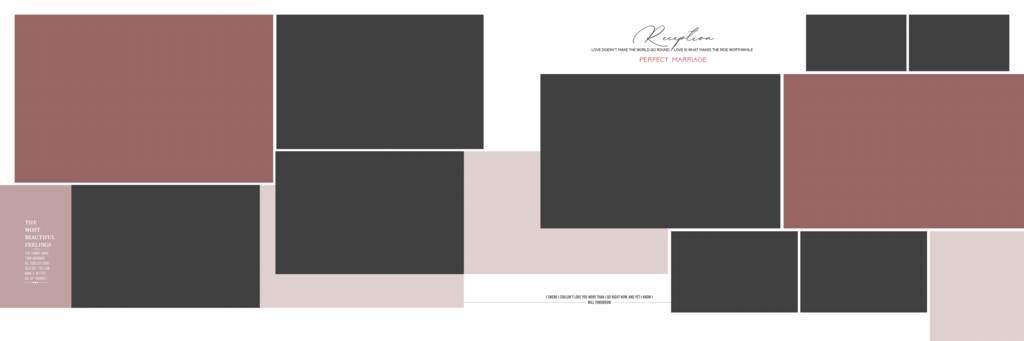
If you are looking for a Modern 12×36 Wedding Album Design PSD, these templates can help you save valuable design time. The layouts are designed in the popular 12×36 album size and can be customized according to your project requirements.
Each Photoshop PSD template can be edited using Adobe Photoshop. You can replace the sample photographs, modify text, adjust colors, and make other changes to create a personalized wedding album design.
Features of 12×36 Wedding Album PSD Templates
These modern wedding album templates offer several useful features for photographers and graphic designers:
- Professional 12×36 album layout
- Fully editable Photoshop PSD files
- High-quality design elements
- Stylish and modern compositions
- Easy photo replacement
- Editable text and layers
- Suitable for wedding photography projects
- Ideal for photo studios and professional designers
- Print-ready album design
- Useful for Indian wedding album projects
Why Choose a Modern Wedding Album Design?
Modern wedding album designs focus on clean layouts, creative photo arrangements, elegant typography, and attractive visual elements. Instead of using the same traditional layouts repeatedly, modern templates allow photographers to create albums with a fresh and contemporary appearance.
A well-designed 12×36 spread provides enough space to showcase multiple photographs while maintaining a balanced composition. This makes it suitable for wedding stories, couple portraits, ceremony moments, family photographs, and candid photography.
Editable Photoshop PSD Wedding Album Templates
One of the main advantages of PSD templates is their flexibility. Designers can open the files in Photoshop and customize different elements according to their requirements.
You can easily:
- Replace photos with your client’s images
- Edit names and wedding dates
- Change text styles
- Adjust colors and backgrounds
- Move or resize photographs
- Customize individual layers
- Add additional design elements
This flexibility makes editable PSD templates useful for both experienced designers and photographers who want to speed up their album designing workflow.
#1
#2
#3
#4

#5
#6
#7
#8
#9
#10
#11
#12
#13
#14
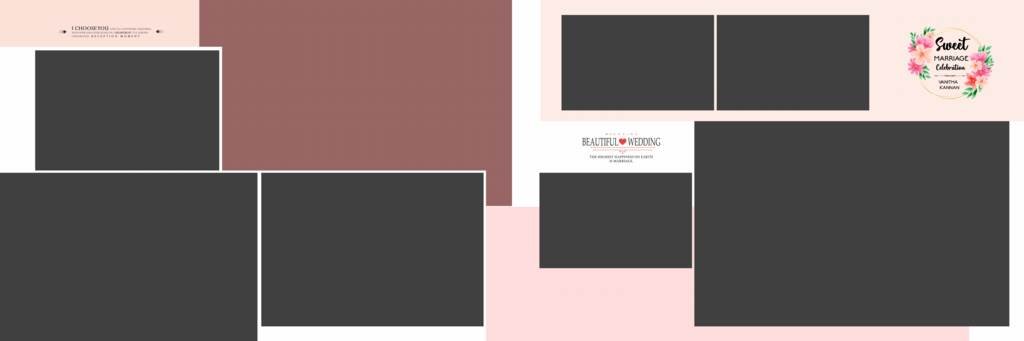
#15
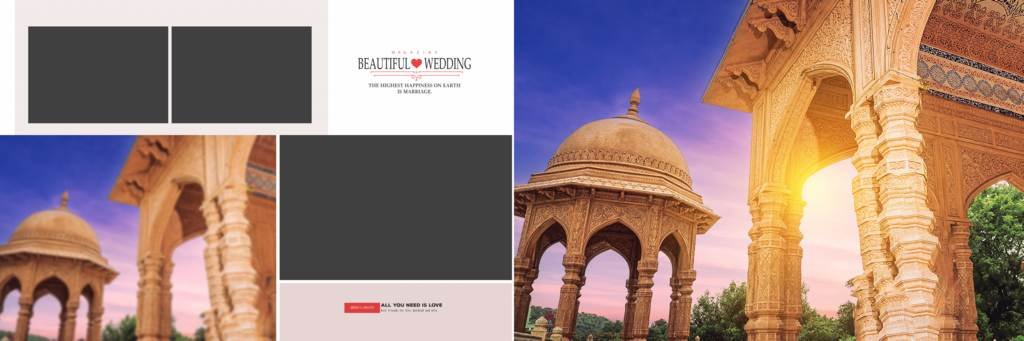
12×36 Wedding Album Design for Photographers
The 12×36 format is widely used for panoramic wedding album spreads. It provides a wide canvas that allows designers to create visually appealing two-page compositions.
Photographers can use these templates for different wedding functions, including:
- Wedding Ceremony
- Haldi Ceremony
- Mehndi Ceremony
- Sangeet
- Engagement
- Ring Ceremony
- Barat
- Mangal Phere
- Reception
- Couple Portraits
- Pre-Wedding Photography
By selecting different layouts for different events, you can create a complete wedding album with a consistent yet creative visual style.
High-Quality Wedding Album PSD for Photo Studios
Professional photo studios often work on multiple wedding albums and need to complete projects within a limited time. Starting every album design from scratch can take considerable effort.
Using a ready-made Modern 12×36 Wedding Album Design PSD can reduce repetitive design work. You can customize the template, add your client’s photographs, make the required changes, and prepare the album according to the project’s requirements.
These templates can be especially useful for photographers handling multiple wedding album projects.
How to Use the 12×36 PSD Template
Using the template is simple if you are familiar with Adobe Photoshop.
Step 1: Download the PSD wedding album template.
Step 2: Open the PSD file in Adobe Photoshop.
Step 3: Replace the sample photographs with your client’s images.
Step 4: Edit the names, dates, quotes, or other text elements.
Step 5: Customize colors, backgrounds, and other layers if required.
Step 6: Save your completed design and export it according to your printing requirements.
Free Download Modern 12×36 Wedding Album PSD
Looking for a 12×36 Wedding Album PSD Free Download? This collection provides editable Photoshop layouts that can be customized for different wedding photography projects.
Whether you are a professional photographer, photo editor, graphic designer, or photo studio owner, modern PSD templates can make the album design process faster and more convenient.
Download the template, open it in Photoshop, add your photographs, customize the design, and create a beautiful wedding album for your client.
Conclusion
A modern wedding album should showcase the couple’s memories in a creative and professional way. With an editable Modern 12×36 Wedding Album Design PSD, photographers and designers can create stylish album spreads without building every layout from scratch.
These Photoshop templates are suitable for wedding photographers, photo studios, and designers working on Indian wedding albums, cinematic photography, engagement albums, and other special-event projects.