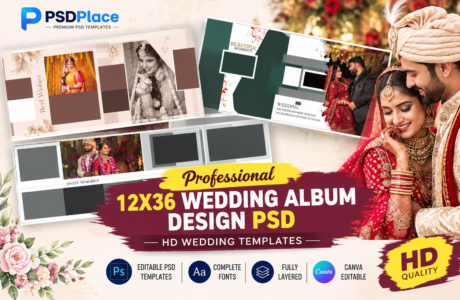
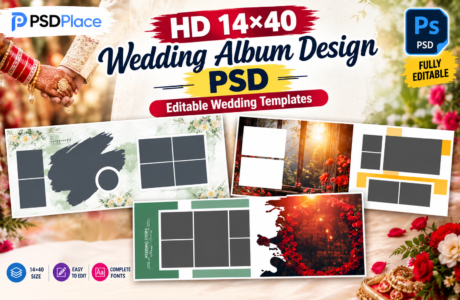
A Professional 12X36 Wedding Album PSD is an excellent choice for photographers and album designers who want to create premium, modern, and visually appealing wedding albums in Photoshop. The 12×36 album size provides a wide canvas for beautifully presenting wedding photographs, creative backgrounds, elegant typography, and cinematic layouts.
| Technical Parameter | Specification Details |
|---|---|
| File Format | Layered Adobe Photoshop (PSD) |
| Resolution / Quality | 300 DPI (High-Print Quality) |
| Color Space | RGB & CMYK Print Ready |
| Editing Method | Smart Object Photo Replacement |
| License | Free for Personal & Commercial Projects |
Designer’s Note by Kuldeep Kurre: “As a professional album designer, I have crafted these Photoshop templates with clean layer organization and smart objects. Whether you are working on studio projects or freelance client orders, these templates allow you to insert photography in minutes while maintaining a high-end luxury aesthetic.”
Whether you are designing a traditional Indian wedding album, engagement album, reception album, or a modern couple photo album, professionally designed PSD templates can save valuable time while delivering a high-quality final result.
What Is a 12X36 Wedding Album PSD?
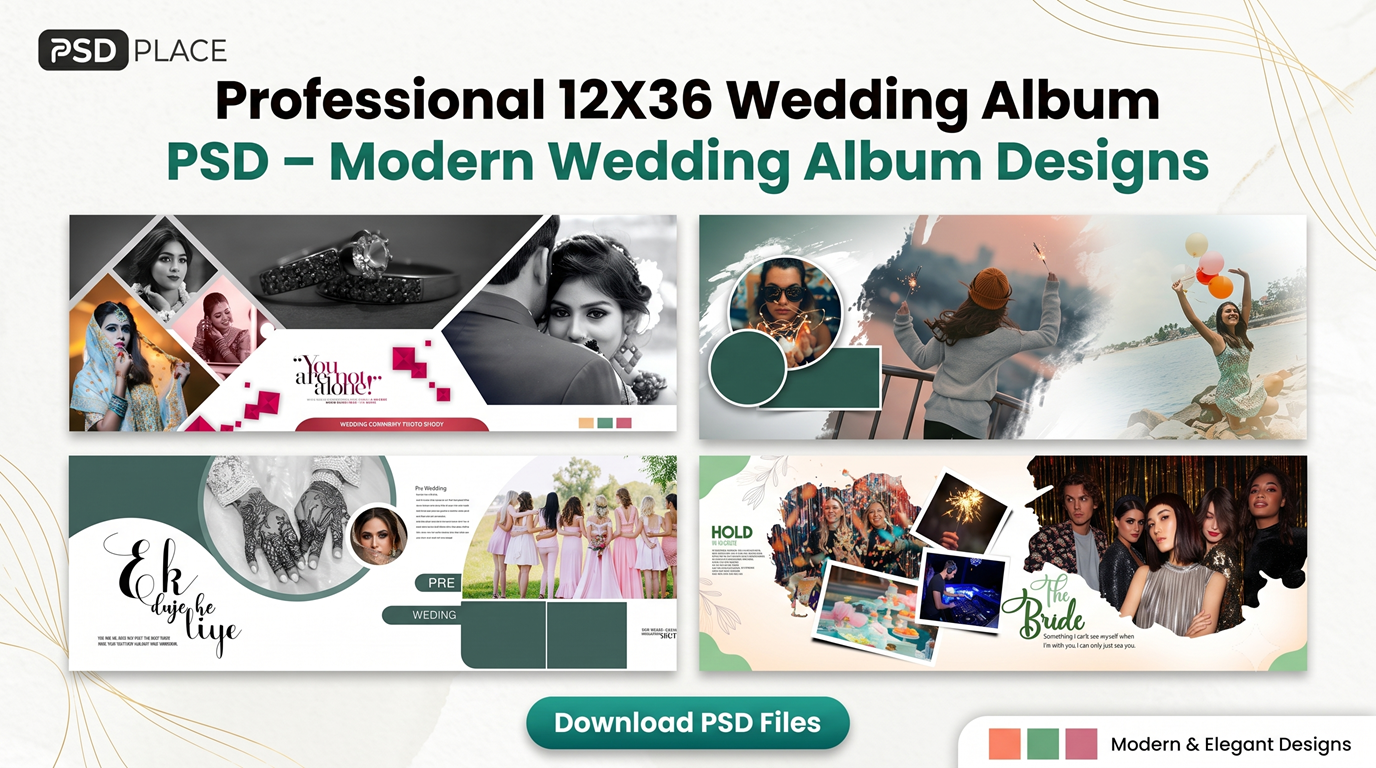
A 12X36 Wedding Album PSD is a Photoshop template created specifically for designing panoramic wedding album spreads. PSD files allow designers to edit individual layers, replace photographs, customize text, change colors, and modify design elements according to the wedding theme.
These templates are especially useful for professional photographers, graphic designers, photo studios, and album printing businesses.
Features of Professional 12X36 Wedding Album PSD
Modern wedding album PSD templates can include a variety of creative features designed to make album designing faster and easier.
High-Quality 12X36 Layouts
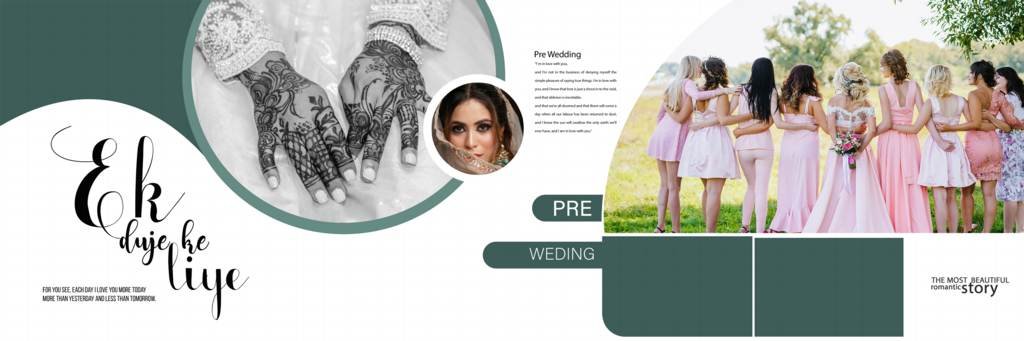
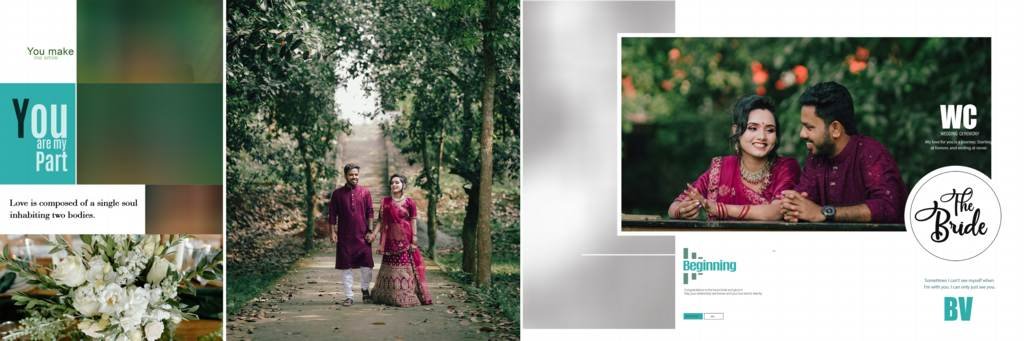
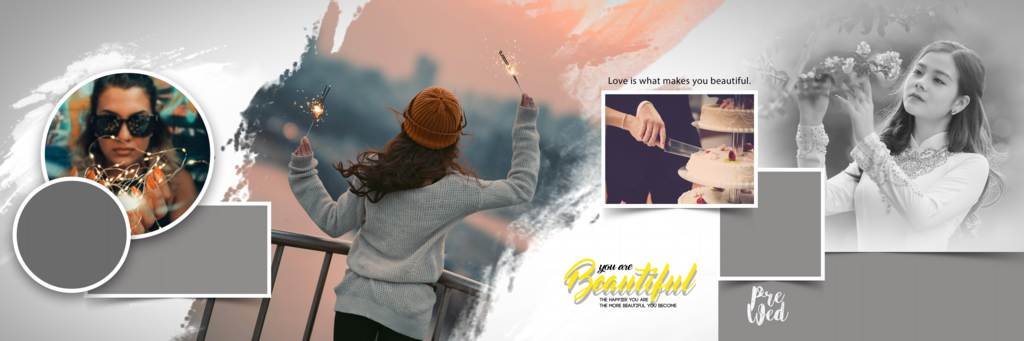
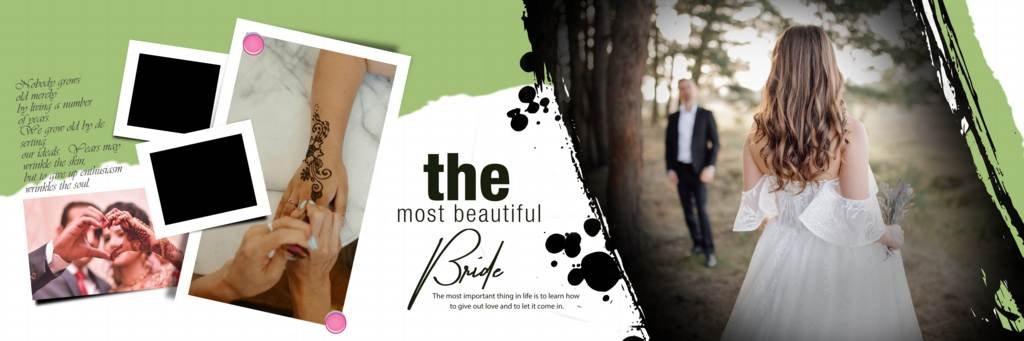
The wide 12×36 format provides enough space to showcase multiple photographs in a balanced and attractive composition. It works particularly well for wedding couple portraits, bridal portraits, family photographs, and ceremony moments.
Fully Editable Photoshop Layers
PSD templates are generally created with editable layers, allowing designers to customize photographs, text, colors, backgrounds, and decorative elements according to their requirements.
Modern Wedding Album Designs
Modern layouts combine elegant typography, creative photo arrangements, stylish backgrounds, and contemporary design elements to create a premium wedding album appearance.
Suitable for Indian Weddings
These templates can be customized for different Indian wedding ceremonies, including:
- Mehndi Ceremony
- Haldi Ceremony
- Engagement
- Sangeet
- Wedding Ceremony
- Mangal Phere
- Vidaai
- Reception
- Couple Portraits
#1

#2
#3
#4
#5

#6

#7

#8

#9

#10
Why Use 12X36 Wedding Album PSD Templates?
Creating every album spread from scratch can take a significant amount of time. Ready-made PSD templates provide a professional starting point and allow designers to concentrate more on photographs and customization.
Some major benefits include:
Time-Saving: Pre-designed layouts help reduce the time required to create individual album pages.
Professional Appearance: Modern compositions can give wedding albums a polished and premium look.
Easy Customization: Designers can replace images, edit text, modify colors, and adjust design elements in Photoshop.
Multiple Creative Options: A collection of PSD templates provides different layouts for different wedding moments.
Print-Friendly Design: Properly prepared 12×36 layouts can be customized according to the requirements of professional album printing.
How to Create a Modern Wedding Album Using PSD
Creating a wedding album with a PSD template is relatively simple:
- Open the 12X36 Wedding Album PSD in Adobe Photoshop.
- Review the available layers and design elements.
- Place your selected wedding photographs into the appropriate areas.
- Adjust the photograph size and positioning.
- Edit names, dates, quotes, or other text elements.
- Customize colors and backgrounds if required.
- Check the complete spread for alignment and image quality.
- Save the editable PSD file for future modifications.
- Export the final design according to your album printing requirements.
Perfect for Professional Photographers and Designers
A Professional 12X36 Wedding Album PSD can be a valuable resource for photographers and designers who regularly create wedding albums. Instead of designing every spread from the beginning, you can use professionally structured layouts and customize them for each client.
This is especially useful when handling multiple wedding projects where fast delivery and consistent design quality are important.
Tips for Creating a Premium Wedding Album
To achieve a professional result, keep the following tips in mind:
- Use high-resolution wedding photographs.
- Avoid overcrowding a single spread with too many images.
- Maintain consistent typography throughout the album.
- Match the color scheme with the wedding theme.
- Use larger photographs for important moments.
- Keep faces and important details properly positioned.
- Maintain proper margins and safe areas for printing.
- Use creative layouts without compromising readability.
Modern Wedding Album PSD for 2026
Wedding album design trends continue to evolve, with photographers increasingly looking for clean layouts, cinematic compositions, elegant typography, minimal backgrounds, and creative photo storytelling.
Modern 12X36 Wedding Album PSD templates can help designers create albums that combine traditional wedding photography with contemporary design styles.
Conclusion
A Professional 12X36 Wedding Album PSD is an effective solution for creating modern, attractive, and professional wedding albums in Photoshop. With editable layouts, creative compositions, and customizable design elements, these templates can make the album designing process faster and more efficient.
For photographers, photo studios, and graphic designers, using modern 12X36 wedding album designs can help create visually impressive albums while saving valuable designing time.
Copyright, Usage License & Font Disclaimer
Preview Images Notice: Model and sample photographs shown in the previews above are for demonstration purposes only. The downloadable PSD files contain organized blank Smart Object frames ready for your custom photography.
Commercial License: These Photoshop album templates are provided free for personal and photo studio use. Redistribution or re-selling of raw PSD files on other portals is strictly prohibited under PSDPlace copyright terms.