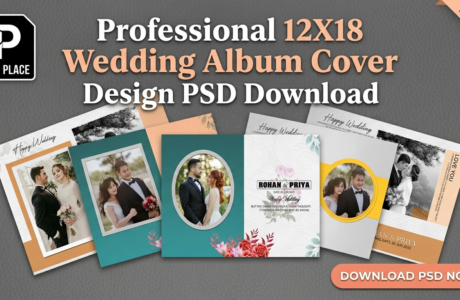
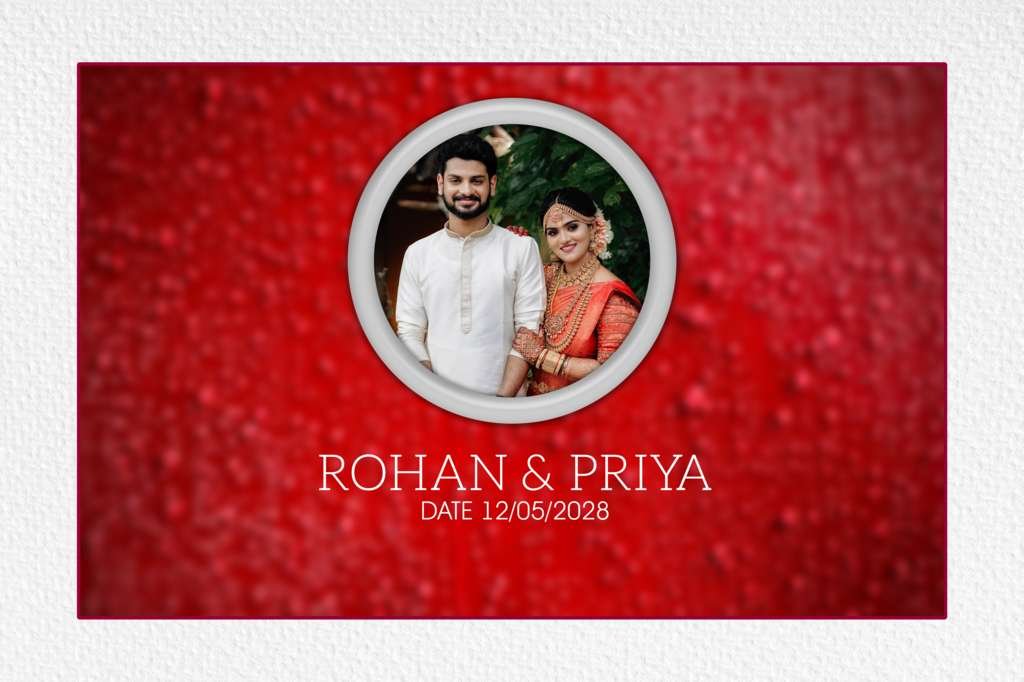
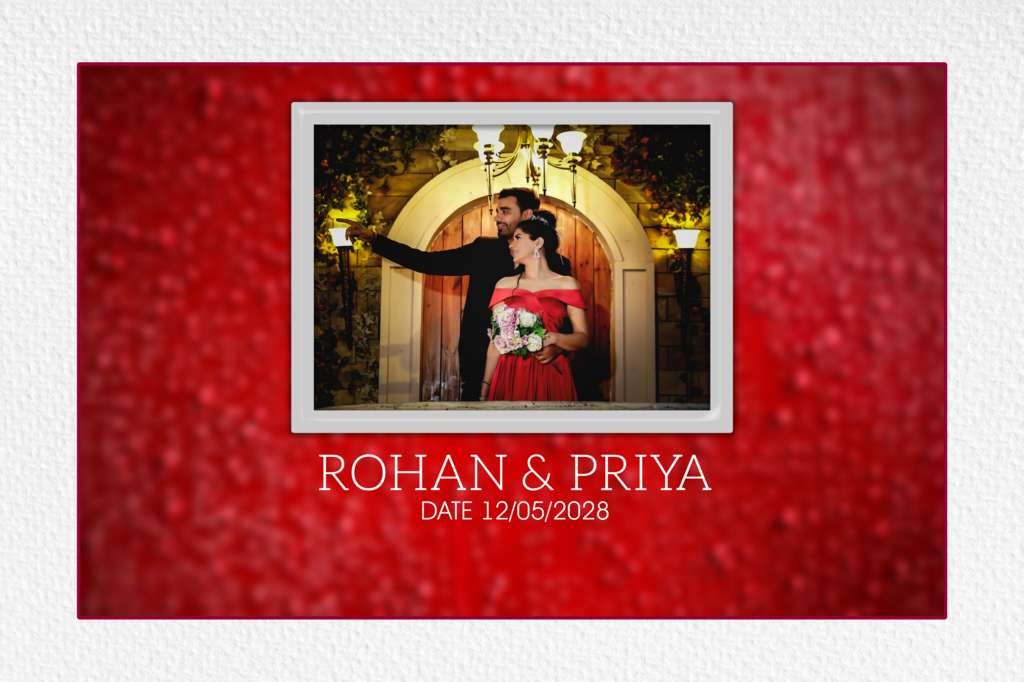
Wedding photography is incomplete without a beautifully designed album cover. A stunning 12×18 wedding album cover design creates the first impression of the entire wedding story. Designers and photographers always look for HD 12×18 wedding album cover design templates for Photoshop to save time and deliver professional-quality results.
| Technical Parameter | Specification Details |
|---|---|
| File Format | Layered Adobe Photoshop (PSD) |
| Resolution / Quality | 300 DPI (High-Print Quality) |
| Color Space | RGB & CMYK Print Ready |
| Editing Method | Smart Object Photo Replacement |
| License | Free for Personal & Commercial Projects |
Designer’s Note by Kuldeep Kurre: “As a professional album designer, I have crafted these Photoshop templates with clean layer organization and smart objects. Whether you are working on studio projects or freelance client orders, these templates allow you to insert photography in minutes while maintaining a high-end luxury aesthetic.”
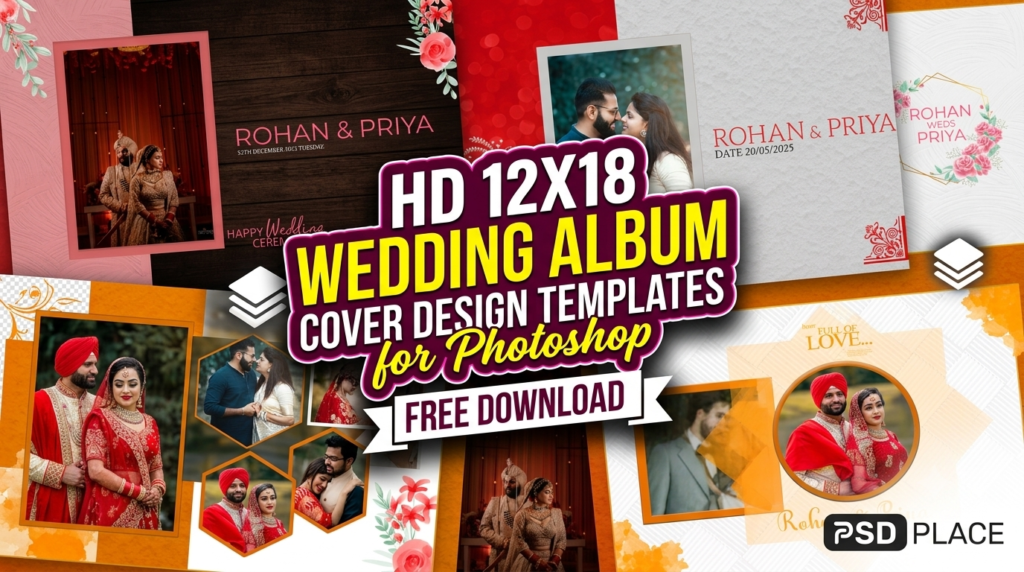
In this article, we explore modern, editable, and high-resolution Photoshop templates that help you create elegant wedding album covers quickly and efficiently.
Why 12×18 Wedding Album Cover Designs Are So Popular?
The 12×18 inch format is widely used in the wedding album industry because:
- It offers a perfect balance between size and portability
- Ideal for premium wedding photography presentations
- Supports high-resolution printing without quality loss
- Easily customizable in Photoshop (PSD format)
This size is especially preferred for Indian wedding albums, pre-wedding shoots, and luxury album presentations.
Features of HD Wedding Album Cover PSD Templates
High-quality Photoshop templates come with several useful features:
Fully Editable PSD Files
You can easily customize text, photos, and design elements using Adobe Photoshop.
High-Resolution (300 DPI)
Perfect for professional printing without pixel loss.
Wedding-Themed Designs
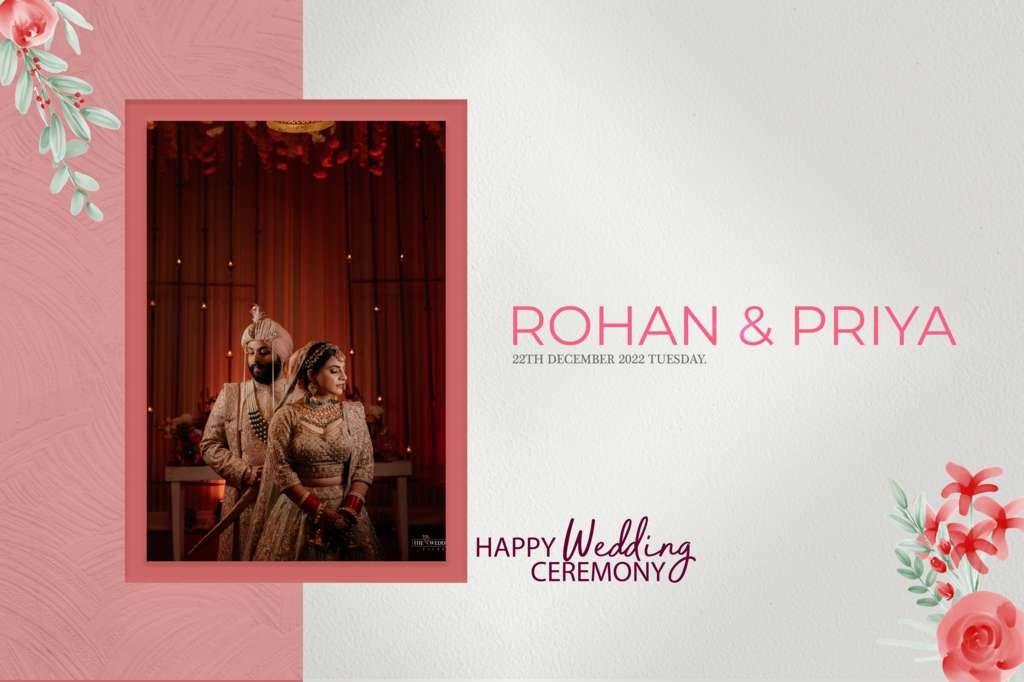
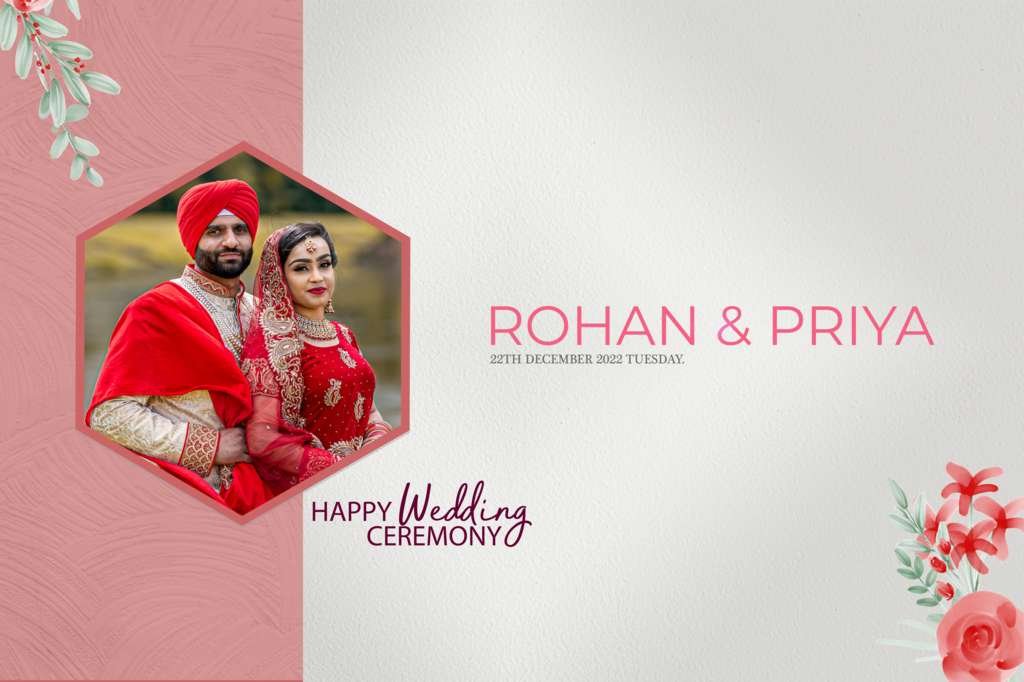
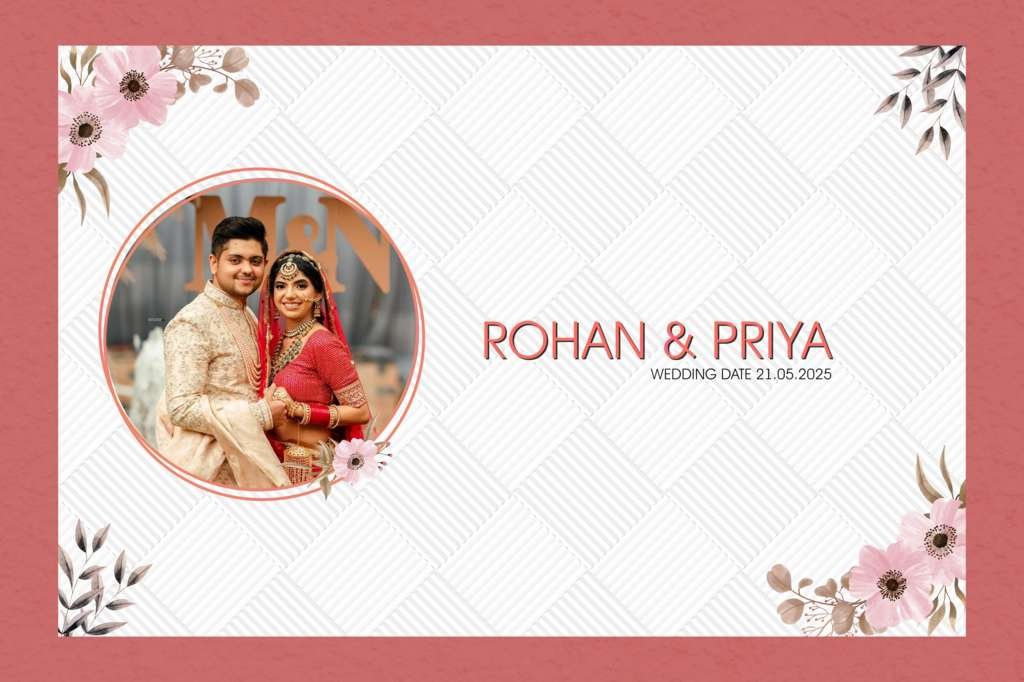
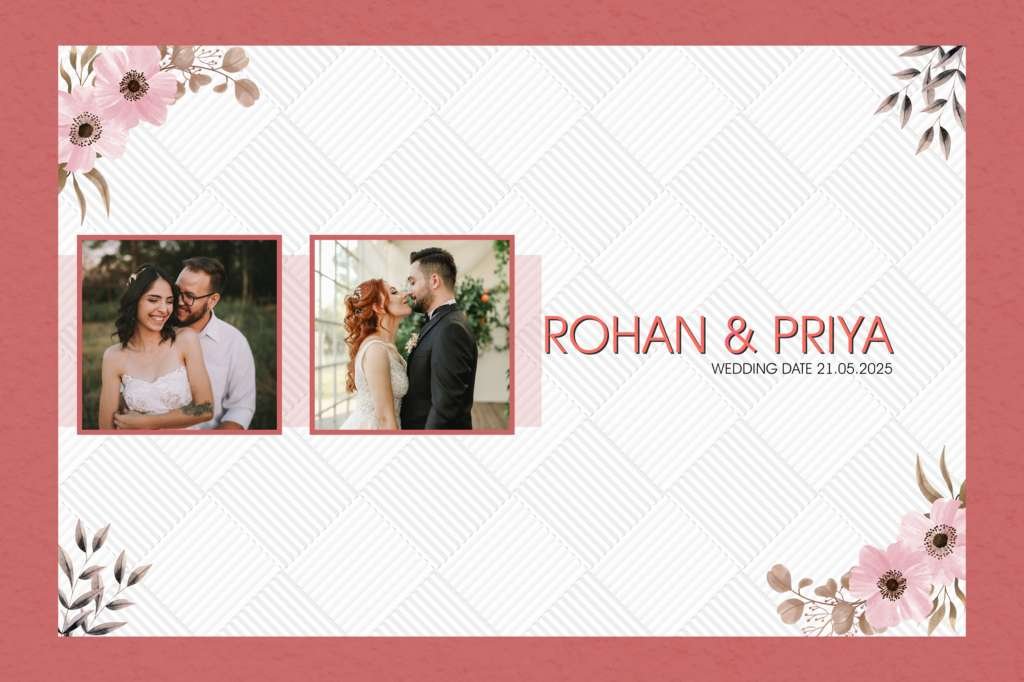
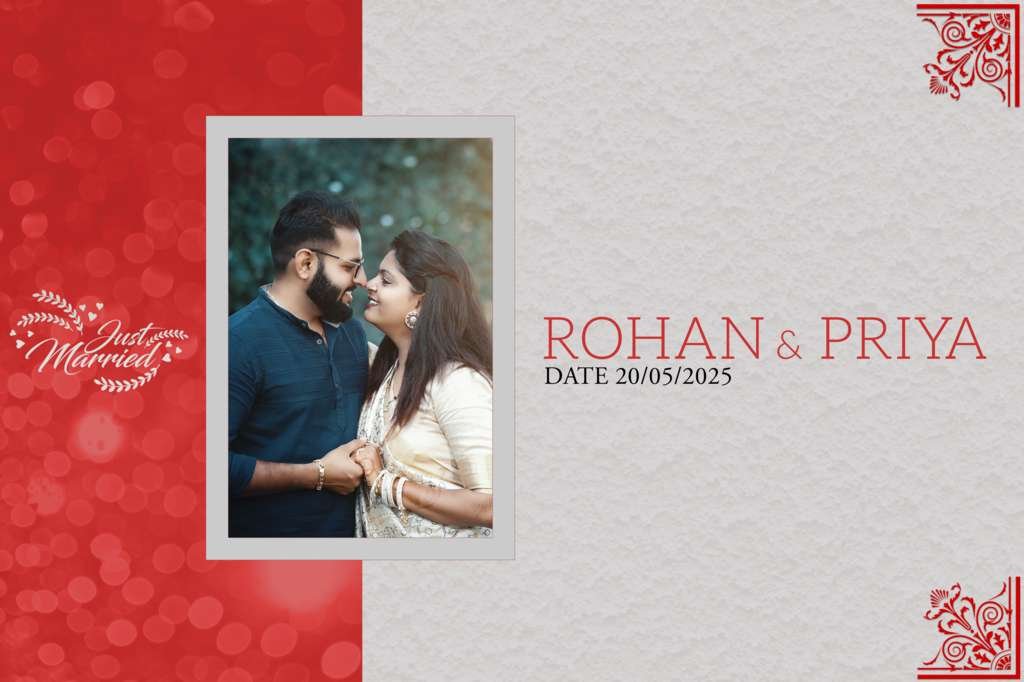
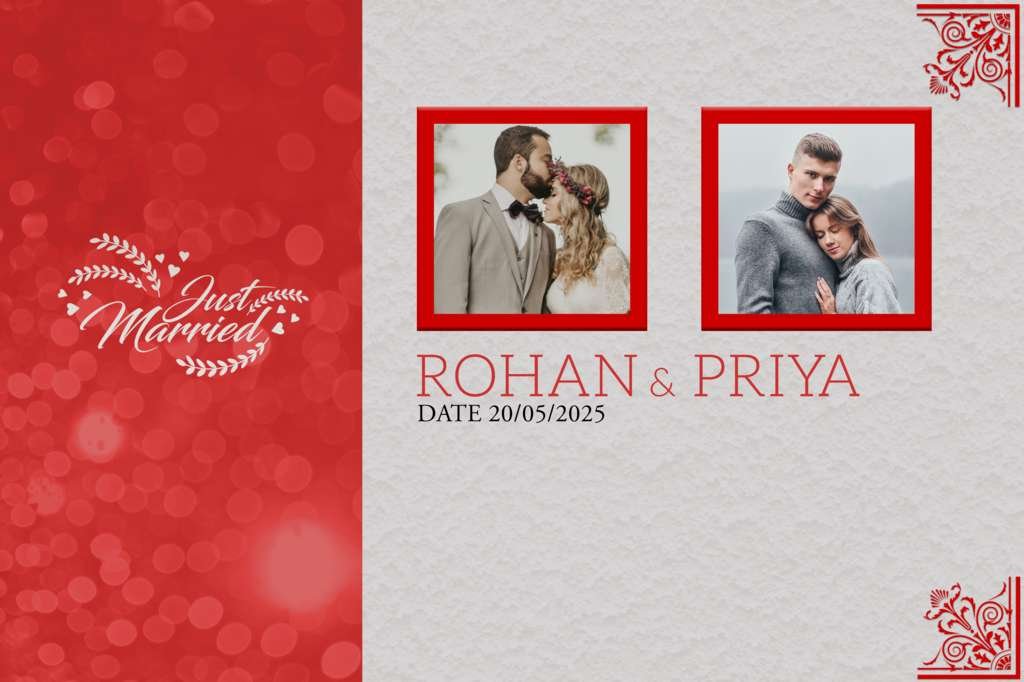
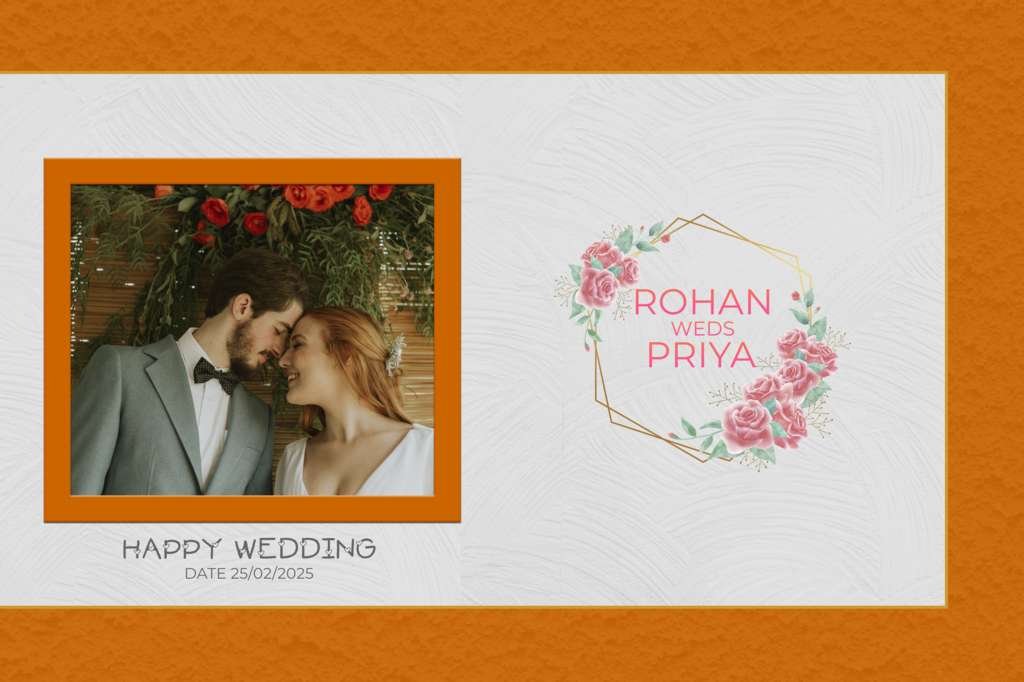
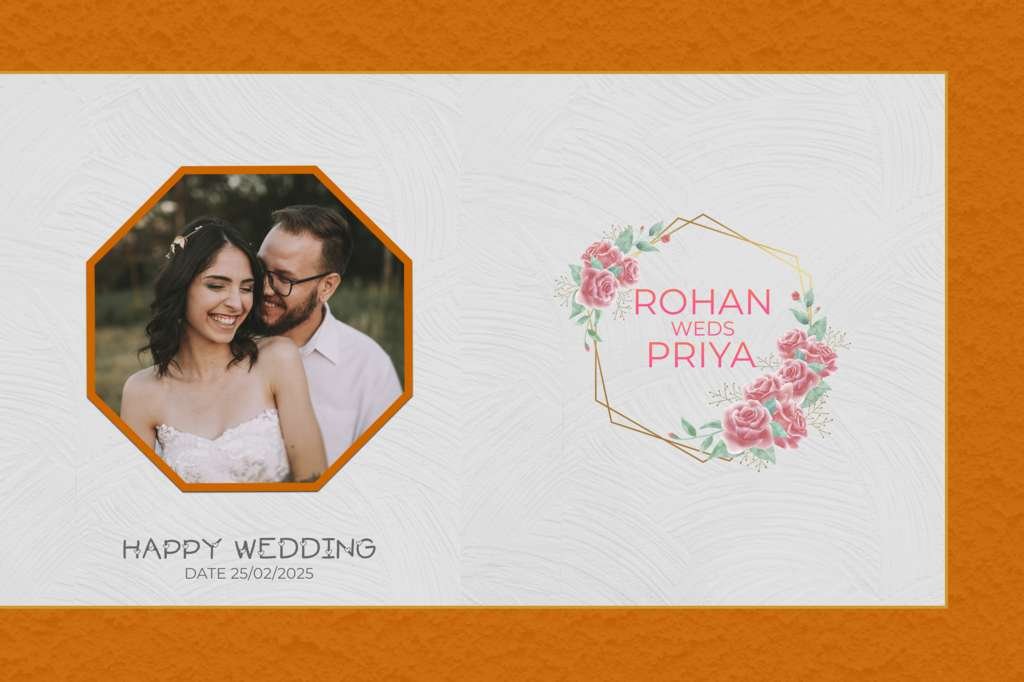
Includes floral frames, traditional motifs, cinematic backgrounds, and modern layouts.
Smart Object Support
Simply replace images without disturbing the design structure.
Layered Structure
Well-organized layers make editing fast and beginner-friendly.
#1
#2
#3
#4
#5
#6
#7
#8
#9
#10
#11
#12
Types of 12×18 Wedding Album Cover Designs
Here are the most popular styles available in PSD templates:
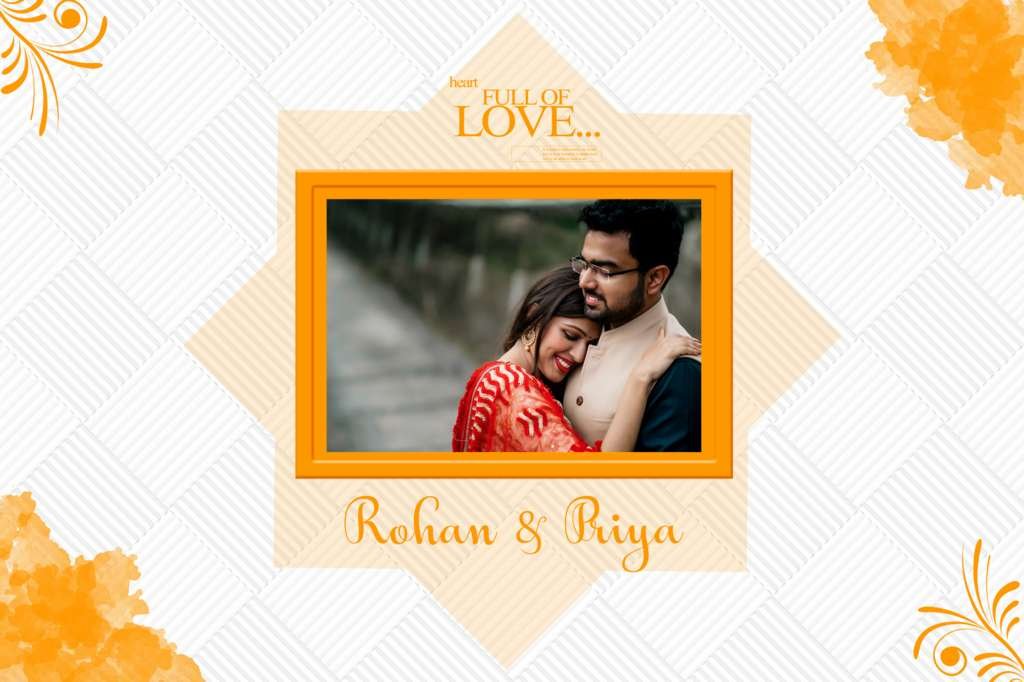
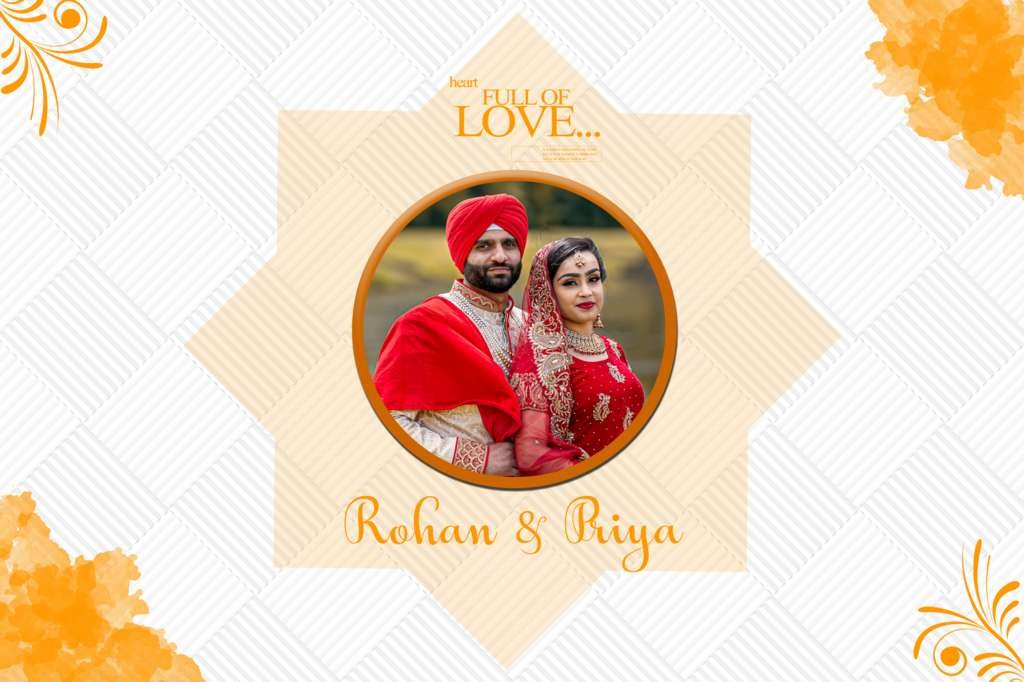
1. Traditional Indian Wedding Covers
Rich colors, cultural elements, and festive decorations.
2. Modern Minimal Covers
Clean, elegant, and professional layouts with subtle tones.
3. Luxury Gold Theme Covers
Perfect for premium wedding albums with royal looks.
4. Floral Romantic Designs
Soft flowers, pastel colors, and romantic aesthetics.
5. Cinematic Wedding Covers
Dark tones, dramatic lighting, and movie-style presentation.
How to Edit Wedding Album Cover in Photoshop
Editing a PSD template is very simple:
- Open the PSD file in Adobe Photoshop
- Double-click the smart object layer
- Replace the image with your wedding photo
- Adjust text (names, dates, location)
- Save and export in high-resolution JPG or PDF
Even beginners can create professional designs in just a few minutes.
Benefits of Using PSD Templates
- Saves design time
- Professional-quality output
- Easy customization
- Ready-made layouts for quick projects
- Ideal for photographers and studios
Conclusion
Using HD 12×18 wedding album cover design templates for Photoshop is the fastest way to create stunning and professional wedding albums. Whether you are a designer or a photographer, these templates help you deliver premium-quality work with minimal effort.
Copyright, Usage License & Font Disclaimer
Preview Images Notice: Model and sample photographs shown in the previews above are for demonstration purposes only. The downloadable PSD files contain organized blank Smart Object frames ready for your custom photography.
Commercial License: These Photoshop album templates are provided free for personal and photo studio use. Redistribution or re-selling of raw PSD files on other portals is strictly prohibited under PSDPlace copyright terms.